 bilalbaraz/passgen
Generate passwords from the terminal

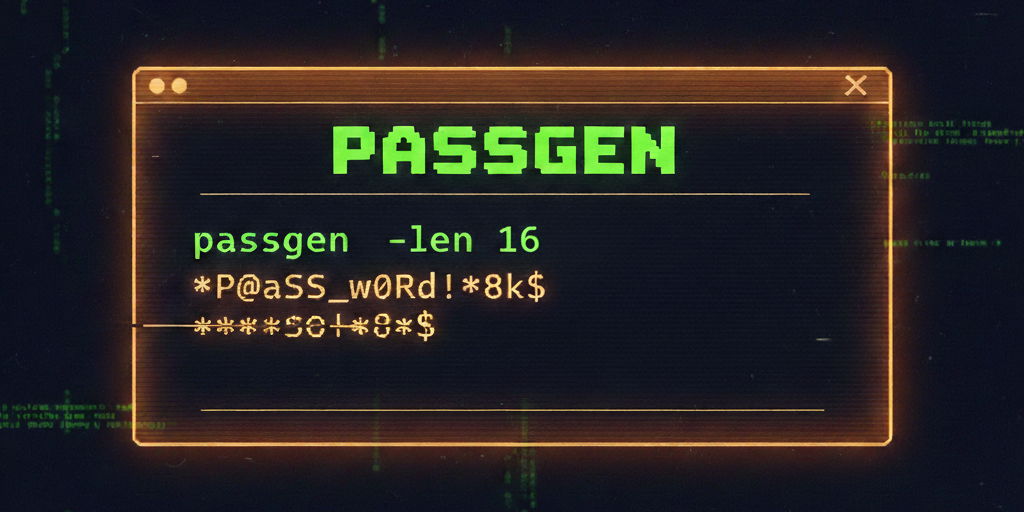


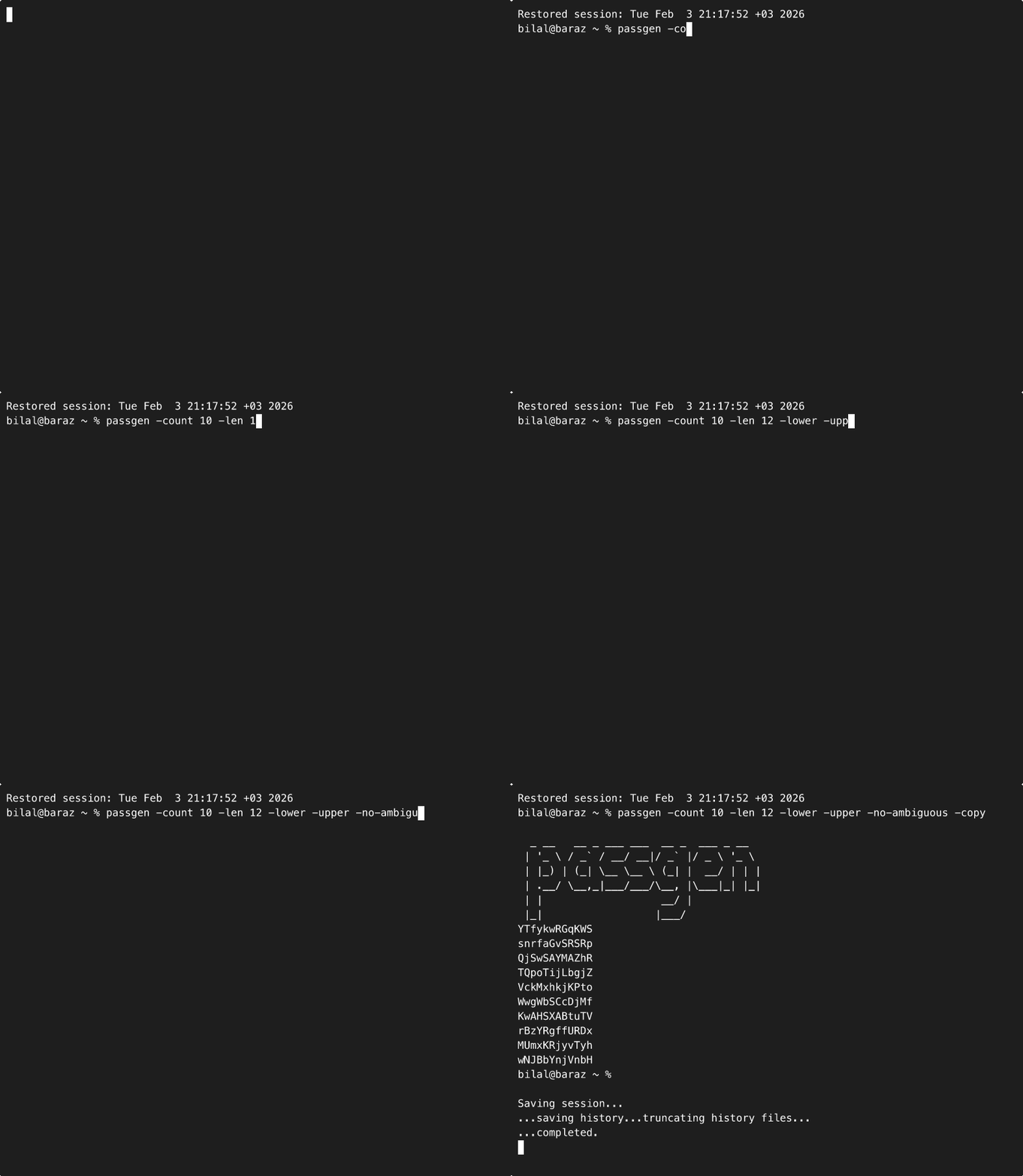
A small Go CLI that generates secure random passwords with flexible character sets and exclusions.
Uses
crypto/randfor cryptographically secure randomness. If no charset flags are provided, all sets are enabled by default.
# latest
go install github.com/bilalbaraz/passgen@latest

# specific version
go install github.com/bilalbaraz/passgen@<version>
brew tap bilalbaraz/tap
brew install passgen
wget -L https://github.com/bilalbaraz/passgen/releases/latest/download/passgen_linux_amd64.zip \
&& unzip passgen_linux_amd64.zip \
&& sudo mv passgen /usr/local/bin/ \
&& rm passgen_linux_amd64.zip
wget -L https://github.com/bilalbaraz/passgen/releases/latest/download/passgen_linux_arm64.zip \
&& unzip passgen_linux_arm64.zip \
&& sudo mv passgen /usr/local/bin/ \
&& rm passgen_linux_arm64.zip
# basic (defaults to all character sets)
passgen --len 16 --count 3

# lower/upper/digits only
passgen --len 24 --count 5 --lower --upper --digits

# symbols only, excluding "@$"
passgen --len 20 --symbols --exclude "@$"

# exclude ambiguous characters (0 O 1 l I)
passgen --len 16 --no-ambiguous

# copy generated passwords to clipboard
passgen --len 20 --count 3 --copy

# render first password as QR code in terminal (requires -count 1)
passgen --len 20 --qr
go run .
go build .
go run ./cmd/passgen
go build ./cmd/passgen
go test -v ./...
--len <n> or -l <n>--lower, --upper, --digits, --symbols--count <n> or -c <n>--exclude "..." or -x "..."--no-ambiguous--copy or -p--qr or -q (only when --count 1)-h / --helpNo config file. All behavior is controlled via CLI flags.
-copy uses pbcopy (macOS), clip (Windows), or wl-copy/xclip (Linux).