 cocoadebug/cocoadebug
iOS Debugging Tool 🚀

 | |
|---|---|
| Version |  |
| Platform |  |
| Languages |  |
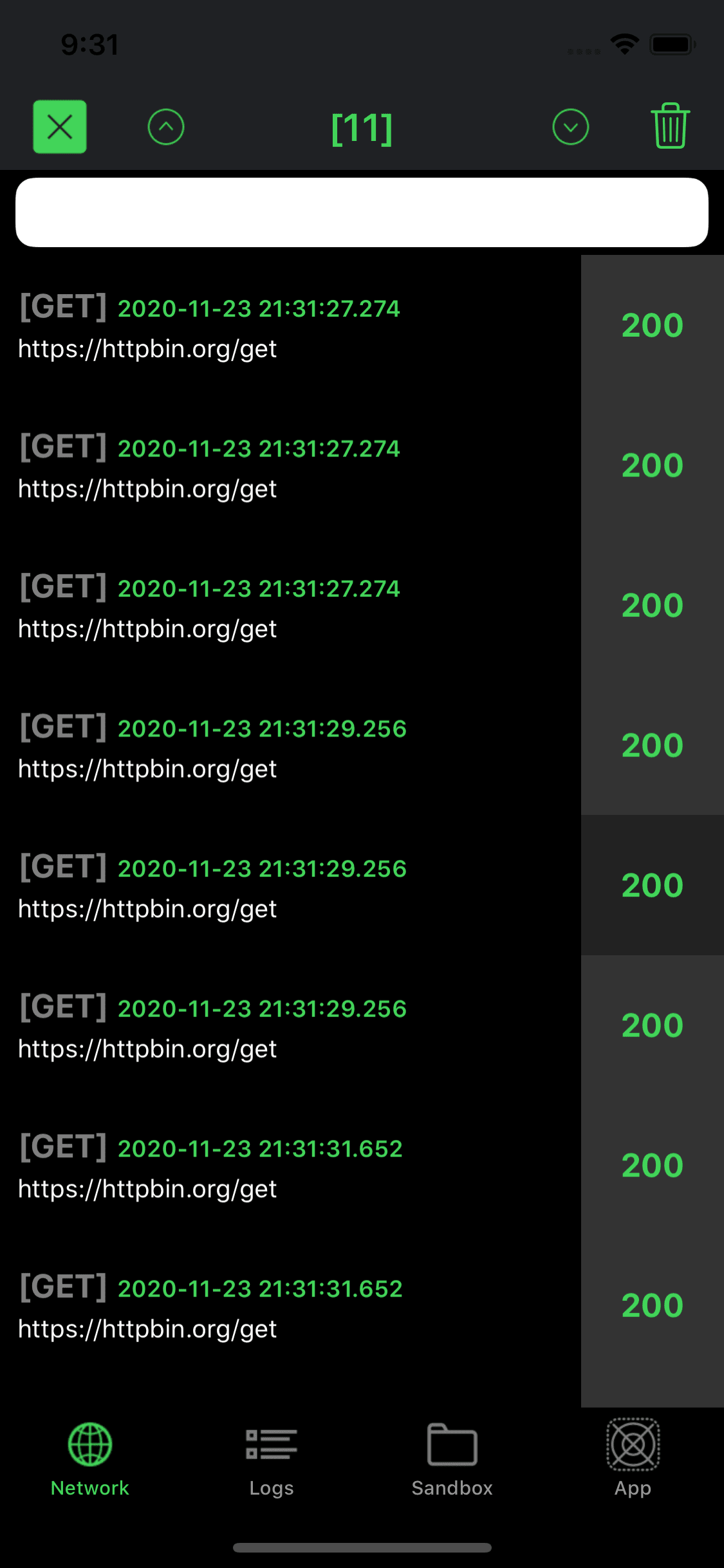
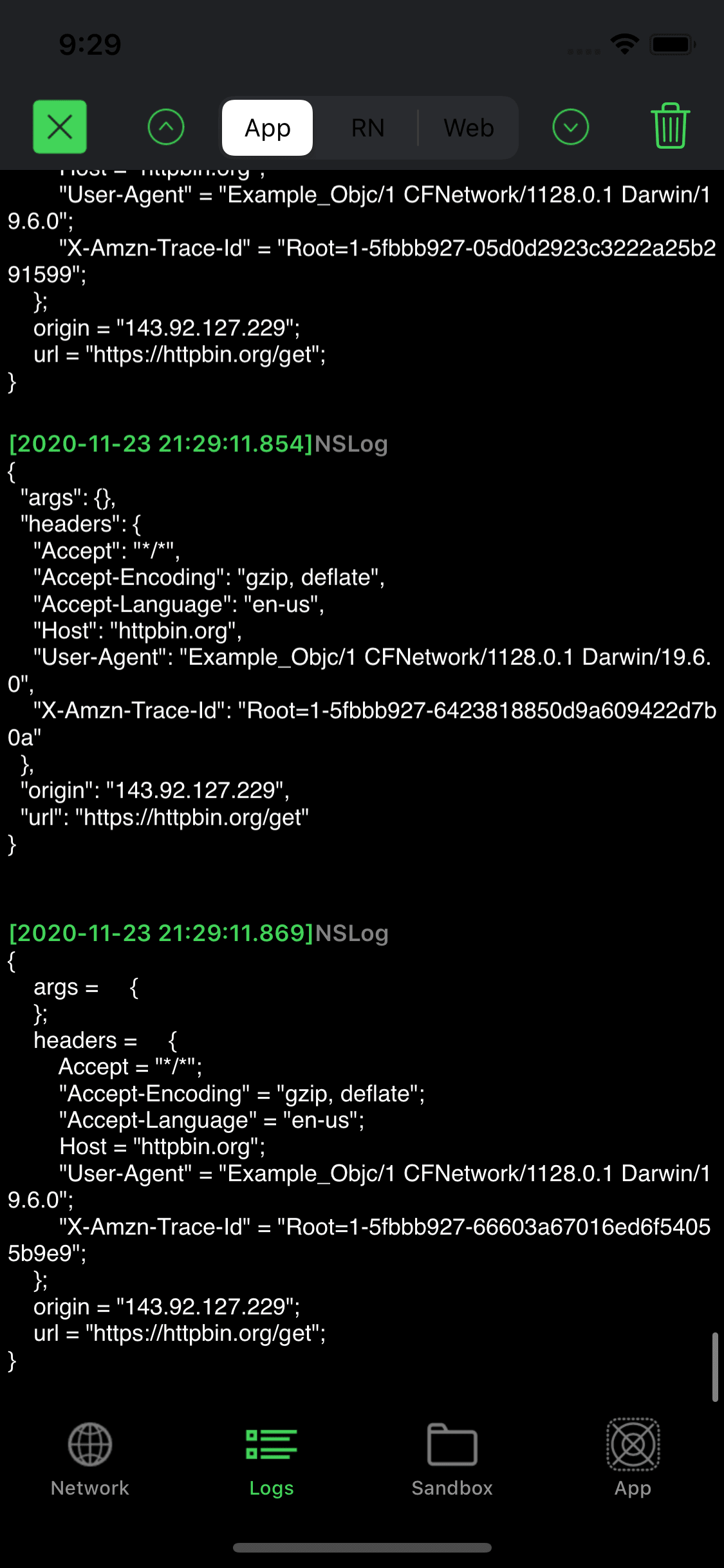
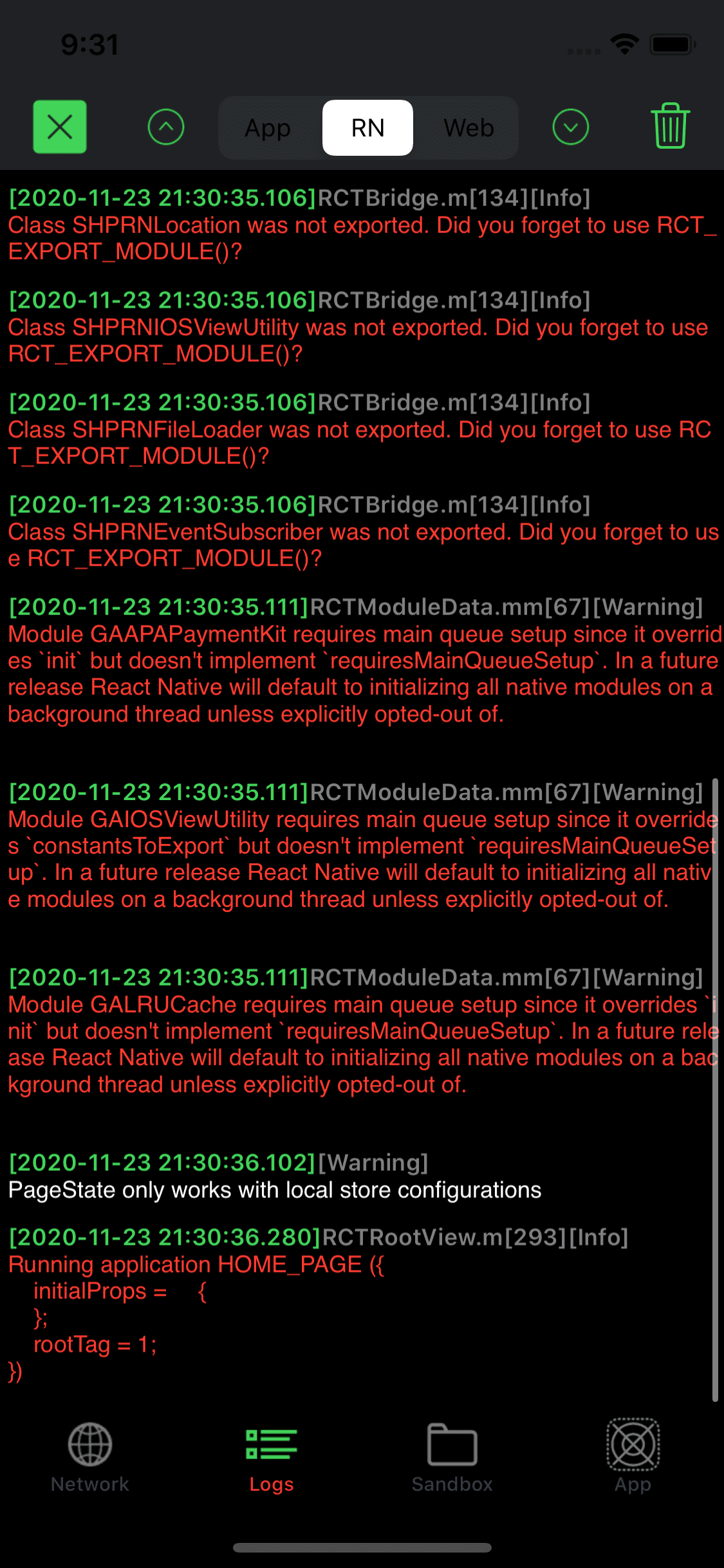
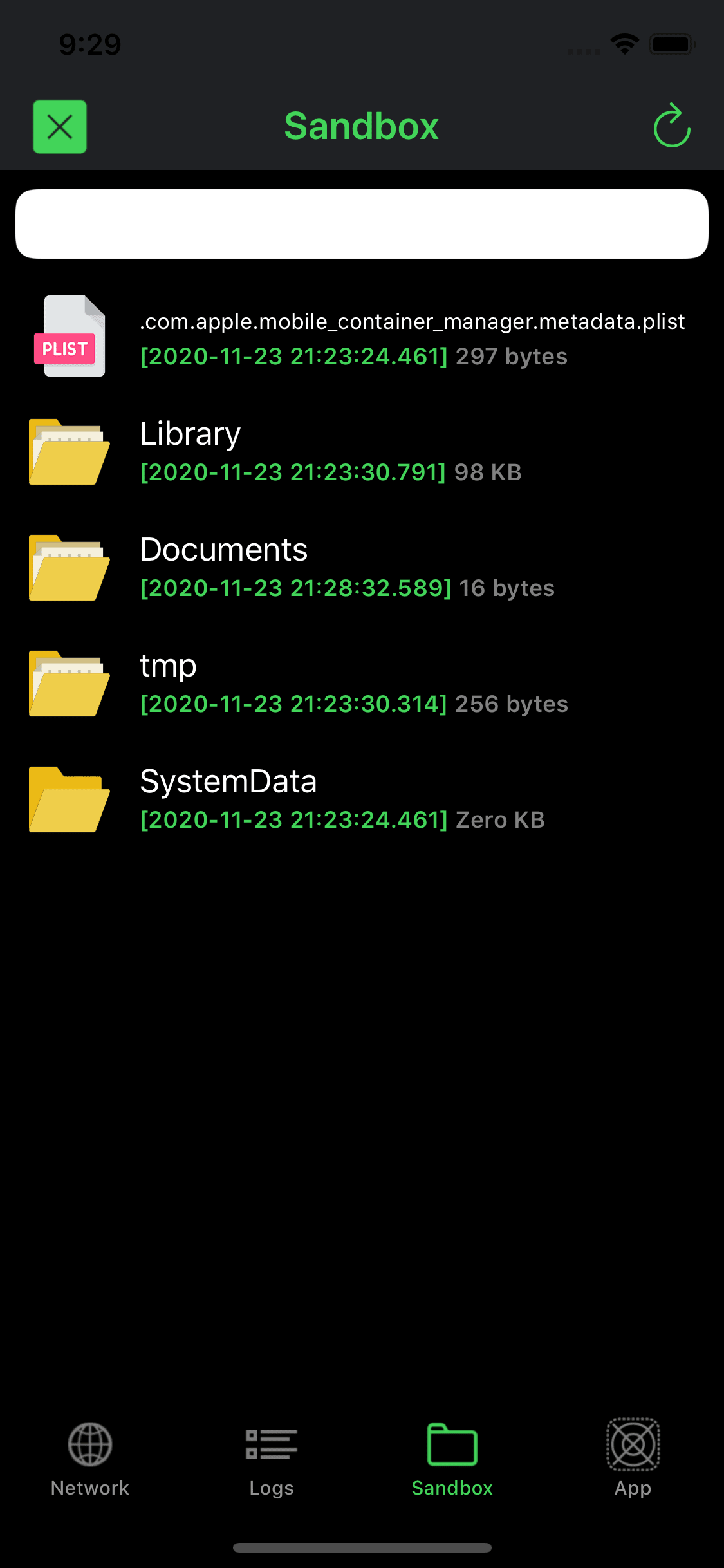
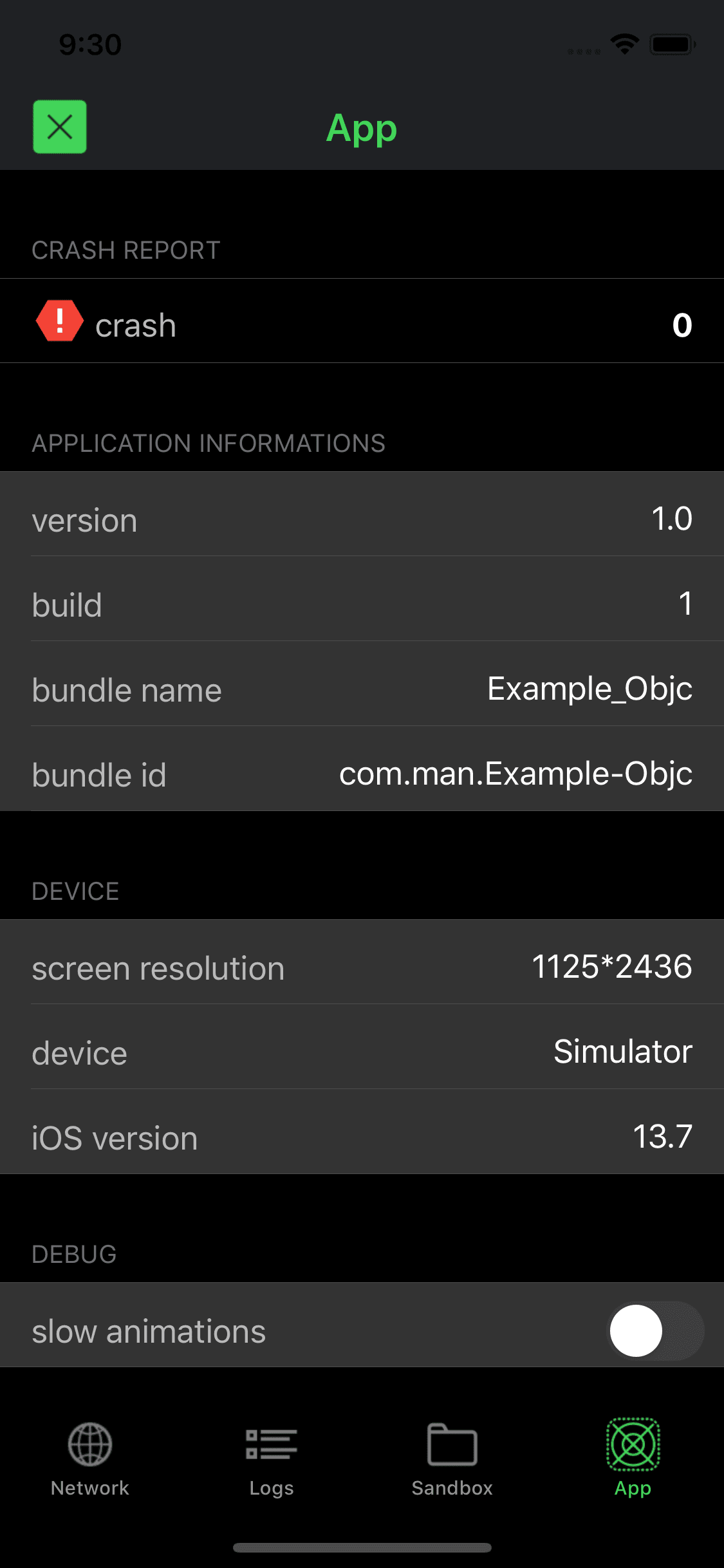
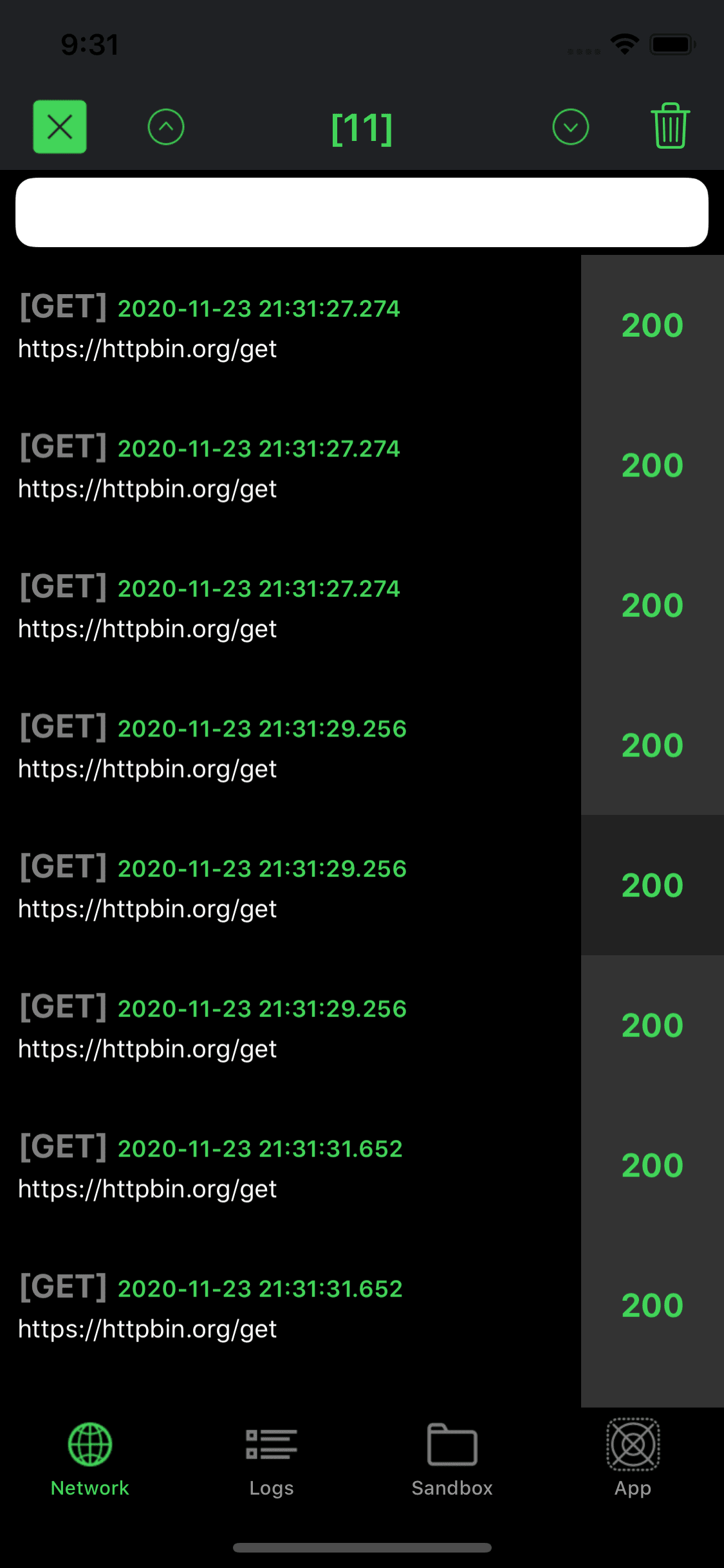
As similar with Charles in your App.
Shake to hide or show the black bubble. (Support iPhone device and simulator)
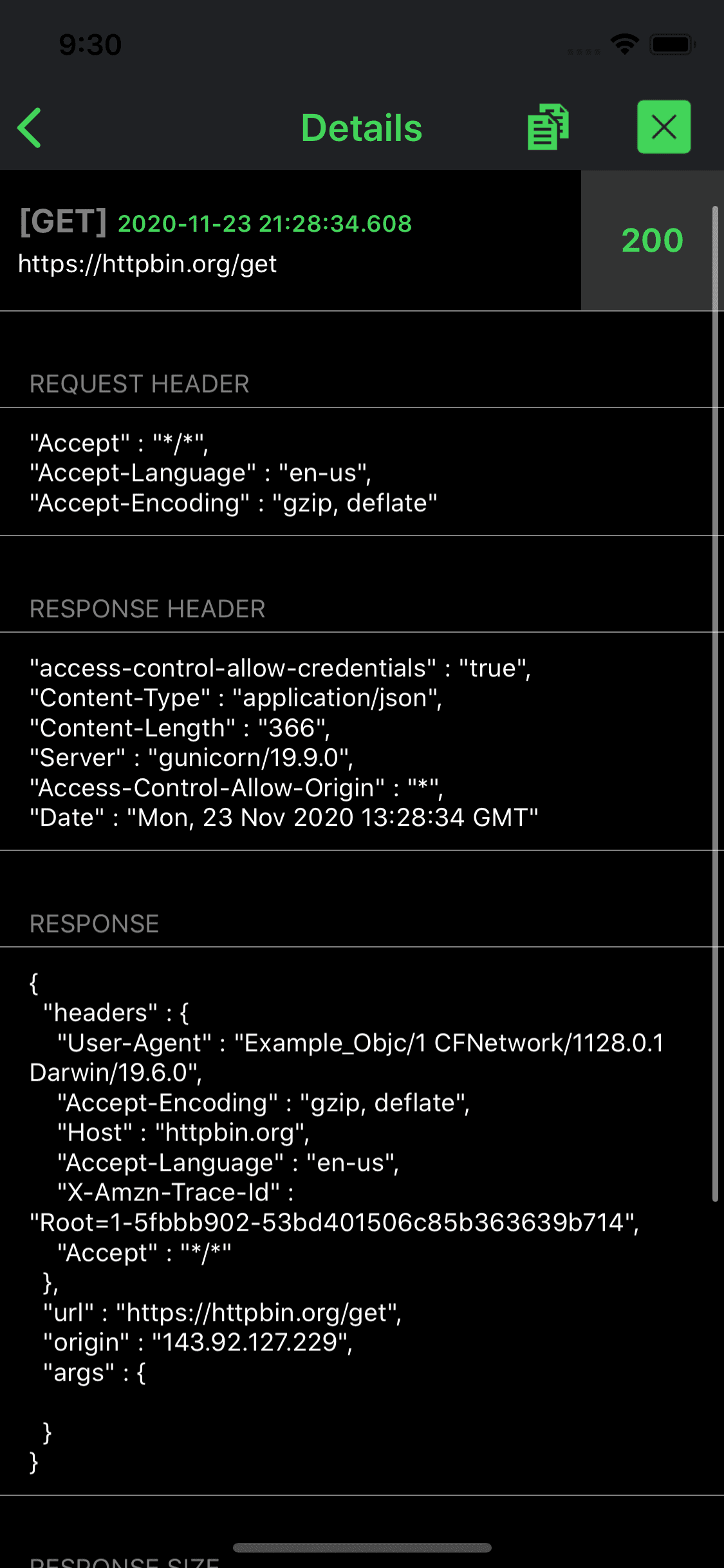
Share network details via email or copy to clipboard when you are in the Network Details page.
Copy logs. (Long press the text, then select all or select copy)
Search logs by keyword.
Long press the black bubble to clean all network logs.
Detect UI Blocking.
List crash errors.
List application and device informations, including: version, build, bundle name, bundle id, screen resolution, device, iOS version
List all network requests sent by the application. (Support JSON and Google's Protocol buffers)
List all sandbox folders and files, supporting to preview and edit.
List all WKWebView consoles.
List all React Native JavaScript consoles and Native logs.
List all print() and NSLog() messages which have been written by developer in Xcode.
target 'YourTargetName' do
    use_frameworks!
    pod 'CocoaDebug', :configurations => ['Debug']
end
github "CocoaDebug/CocoaDebug"
CocoaDebug.framework (Version 1.7.2)
WARNING: Never ship a product which has been linked with the CocoaDebug framework. The Integration Guide outline a way to use build configurations to isolate linking the framework to Debug builds.
CocoaDebugSettings.shared.enableLogMonitoring = true //The default value is false
When you initialize CocoaDebug, you can customize the following parameter values before CocoaDebug.enable().
serverURL - If the captured URLs contain server URL, CocoaDebug set server URL bold font to be marked. Not mark when this value is nil. Default value is nil.
ignoredURLs - Set the URLs which should not been captured, CocoaDebug capture all URLs when the value is nil. Default value is nil.
onlyURLs - Set the URLs which are only been captured, CocoaDebug capture all URLs when the value is nil. Default value is nil.
ignoredPrefixLogs - Set the prefix Logs which should not been captured, CocoaDebug capture all Logs when the value is nil. Default value is nil.
onlyPrefixLogs - Set the prefix Logs which are only been captured, CocoaDebug capture all Logs when the value is nil. Default value is nil.
additionalViewController - Add an additional UIViewController as child controller of CocoaDebug's main UITabBarController. Default value is nil.
emailToRecipients - Set the initial recipients to include in the email’s “To” field when share via email. Default value is nil.
emailCcRecipients - Set the initial recipients to include in the email’s “Cc” field when share via email. Default value is nil.
mainColor - Set CocoaDebug's main color with hexadecimal format. Default value is #42d459.
protobufTransferMap - Protobuf data transfer to JSON map. Default value is nil.
https://developer.apple.com/library/archive/samplecode/CustomHTTPProtocol/Introduction/Intro.html
