 j3ssie/osmedeus
A Modern Orchestration Engine for Security


Osmedeus - A Modern Orchestration Engine for Security





Osmedeus is a security focused declarative orchestration engine that simplifies complex workflow automation into auditable YAML definitions, complete with encrypted data handling, secure credential management, and sandboxed execution.
Built for both beginners and experts, it delivers powerful, composable automation without sacrificing the integrity and safety of your infrastructure.
See Documentation Page for more details.
curl -sSL http://www.osmedeus.org/install.sh | bash
npm install -g @j3ssie/osmedeus
Ships prebuilt binaries for linux and macOS on x64/arm64.
See Quickstart for quick setup and Installation for advanced configurations.
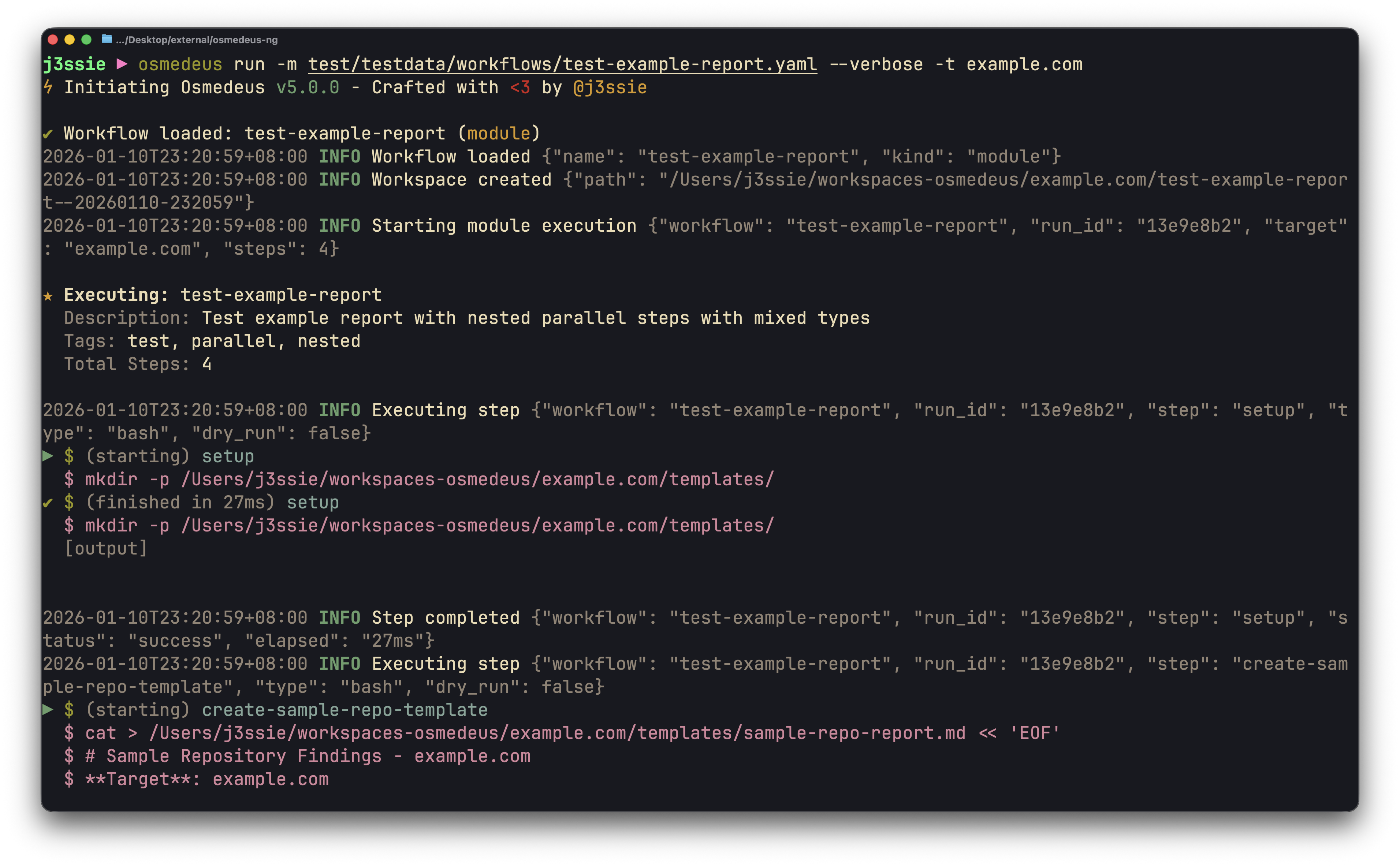
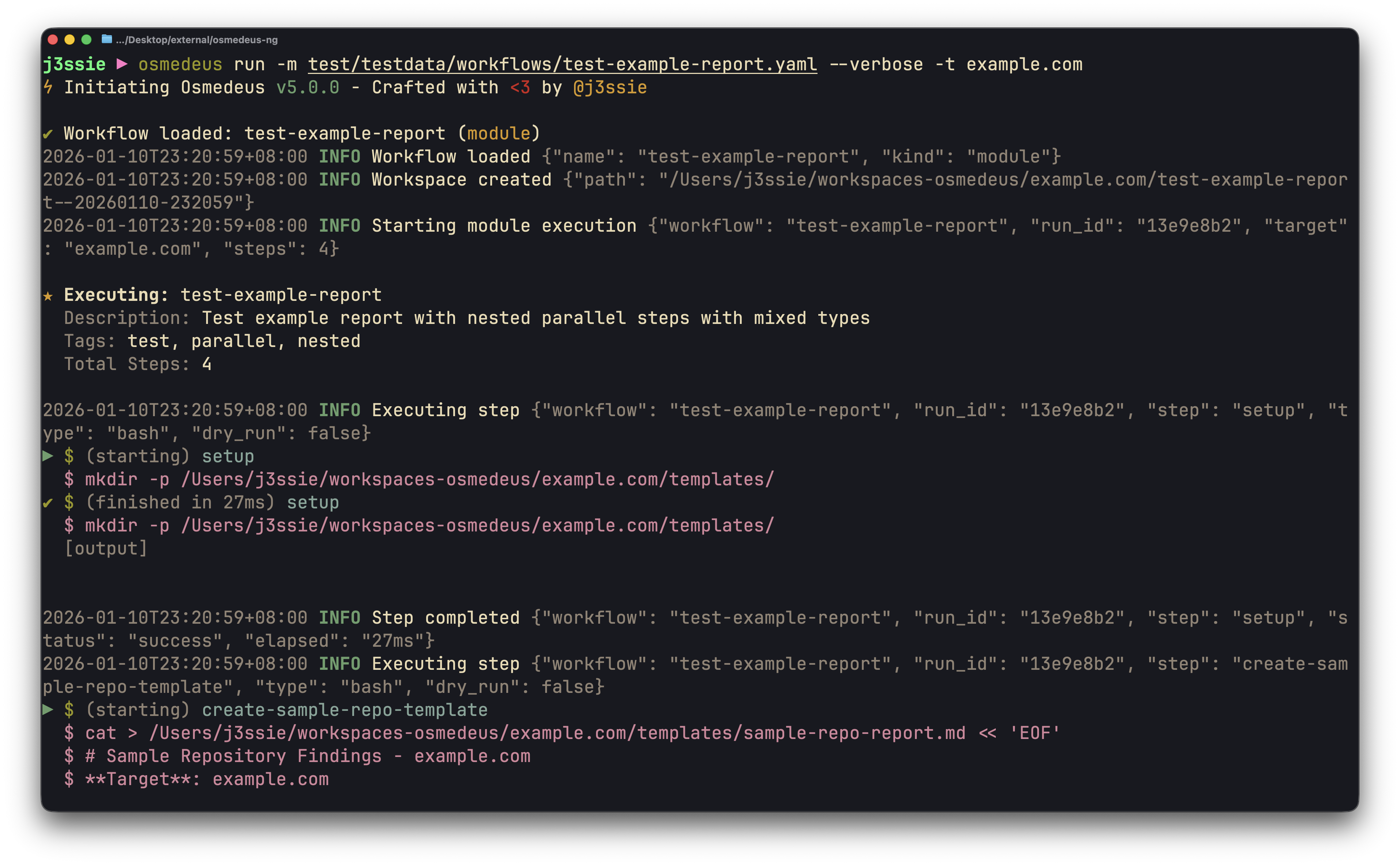
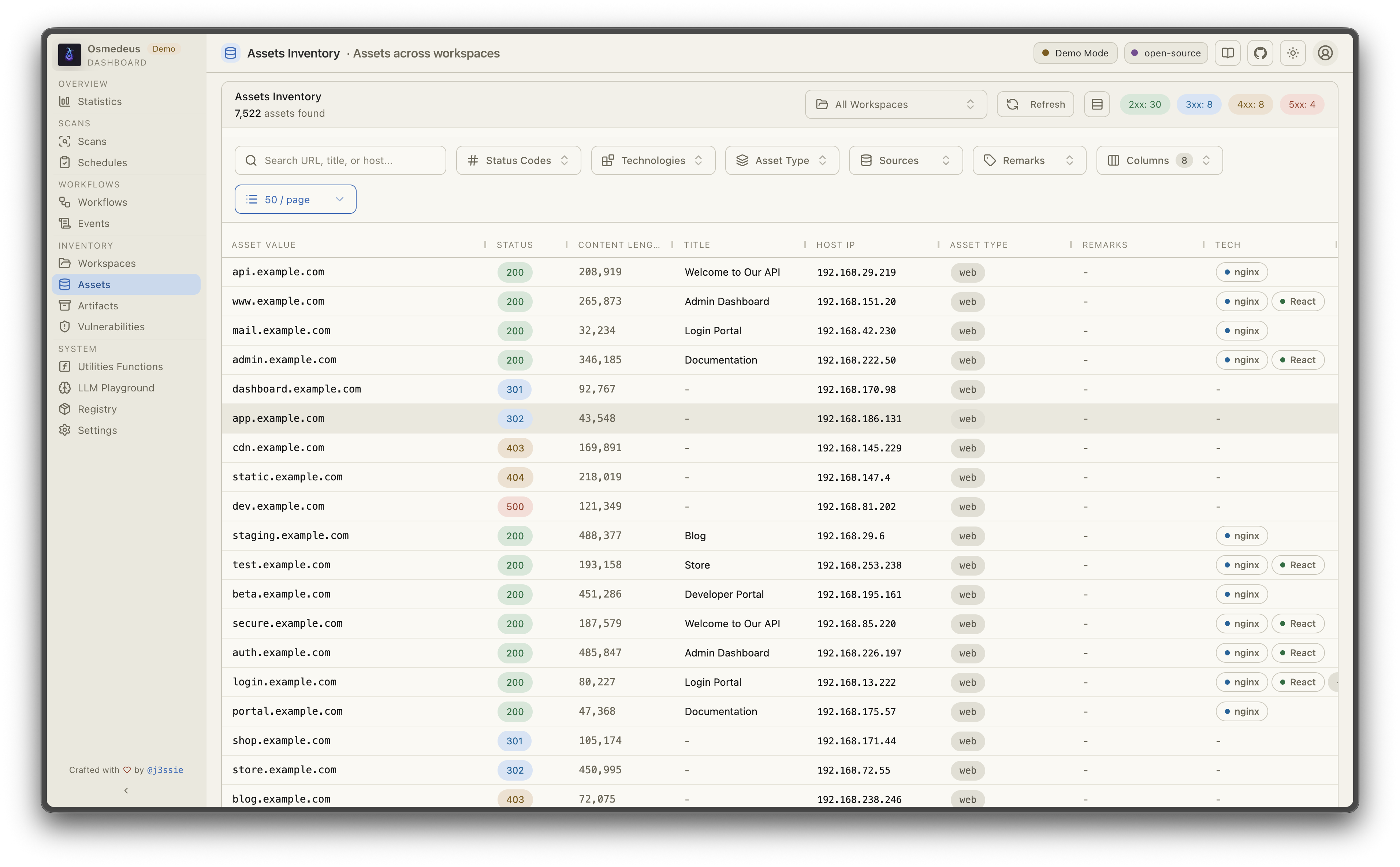
| CLI Usage | Web UI Assets |
|---|---|
 |  |
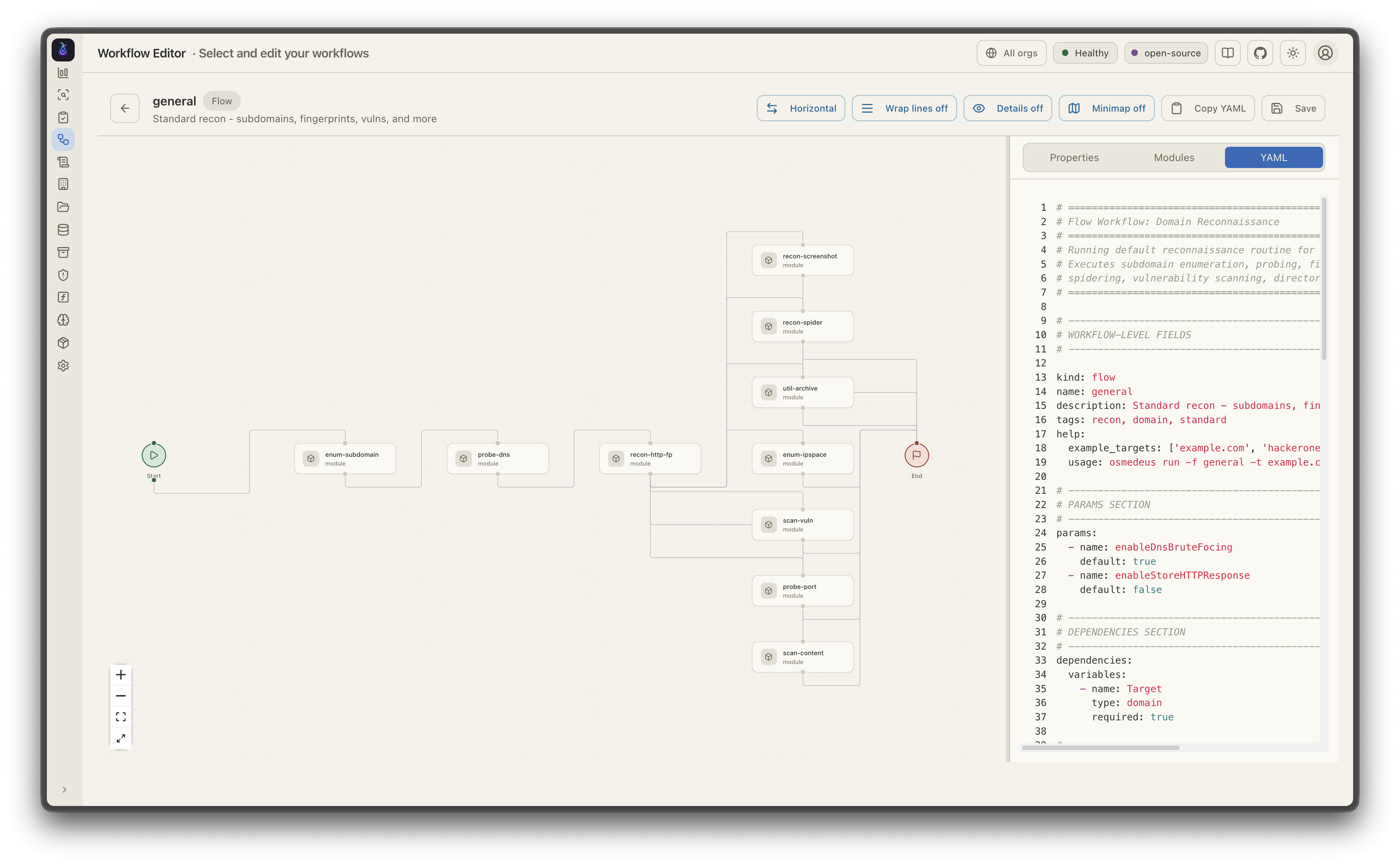
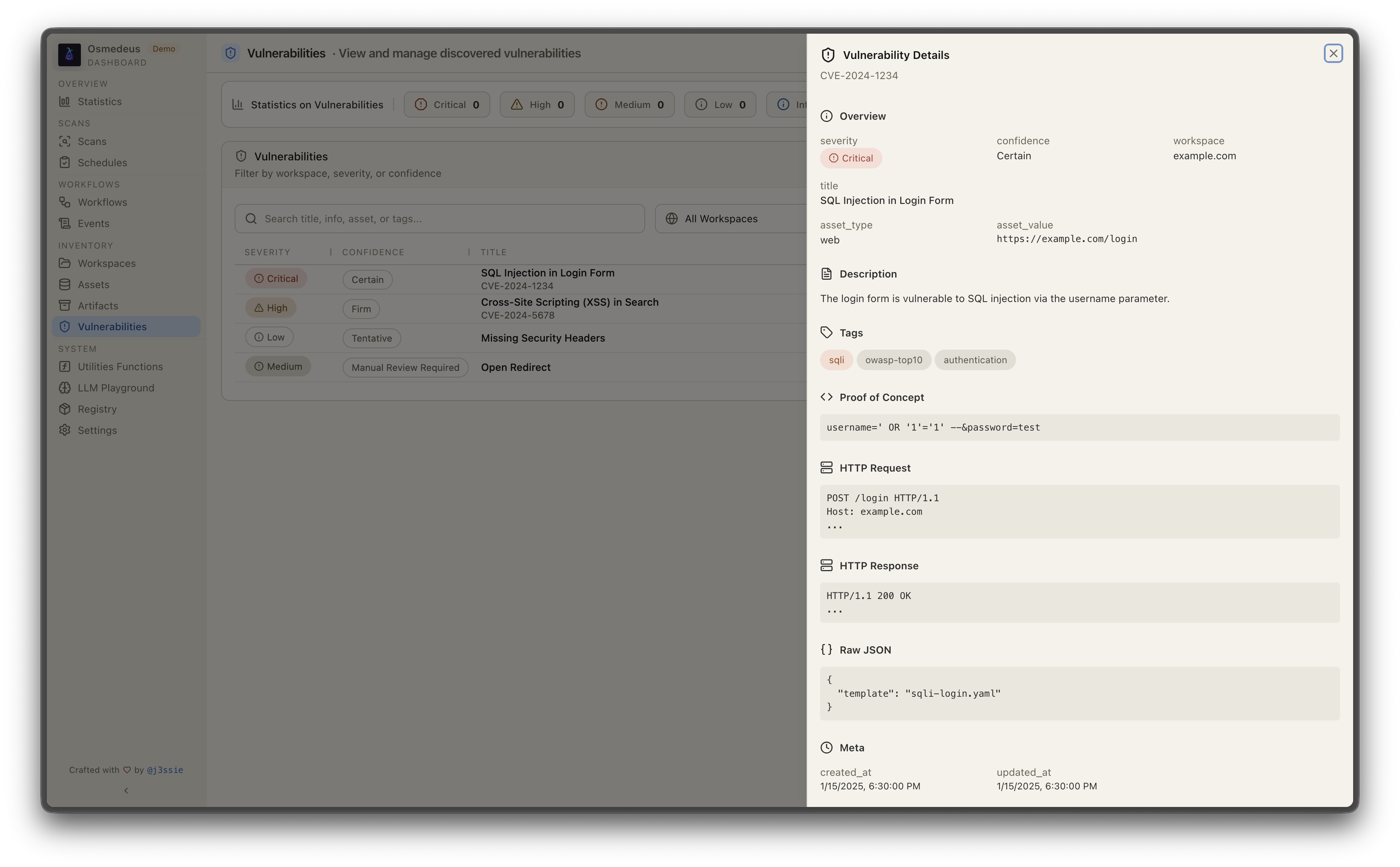
| Workflow Visualization | Vulnerabilities |
 |  |

Automating recon with Osmedeus? Bloome brings that same team-of-agents mindset to the rest of your workflow: multiple AI agents (Claude, ChatGPT, DeepSeek and more) in one shared chat that split the work, hand off tasks, cross-check each other, and refine the output until it's right — triage findings, draft reports, and run scheduled checks together. Zero setup, in the cloud, on web and mobile, and shareable with your team. 👉 Try Bloome
# Run a module workflow
osmedeus run -m recon -t example.com

# Run a flow workflow
osmedeus run -f general -t example.com

# Multiple targets with concurrency
osmedeus run -m recon -T targets.txt -c 5

# Dry-run mode (preview)
osmedeus run -f general -t example.com --dry-run

# Start API server
osmedeus serve

# List available workflows
osmedeus workflow list

# Query discovered assets
osmedeus assets -w example.com                          # List assets for workspace
osmedeus assets --stats                                 # Show unique technologies, sources, types
osmedeus assets --source httpx --type web --json        # Filter and output as JSON

# Query vulnerabilities, runs, and steps
osmedeus query vulns --severity high --workspace example.com
osmedeus query runs --status running
osmedeus query steps --run <run-uuid>

# Query database tables
osmedeus db list --table runs
osmedeus db list --table event_logs --search "nuclei"

# Evaluate utility functions
osmedeus func eval 'log_info("hello")'
osmedeus func eval -e 'http_get("https://example.com")' -T targets.txt -c 10

# Platform variables available in eval
osmedeus func eval 'log_info("OS: " + PlatformOS + ", Arch: " + PlatformArch)'

# Install from preset repositories
osmedeus install base --preset
osmedeus install base --preset --keep-setting   # preserve existing osm-settings.yaml
osmedeus install workflow --preset

# Exclude modules from flow execution
osmedeus run -f general -t example.com -x portscan
osmedeus run -f general -t example.com -X vuln    # Fuzzy exclude by substring

# Worker queue system
osmedeus worker queue new -f general -t example.com   # Queue for later
osmedeus worker queue run --concurrency 5              # Process queue

# Worker management
osmedeus worker status                          # Show workers
osmedeus worker eval -e 'ssh_exec("host", "whoami")'  # Eval with distributed hooks

# Run an ACP agent interactively
osmedeus agent "analyze this codebase"
osmedeus agent --agent codex "explain main.go"
osmedeus agent --list

# Cloud infrastructure management
osmedeus cloud create --instances 3                    # Provision cloud machines
osmedeus cloud setup 1.2.3.4 5.6.7.8                  # Setup existing machines
osmedeus cloud list                                    # List active infrastructure
osmedeus cloud run -f general -t example.com --instances 3

# Show all usage examples
osmedeus --usage-example
# Show help
docker run --rm j3ssie/osmedeus:latest --help

# Run a scan
docker run --rm -v $(pwd)/output:/root/workspaces-osmedeus \
    j3ssie/osmedeus:latest run -f general -t example.com
For more CLI usage and example commands, refer to the CLI Reference.
