bishopfox/cloudfox
Automating situational awareness for cloud penetration tests.
CloudFox helps you gain situational awareness in unfamiliar cloud environments. It’s an open source command line tool created to help penetration testers and other offensive security professionals find exploitable attack paths in cloud infrastructure.
CLOUDFOX UPDATE REQUIRED: (12/2025): If you are using
cloudfox, you need to use v1.17.0 or greater. All earlier versions stopped working after a format change in AWS's public service mapping file.
Overview
Join us on the RedSec discord server
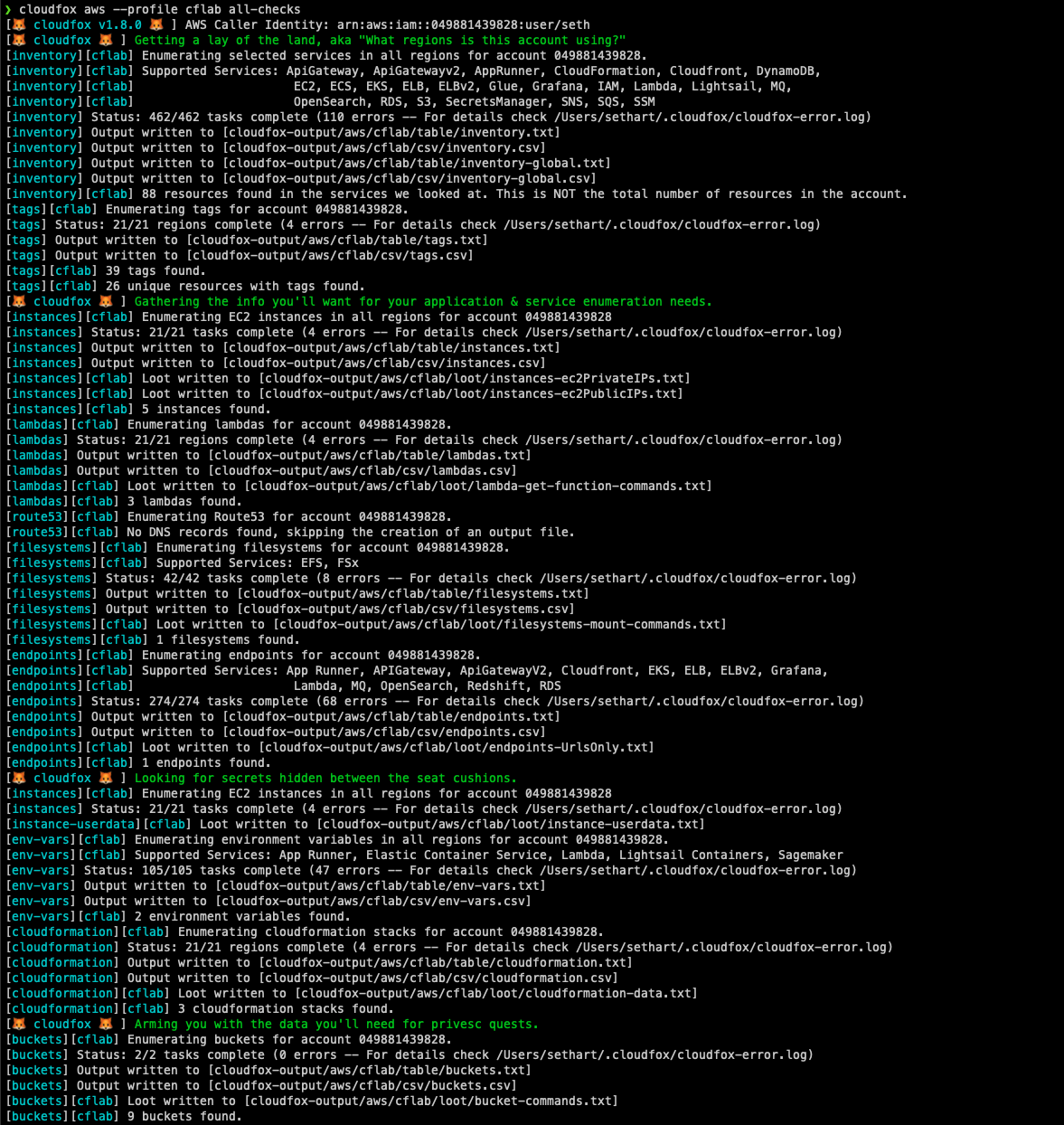
CloudFox is modular (you can run one command at a time), but there is an aws all-checks command that will run the other aws commands for you with sane defaults:
cloudfox aws --profile [profile-name] all-checks
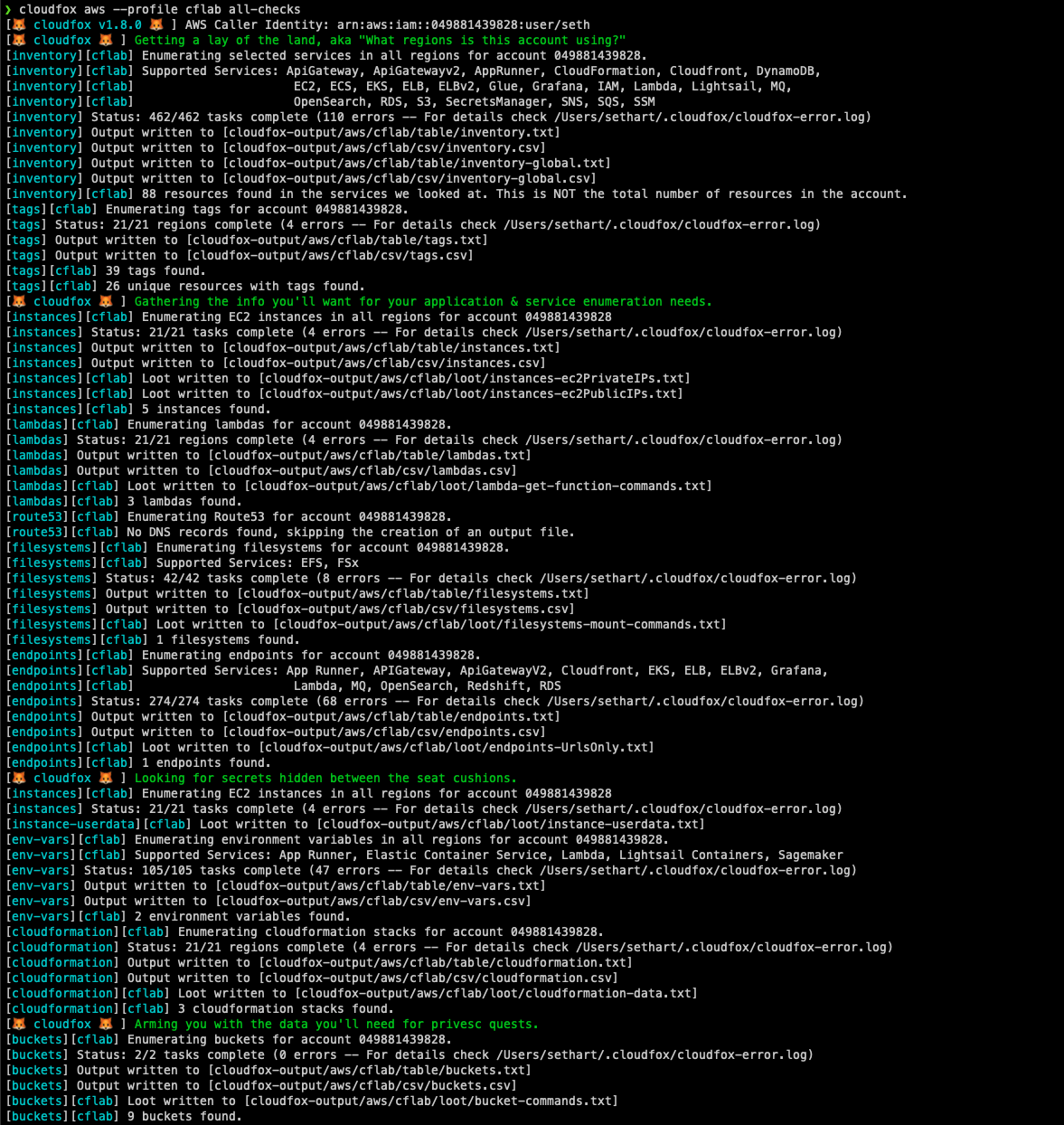
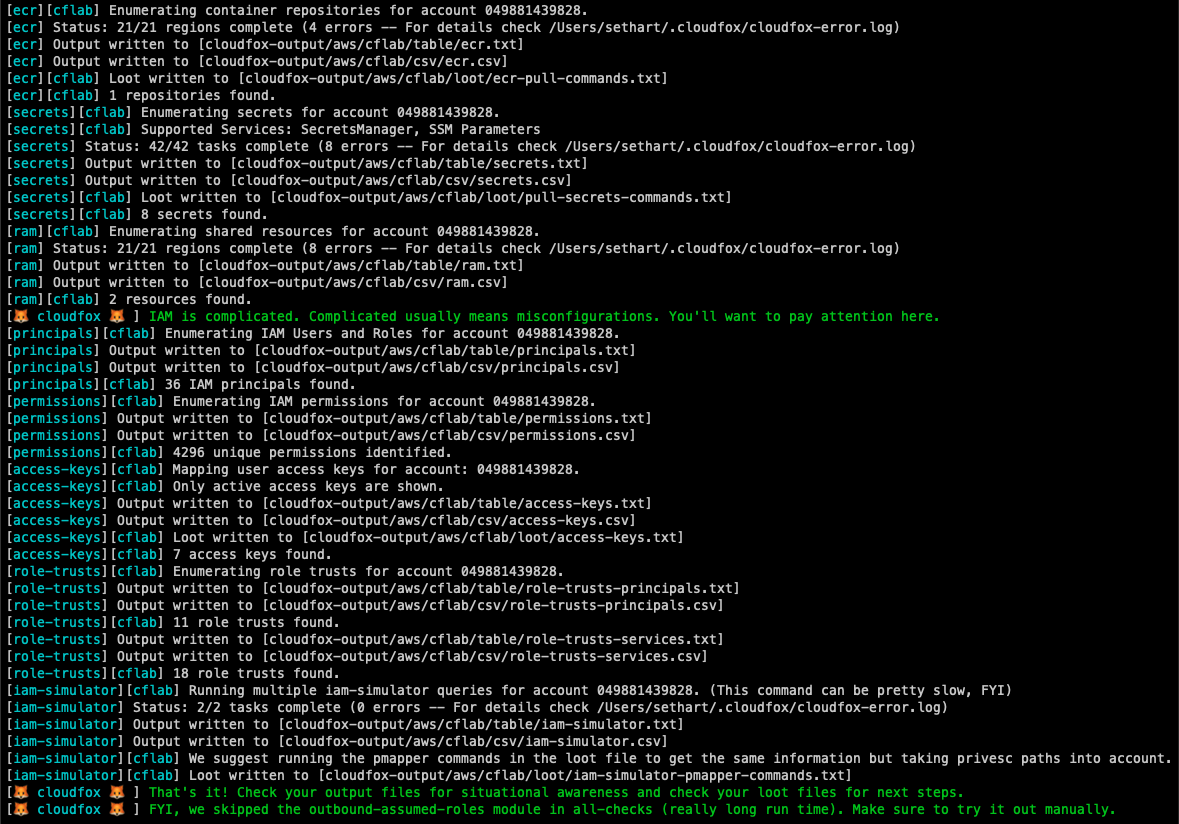
CloudFox was designed to be executed by a principal with limited read-only permissions, but it's purpose is to help you find attack paths that can be exploited in simulated compromise scenarios (aka, objective based penetration testing).
CloudFox can be used with "found" credentials, similar to how you would use weirdAAL or enumerate-iam. Checks that fail, do so silently, so any data returned means your "found" creds have the access needed to retrieve it.
For the full documentation please refer to our wiki.
| Provider | CloudFox Commands |
|---|---|
| AWS | 34 |
| Azure | 4 |
| GCP | 60 |
| Kubernetes | Support Planned |
Option 1: Download the latest binary release for your platform.
Option 2: If you use homebrew: brew install cloudfox
Option 3: Install Go, use go install github.com/BishopFox/cloudfox@latest to install from the remote source
Option 4: Developer mode:
Install Go, clone the CloudFox repository and compile from source
# git clone https://github.com/BishopFox/cloudfox.git
# cd ./cloudfox
# Make any changes necessary
# go build .
# ./cloudfox
Option 5: Testing a bug fix
git clone [email protected]:BishopFox/cloudfox.git
git checkout seth-dev
go build .
./cloudfox [rest of the command options]
-l flag or pass all stored profiles with the -a flag.SecurityAudit + CloudFox custom policyAdditional policy notes (as of 09/2022):
| Policy | Notes |
|---|---|
| CloudFox custom policy | Has a complete list of every permission cloudfox uses and nothing else |
arn:aws:iam::aws:policy/SecurityAudit | Covers most cloudfox checks but is missing newer services or permissions like apprunner:*, grafana:*, lambda:GetFunctionURL, lightsail:GetContainerServices |
arn:aws:iam::aws:policy/job-function/ViewOnlyAccess | Covers most cloudfox checks but is missing newer services or permissions like AppRunner:*, grafana:*, lambda:GetFunctionURL, lightsail:GetContainerServices - and is also missing iam:SimulatePrincipalPolicy. |
arn:aws:iam::aws:policy/ReadOnlyAccess | Only missing AppRunner, but also grants things like "s3:Get*" which can be overly permissive. |
arn:aws:iam::aws:policy/AdministratorAccess | This will work just fine with CloudFox, but if you were handed this level of access as a penetration tester, that should probably be a finding in itself :) |
gcloud auth application-default login)Minimal Permissions (Single Project):
For basic enumeration of a single project, the roles/viewer role provides read access to most resources (includes logging, monitoring, and compute/network viewing).
Comprehensive Permissions (Organization-Wide):
For thorough security assessments across an entire organization:
| Scope | Role | Purpose |
|---|---|---|
| Organization | roles/resourcemanager.organizationViewer | View organization structure and metadata |
| Organization | roles/iam.securityReviewer | Review IAM policies across the organization |
| Organization | roles/cloudasset.viewer | Query Cloud Asset Inventory for all resources |
| Organization | roles/cloudidentity.groupsViewer | Enumerate Google Groups and memberships |
| Folder | roles/resourcemanager.folderViewer | View folder hierarchy and metadata |
| Project | roles/viewer | Read access to most project resources (includes logging.viewer, monitoring.viewer, compute.viewer) |
| Tooling Project | roles/serviceusage.serviceUsageAdmin | (Optional) Manage API quotas for CloudFox operations |
Note: The basic
roles/viewerrole includes permissions fromroles/logging.viewer,roles/monitoring.viewer, androles/compute.networkViewer, so these don't need to be granted separately.
APIs must be enabled in each project you want to assess. GCP APIs are project-scoped.