projectdiscovery/naabu
A fast port scanner written in go with a focus on reliability and simplicity. Designed to be used in combination with other tools for attack surface discovery in bug bounties and pentests



Features • Installation • Usage • Running naabu • Config • NMAP integration • CDN/WAF Exclusion • Discord
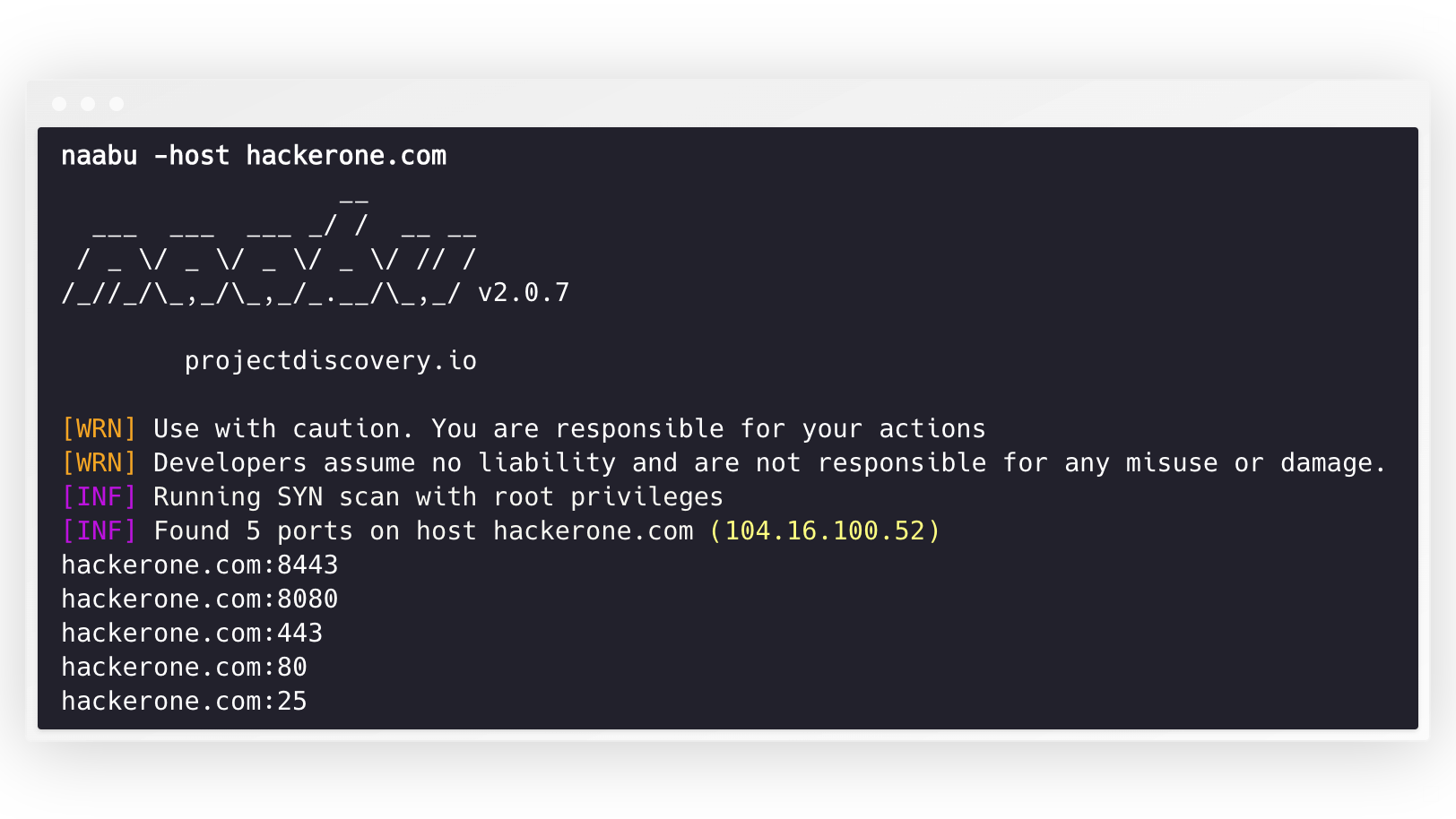
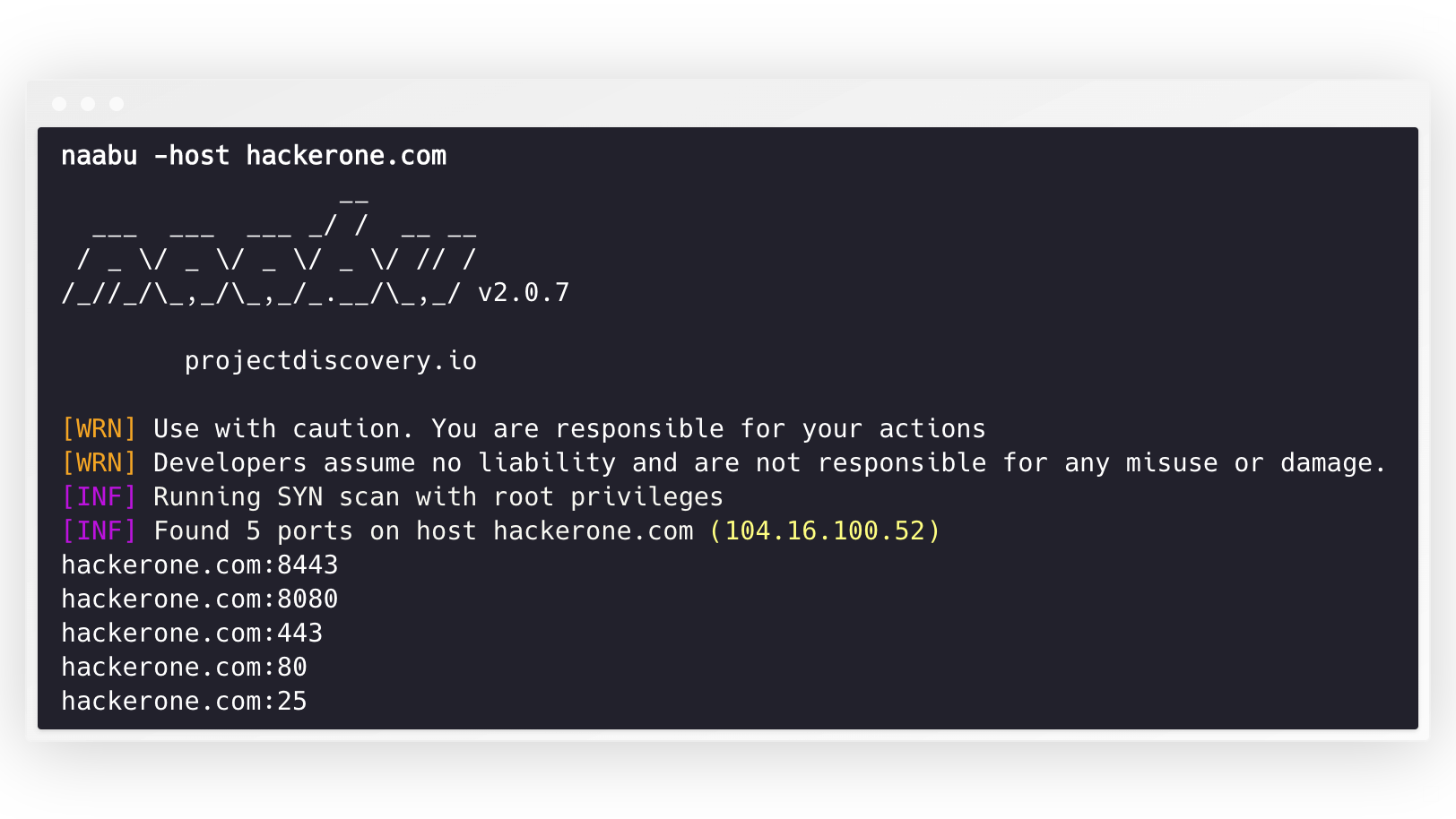
Naabu is a port scanning tool written in Go that allows you to enumerate valid ports for hosts in a fast and reliable manner. It is a really simple tool that does fast SYN/CONNECT/UDP scans on the host/list of hosts and lists all ports that return a reply.
naabu -h
This will display help for the tool. Here are all the switches it supports.
Usage:
  naabu [flags]

Flags:
INPUT:
   -host string[]              hosts to scan ports for (comma-separated)
   -list, -l string            list of hosts to scan ports (file)
   -exclude-hosts, -eh string  hosts to exclude from the scan (comma-separated)
   -exclude-file, -ef string   list of hosts to exclude from scan (file)

PORT:
   -port, -p string              ports to scan (80,443, 100-200)
   -top-ports, -tp string        top ports to scan (default 100) [full,100,1000]
   -exclude-ports, -ep string[]  ports to exclude from scan (file or comma-separated)
   -ports-file, -pf string[]     list of ports to scan (file or comma-separated)
   -port-threshold, -pts int     port threshold to skip port scan for the host
   -exclude-cdn, -ec             skip full port scans for CDN/WAF (only scan for port 80,443)
   -display-cdn, -cdn            display cdn in use

RATE-LIMIT:
   -c int                general internal worker threads (default 25)
   -rate int             packets to send per second (default 1000)
   -tw, -tx-workers int  parallel transmit workers for the fast SYN sender (default 1)

UPDATE:
   -up, -update                 update naabu to latest version
   -duc, -disable-update-check  disable automatic naabu update check

OUTPUT:
   -o, -output string                     file to write output to (optional)
   -lof, -list-output-fields              list of fields to output (comma separated)
   -eof, -exclude-output-fields string[]  exclude output fields output based on a condition
   -j, -json                              write output in JSON lines format
   -csv                                   write output in csv format
   -oX, -xml-output string                write nmap-compatible XML output to file (- for stdout)
   -oG, -grep-output string               write nmap-compatible greppable output to file (- for stdout)
   -oA, -output-all string                write json, xml and greppable output to <basename>.{json,xml,gnmap}

SERVICES-DISCOVERY:
   -sD, -service-discovery           identify services by port number
   -sV, -service-version             detect service versions using nmap-service-probes
   -sV-fast                          only probe port-hinted services (faster, skips fallback)
   -sV-timeout duration              timeout for service version probes (default 5s)
   -sV-workers int                   number of concurrent service version workers (default 25)
   -sV-probes string                 custom nmap-service-probes file path (auto-detected from local nmap install if empty)
   -uP, -udp-probes                  send protocol-specific payloads on UDP scans using nmap-service-probes

CONFIGURATION:
   -config string                   path to the naabu configuration file (default $HOME/.config/naabu/config.yaml)
   -scan-all-ips, -sa               scan all the IP's associated with DNS record
   -ip-version, -iv string[]        ip version to scan of hostname (4,6) - (default 4,6) (default ["4","6"])
   -scan-type, -s string            type of port scan (SYN/CONNECT) (default "c")
   -source-ip string                source ip and port (x.x.x.x:yyy - might not work on OSX)
   -cp, -connect-payload string    payload to send in CONNECT scans (optional)
   -interface-list, -il             list available interfaces and public ip
   -interface, -i string            network Interface to use for port scan
   -nmap                            invoke nmap scan on targets (nmap must be installed) - Deprecated
   -nmap-cli string                 nmap command to run on found results (example: -nmap-cli 'nmap -sV')
   -r string                        list of custom resolver dns resolution (comma separated or from file)
   -proxy string                    socks5 proxy (ip[:port] / fqdn[:port]
   -proxy-auth string               socks5 proxy authentication (username:password)
   -dns-order string                dns resolution order (p/l/lp/pl) (default "l")
   -sr, -system-resolver            use system DNS as fallback resolver
   -resume                          resume scan using resume.cfg
   -stream                          stream mode (disables resume, nmap, verify, retries, shuffling, etc)
   -passive                         display passive open ports using shodan internetdb api (automatically enables stream mode)
   -irt, -input-read-timeout value  timeout on input read (default 3m0s)
   -no-stdin                        Disable Stdin processing