 malwareinfosec/fiddlezap
Regex-based malicious traffic detection add-on for OWASP ZAP. Flags compromised websites by matching URI and HTML patterns, with color-coded alerts and tagging for web session analysis.

FiddleZAP is a simplified version of EKFiddle for OWASP ZAP.
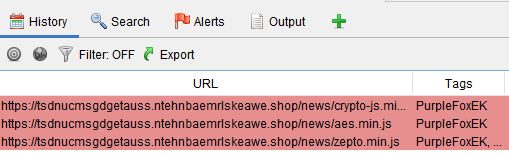
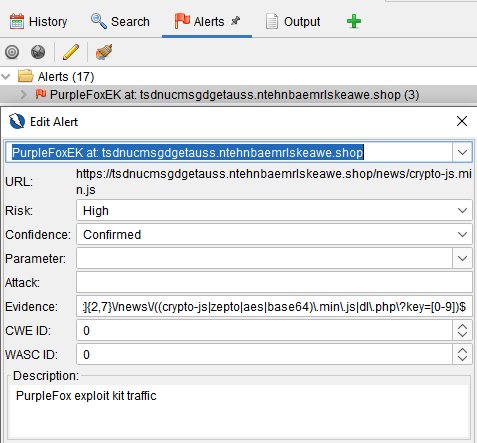
With ZAP as your web proxy, you are able to flag malicious traffic based on predefined regular expressions.
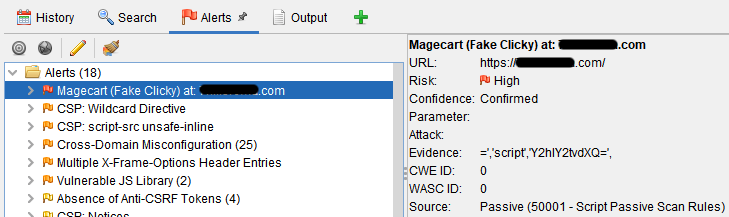
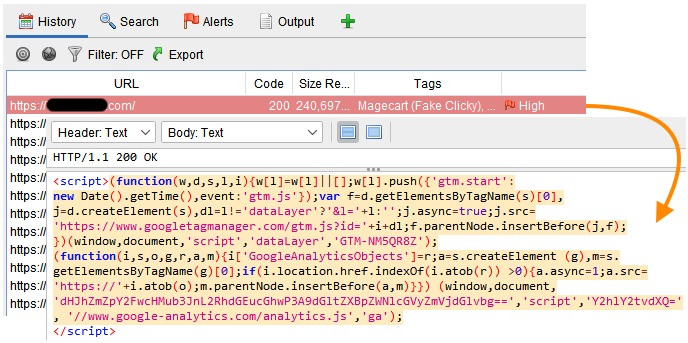
Example: Alert, highlighting and tagging when a regex matches on a string within the HTML source code of a compromised website
Download and install ZAP: https://www.zaproxy.org/download/
Download or clone the FiddleZAP directory into your Documents folder.
It should have the following structure:
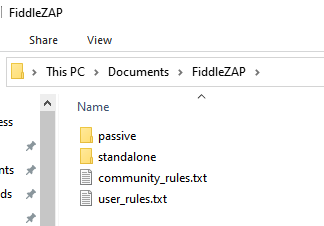
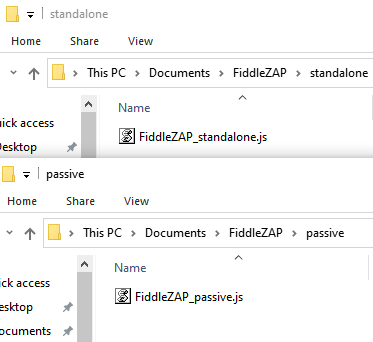
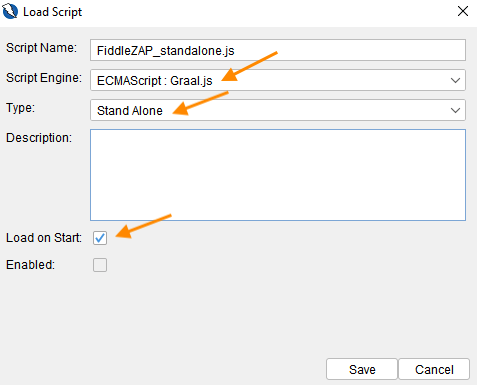
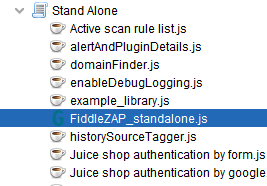
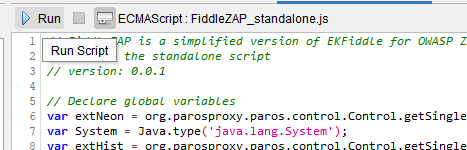
There are 2 scripts (standalone, passive rules). The former is used to run manually on the currently loaded session (web traffic), the latter automatically runs while recording traffic.
First, install the standalone script:
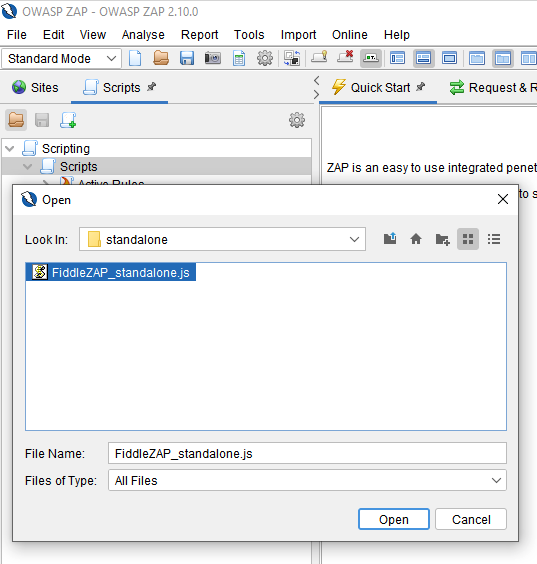
Next, install the passive rules script:
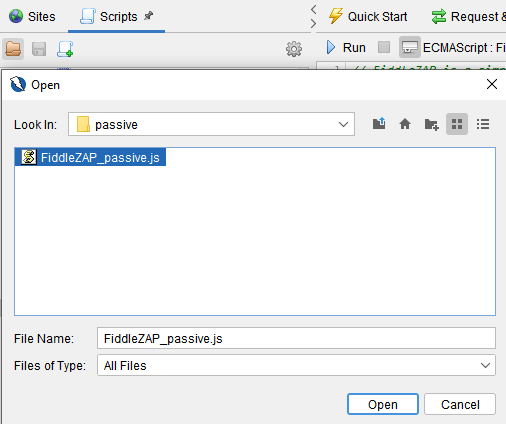
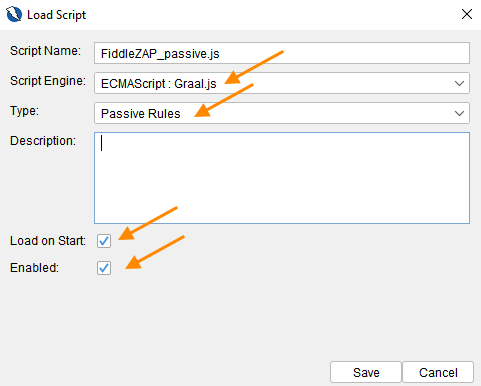
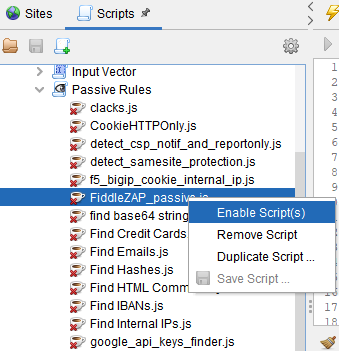
The FiddleZAP script should now show up under Passive Rules. If it is not enabled, right-click on it and select Enable script.
Rules for FiddleZAP can look for URI patterns and source code patterns (session body).
A community_rules.txt file is provided with some examples.
The user_rules.txt is your own rules file.
Rules are automatically loaded and used to scan incoming traffic (if Passive Rules script is enabled). If you want to run rules on previously captured traffic, you need to run the standalone script.
(This feature requires the neonmarker add-on)