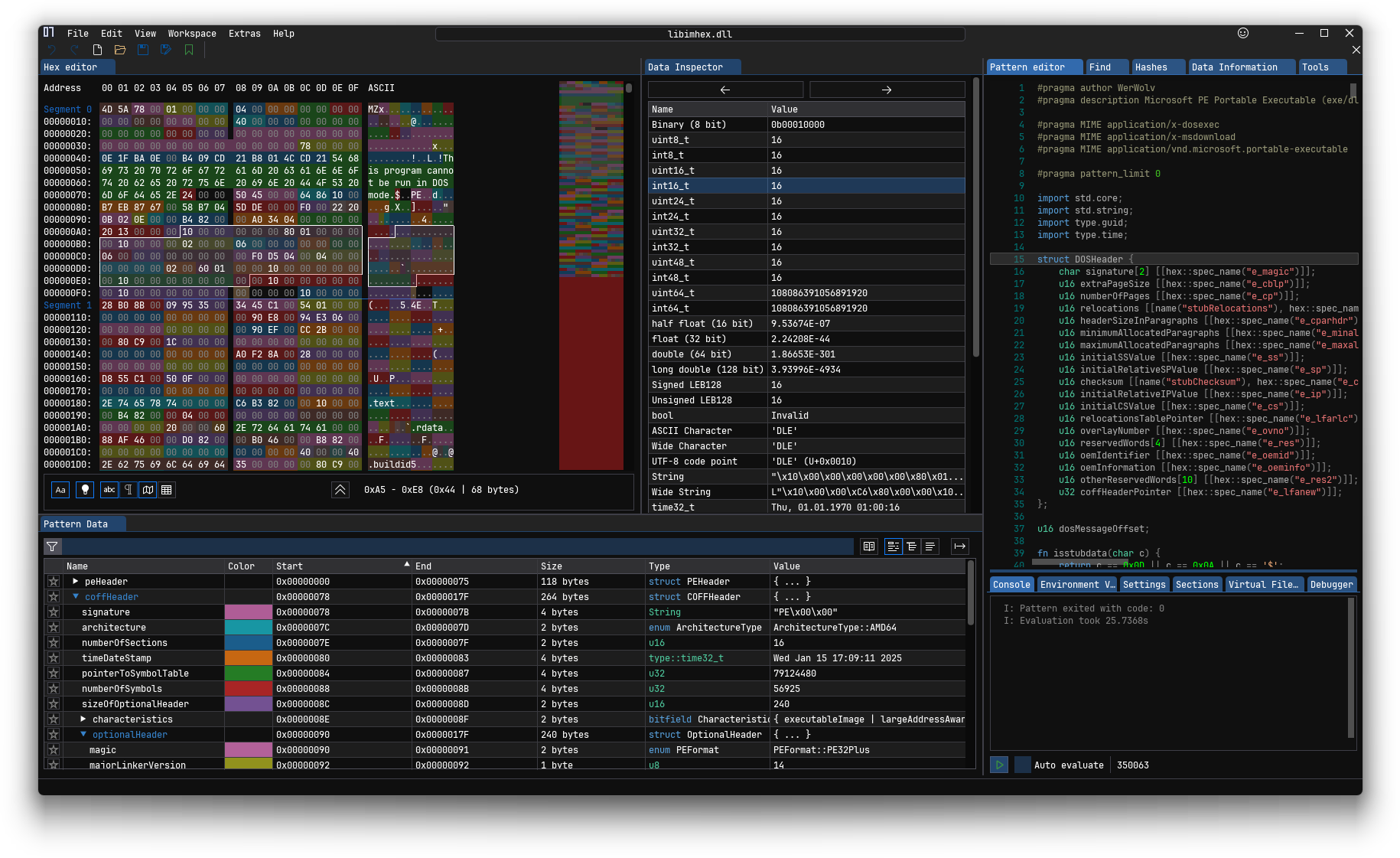
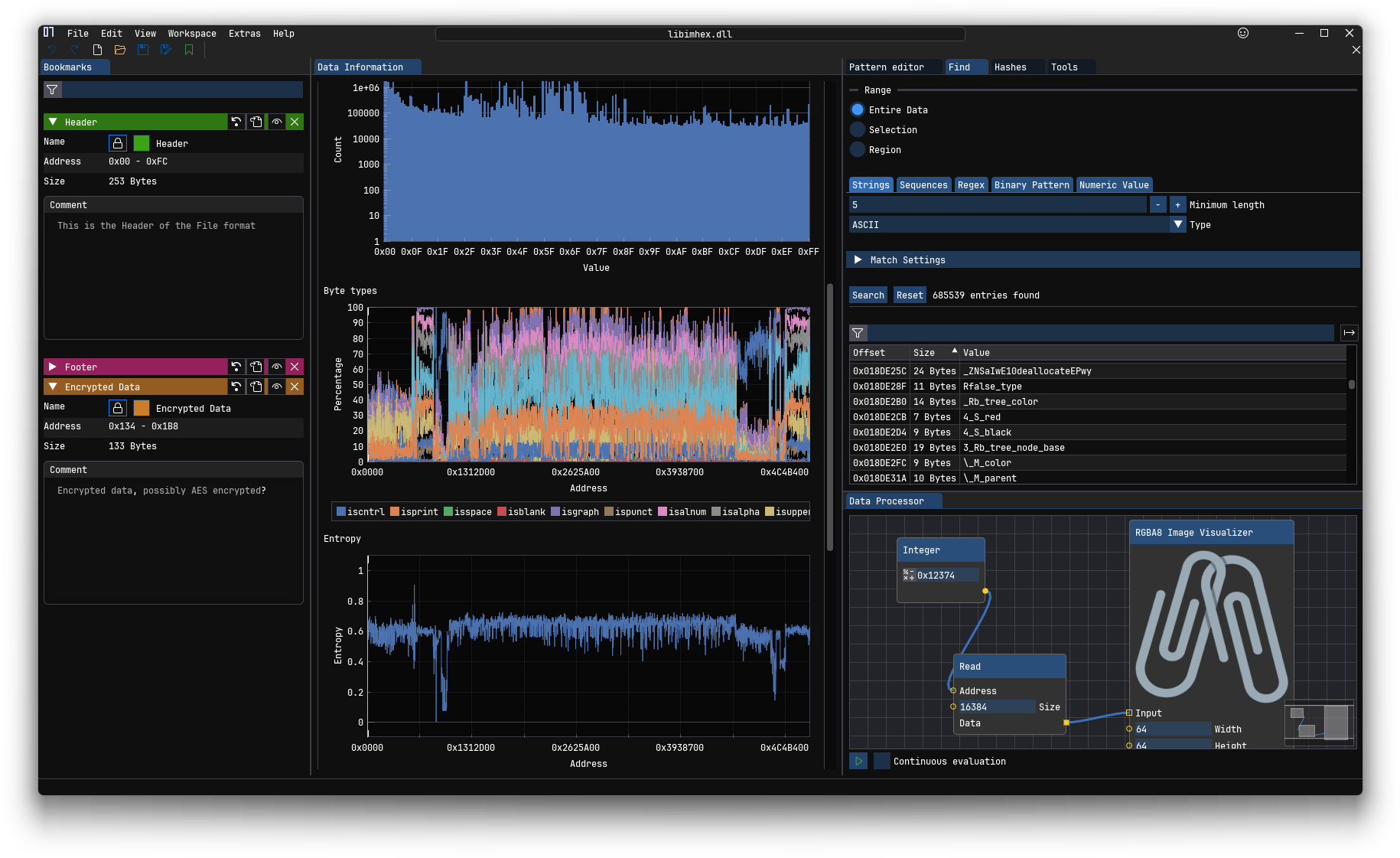
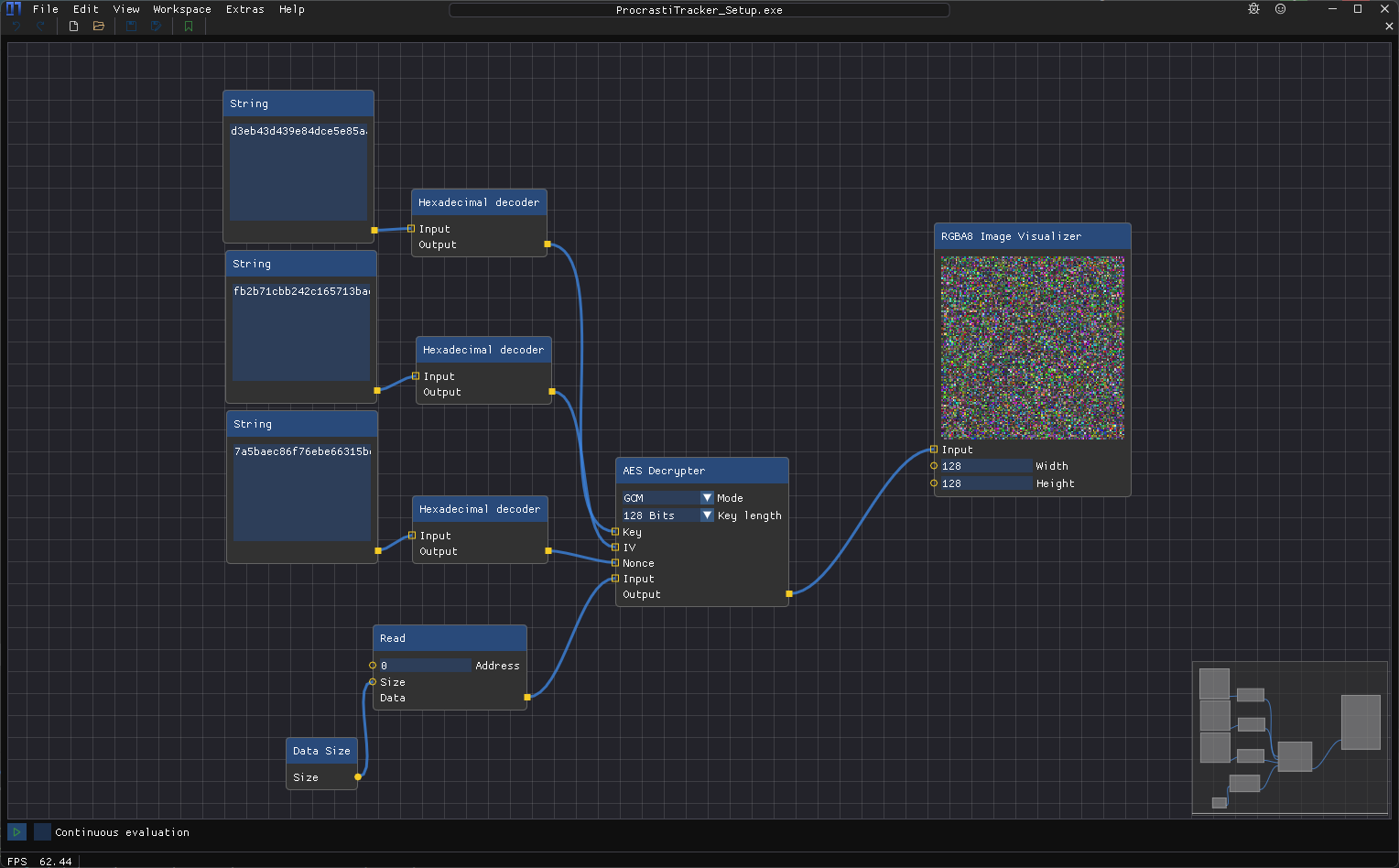
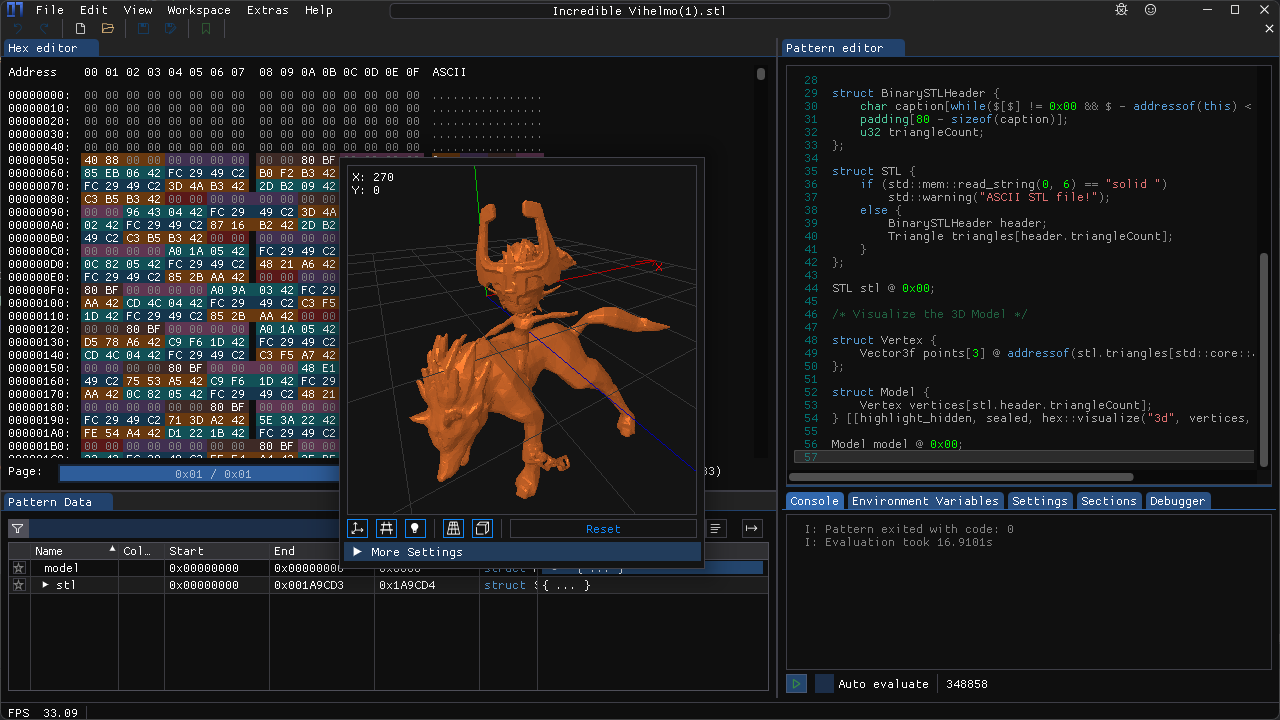
Achievements guiding you through the features of ImHex
Interactive tutorials
Pattern Language
The Pattern Language is the completely custom programming language developed for ImHex.
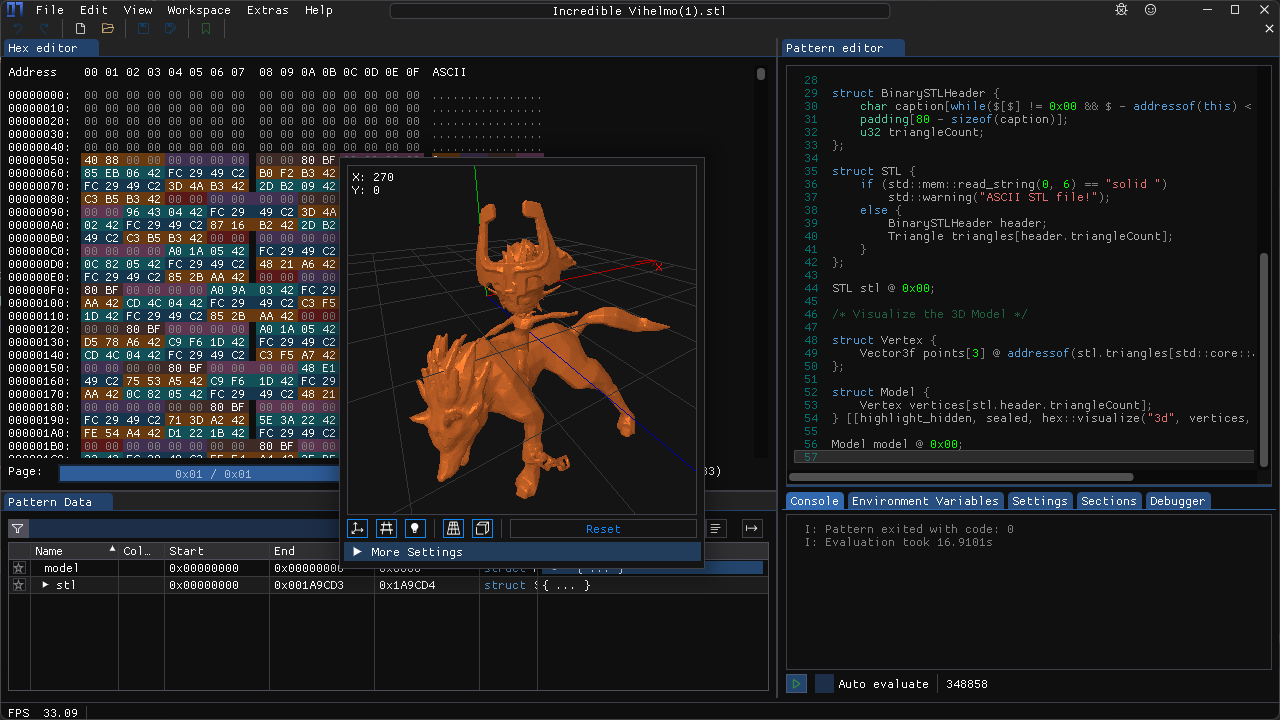
It allows you to define structures and data types in a C-like syntax and then use them to parse and highlight a file's content.
For format patterns, libraries, magic and constant files, check out the ImHex-Patterns repository.
Feel free to PR your own files there as well!
Requirements
To use ImHex, the following minimal system requirements need to be met.
[!IMPORTANT]
ImHex requires a GPU with OpenGL 3.0 support in general.
There are releases available (with the -NoGPU suffix) that are software rendered and don't require a GPU, however these can be a lot slower than the GPU accelerated versions.
If possible at all, make ImHex use the dedicated GPU on your system instead of the integrated one.
ImHex will usually run fine with integrated GPUs as well but certain Intel HD GPU drivers on Windows are known to cause graphical artifacts.
OS:
Windows: Windows 7 or higher (Windows 10/11 recommended)
macOS: macOS 15 (Sequoia) or higher,
Lower versions should still work too, but you'll need to compile ImHex yourself. The release binaries will NOT work due to GitHub not having any macOS 15 or lower CI runners available.
The macOS build is not signed and will require you to manually allow them in the Security & Privacy settings.
Linux: "Modern" Linux. The following distributions have official releases available. Other distros are supported through the AppImage, Flatpak and Snap releases.
Ubuntu and Debian
Fedora
RHEL/AlmaLinux
Arch Linux
Basically any other distro will work as well when compiling ImHex from sources.
FreeBSD: Tested on FreeBSD 14.3
Other versions will most likely work too but are untested
CPU: Officially supported are x86, AMD64 and ARM64, though any Little Endian CPU should work.
GPU: OpenGL 3.0 or higher
Integrated Intel HD iGPUs are supported, however certain drivers are known to cause various graphical artifacts, especially on Windows. Use at your own risk.
In case you don't have a GPU available, there are software rendered releases available for Windows and macOS
RAM: ~50MiB, more is required for more complex analysis
Storage: ~100MiB
Installing
Information on how to install ImHex can be found in the Install guide
Compiling
To compile ImHex on any platform, GCC (or Clang) is required with a version that supports C++23 or higher.
Windows and Linux releases are being built using latest available GCC.
MacOS releases are being built using latest available LLVM Clang.
Important to note is, the MSVC and AppleClang compilers are both NOT supported since they're both generally severely outdated and lack features GCC and LLVM Clang have.
[!NOTE]
Many dependencies are bundled into the repository using submodules so make sure to clone it using the --recurse-submodules option.
All dependencies that aren't bundled, can be installed using the dependency installer scripts found in the /dist folder.
For more information, check out the Compiling guide.
To develop plugins for ImHex, use the following template project to get started. You then have access to the entirety of libimhex as well as the ImHex API and the Content Registry to interact with ImHex or to add new content.
To build a plugin, you will need to use our SDK
Getting the SDK locally
You can build the SDK by compiling ImHex like this:
DESTDIR=install ninja install
The SDK will then be available at install/usr/local/share/imhex/sdk. You will need to set the variable IMHEX_SDK_PATH to that (absolute) path.
Getting the SDK in a Github Actions CI
You can use this action to automatically download the SDK to your Github Runner
This program will not transfer any information to other networked systems
unless specifically requested by the user or the person installing or
operating it.
 werwolv/imhex