 himazawa/bento
Bento Toolkit is a minimal fedora-based container for penetration tests and CTF with the sweet addition of GUI applications.

This software is exprimental but we accept suggestions and contributions
A bento (弁当, bentō) is a single-portion take-out or home-packed meal of Japanese origin.
Bento Toolkit is a simple and minimal docker container for penetration testers and CTF players.
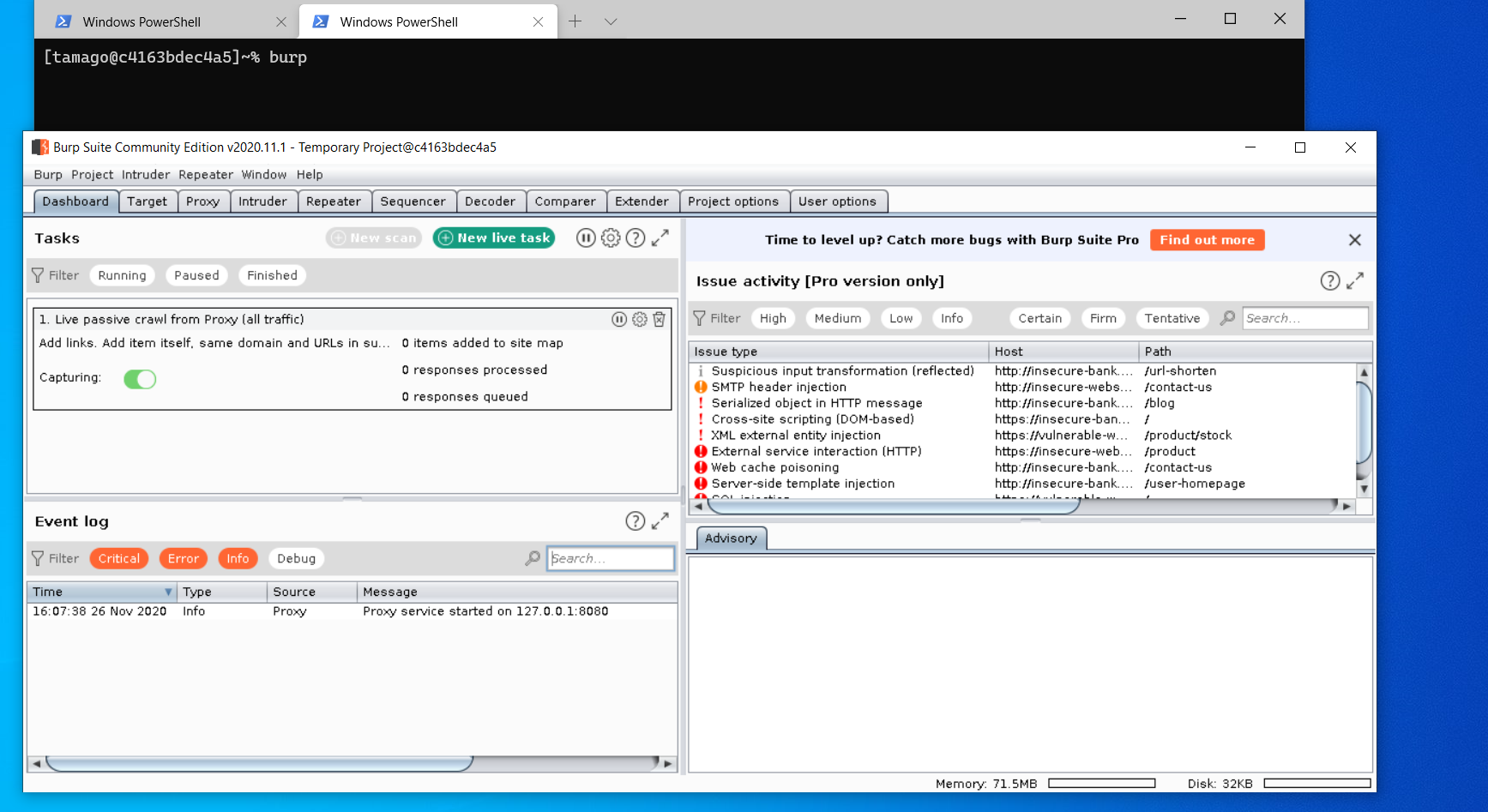
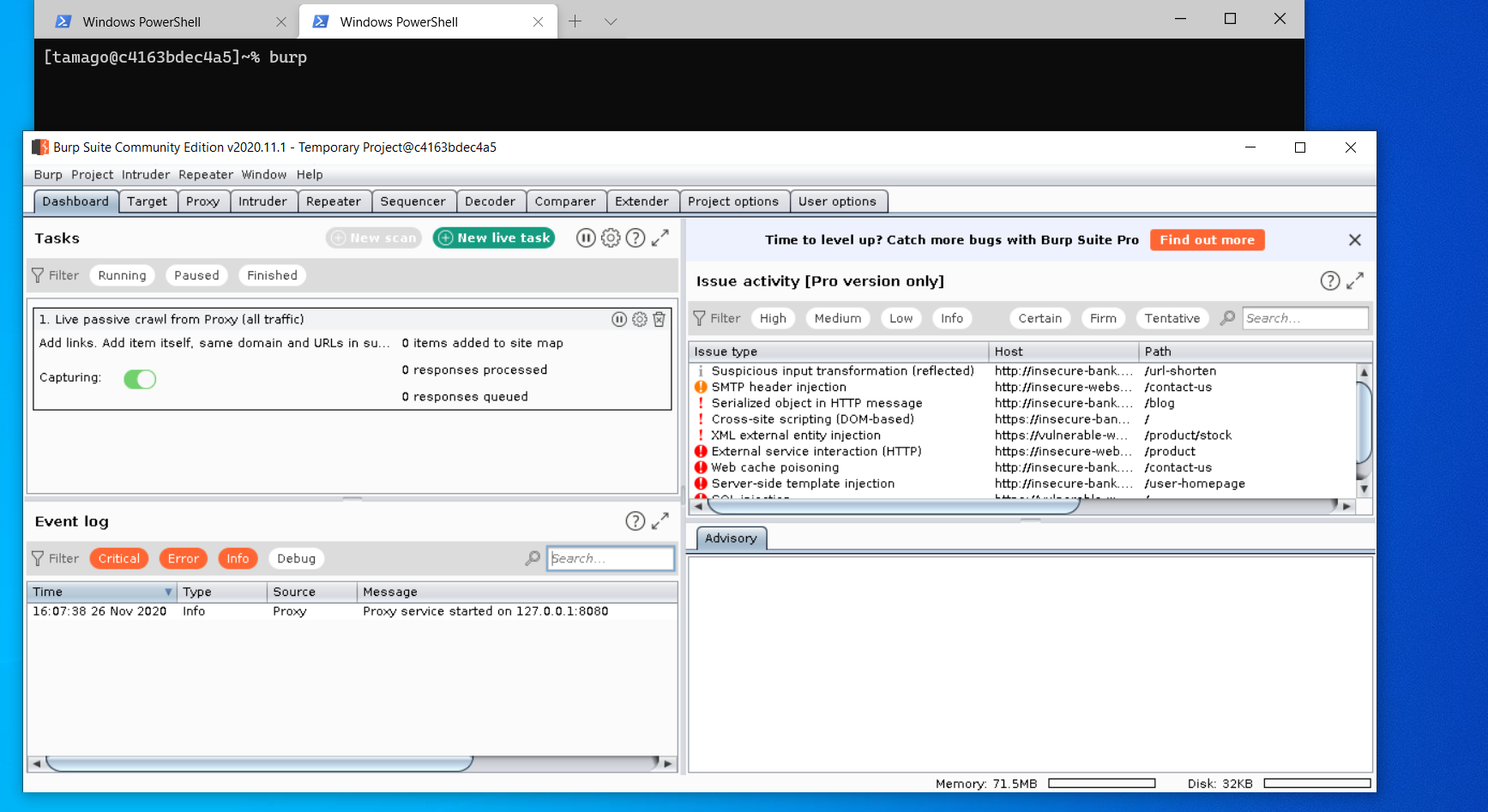
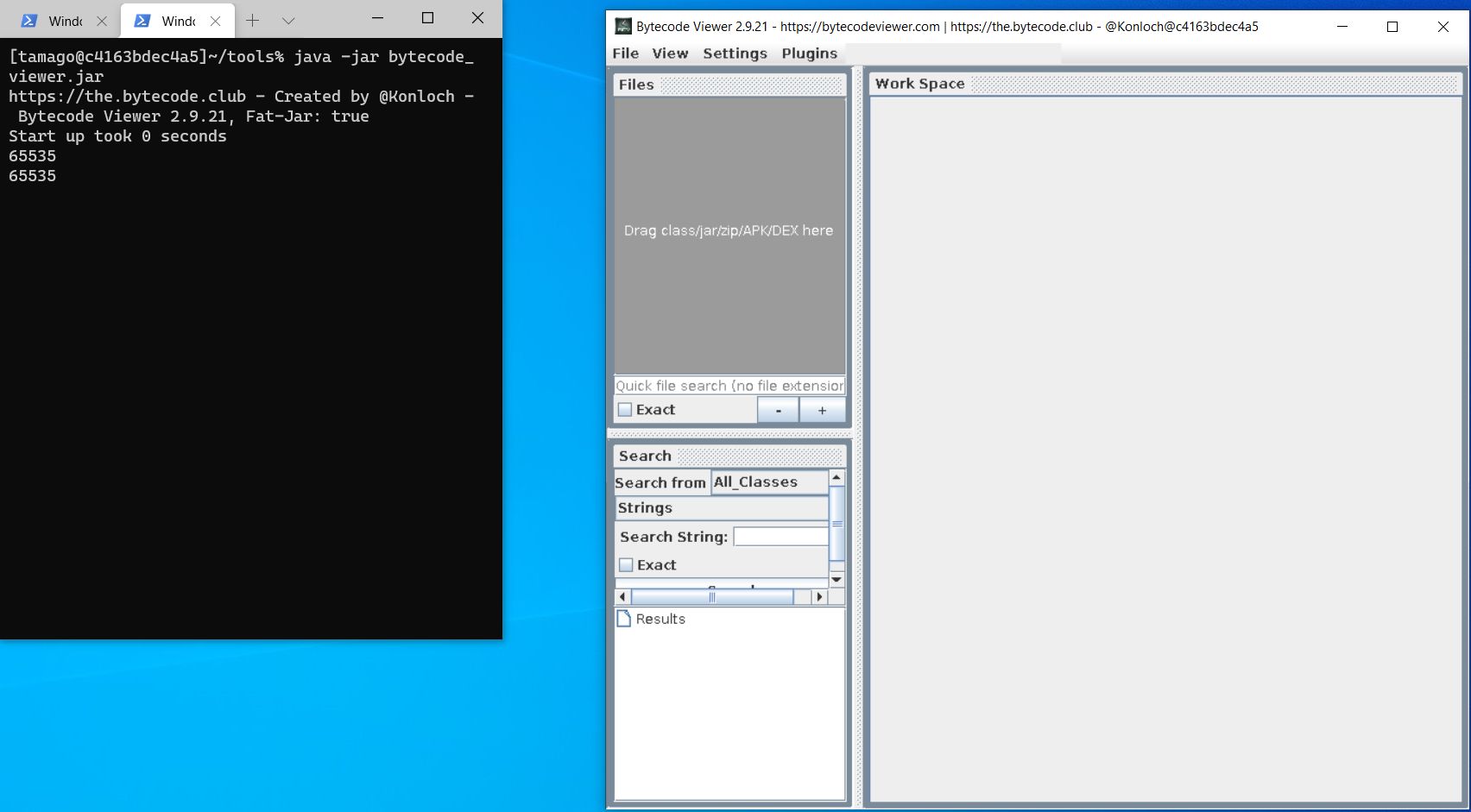
It has the portability of Docker with the addition of X, so you can also run GUI application (like burp).
To run bento you need Docker and a Xorg server on your host machine.
On Windows you can use vcxsrv, xming, cygwin.
We tested this config with vcxsrv and cygwin.
vcxsrv: just start XLaunch and follow the setupcygwin: you have to install xorg first, then start XLaunch.git clone https://github.com/higatowa/bento && cd ./bentoauthorized_keys, containing your public key, in ./keys.docker build -t bento .docker run --cap-add=NET_ADMIN --device /dev/net/tun --sysctl net.ipv6.conf.all.disable_ipv6=0 -p 22:22 -d bentossh -R 6000:localhost:6000 -L 8080:localhost:8080 tamago@bentoipFor GUI tools just run them from the terminal:
To be able to quickly deploy multiple instances of bento we decided to write a docker-compose file.
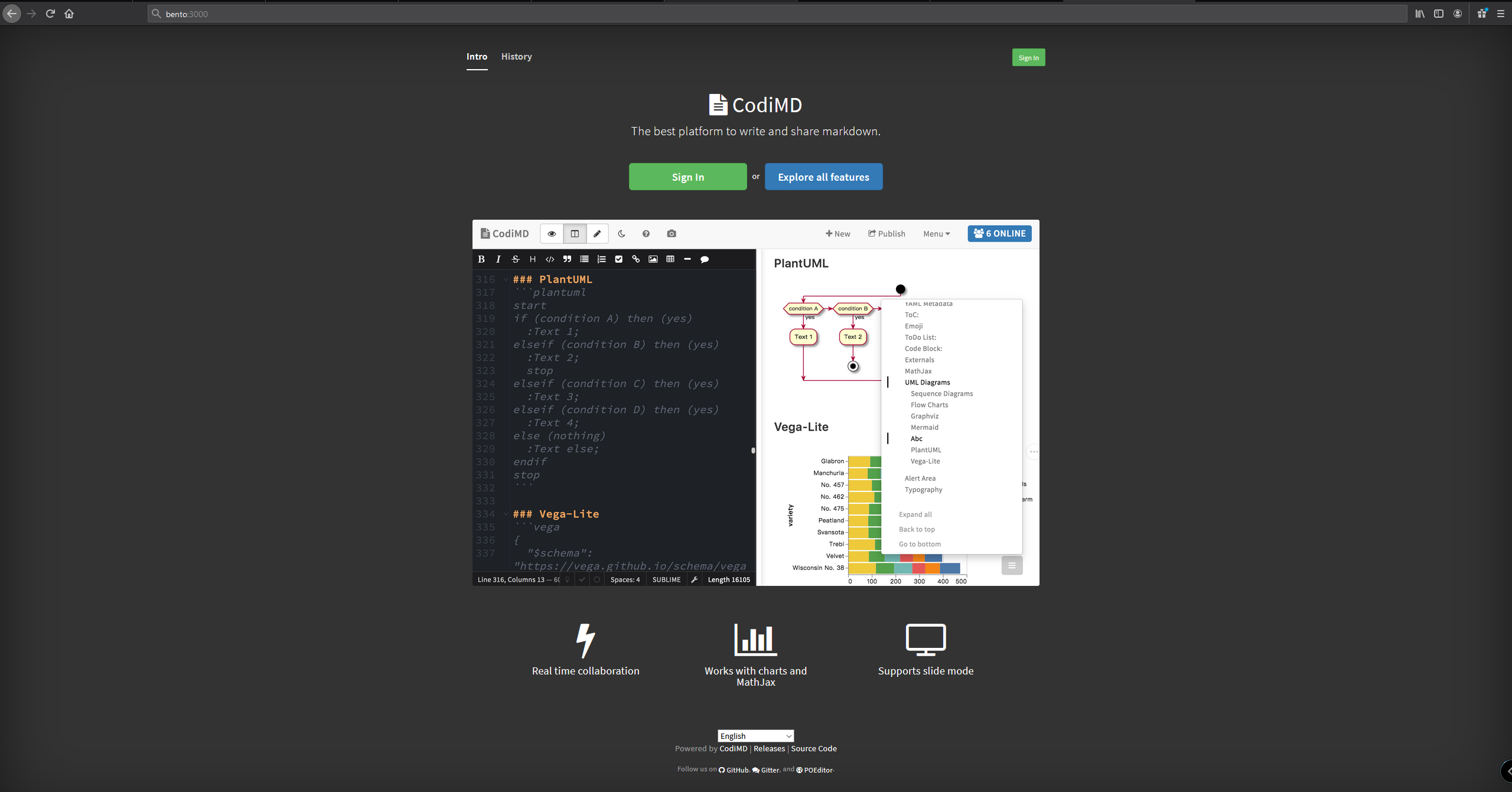
This isn't only for style but we also added a collaborative pad, codimd.
During our work we have the need to share informations on the target so we decided to implement in bento the solution we use daily.
The pad is exposed by default on port 3000.
Replace the step 3 and 4 of Installation with Docker chapter with:
docker-compose build and docker-compose up
in the project directory.
If you wanto to deploy only bento without codimd:
docker-compose up bento
/home/tamago/burp_fix/burp_fix.sh as root and it will fix it.We don't like bloated distros so we are keeping this container as minimal as possible, adding only tools useful for web and infrastructure PT and CTF but, remember, we are always open to suggestions.
Here is a list of tools and utilities:
