 apklab/apklab
Android Reverse-Engineering Workbench for VS Code


APKLab seamlessly integrates the best open-source tools: Apktool, smali-lsp, Jadx, uber-apk-signer, apk-mitm and more to the excellent VS Code so you can focus on app analysis and get it done without leaving the IDE.




git repo in project dir to track changesapktool.yml)JDK 17+
Run
java -versionin your Shell, if not found, download from here.
quark-engine >=21.01.6 (optional - for malware analysis)
Run
quarkin your Shell, if not found, check official docs.
adb (optional)
Run
adb devicesin your Shell, if not found, check this guide.
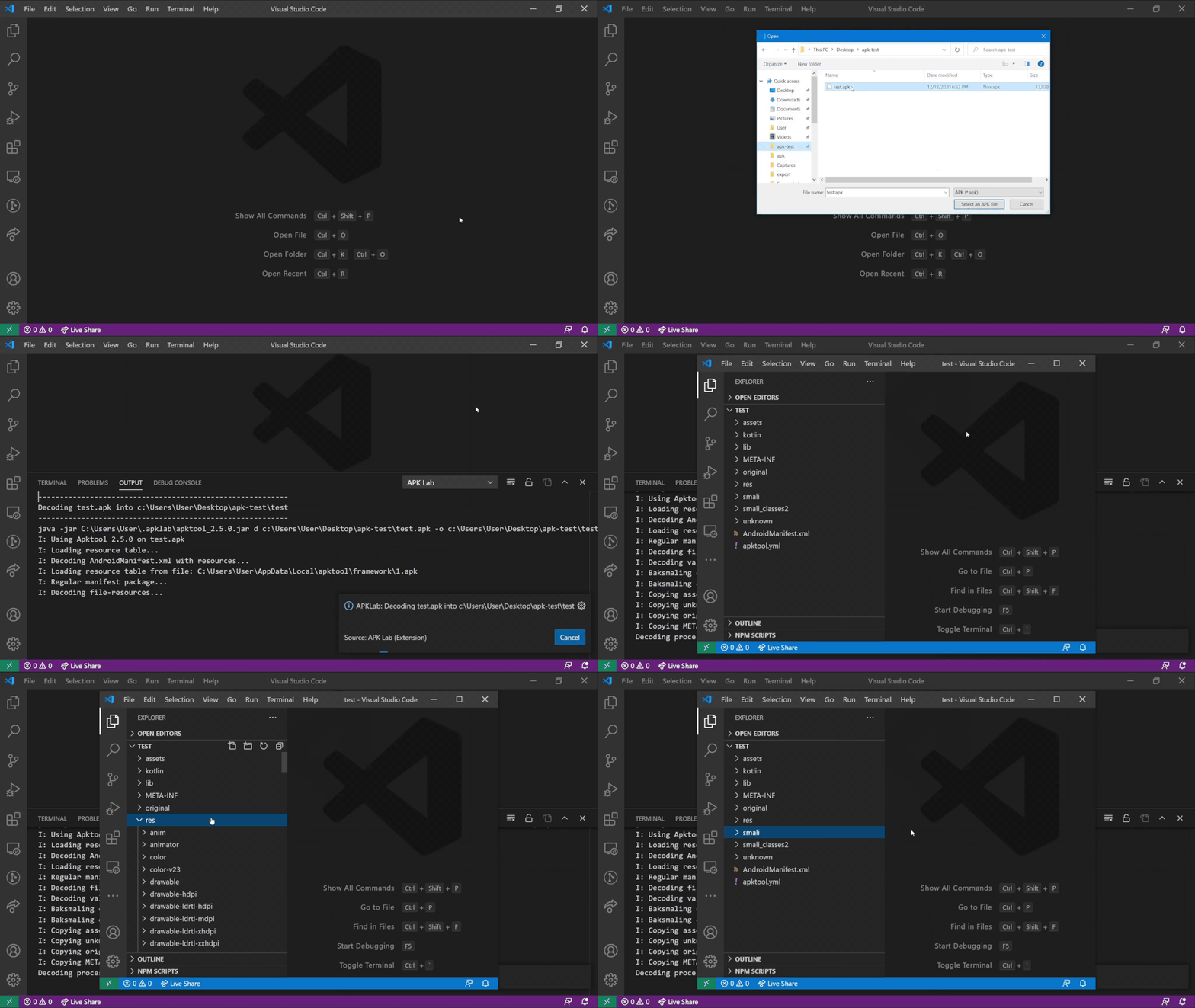
Open the Command Palette (Ctrl+Shift+P) ➜ APKLab: Open an APK

Or Just open an existing Apktool project folder
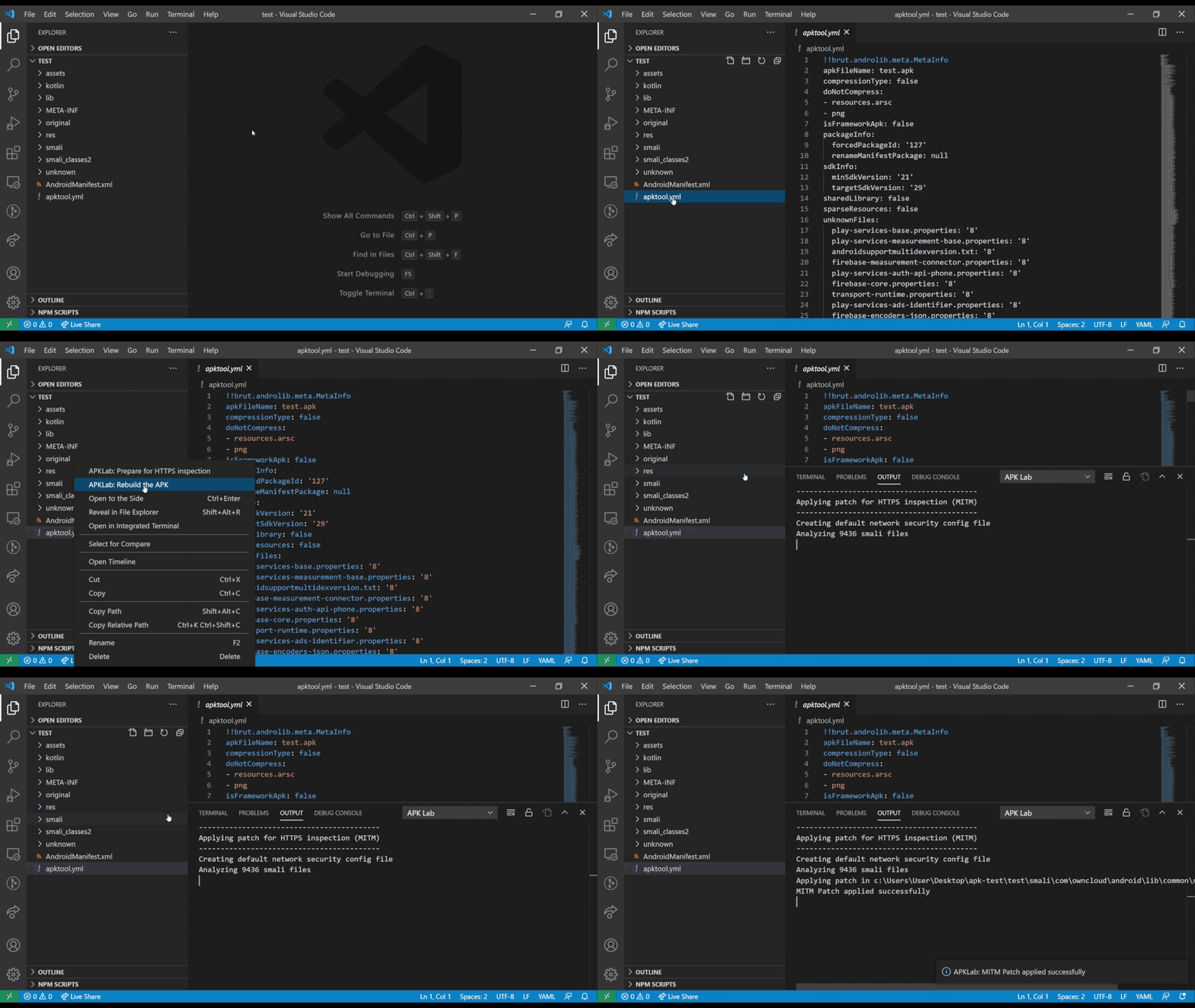
Right-Click on or inside apktool.yml file ➜ APKLab: Prepare for HTTPS inspection
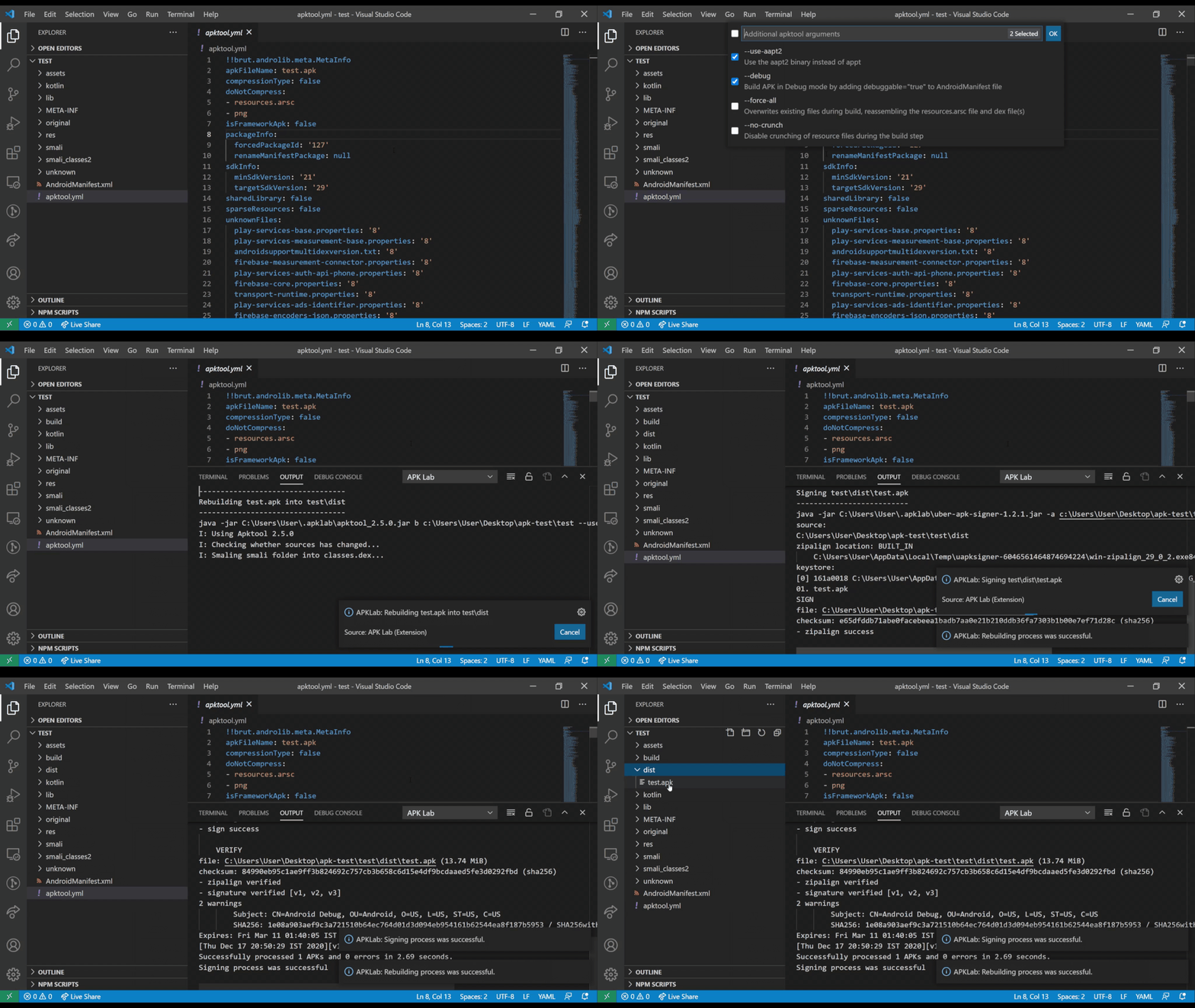
Right-Click on or inside apktool.yml file ➜ APKLab: Rebuild the APK
Right-Click on .apk file (in dist directory) ➜ APKLab: Install the APK

.method in a .smali file ➜ APKLab: Generate Frida Hookfrida_hooks.ts in the project rootapktool.yml file ➜ APKLab: Inject Frida Gadget.so file, target architecture, and the main activity is patched automaticallyapklab.apktoolPath: Full Path of apktool.jar. If you want to use a different version of it, change it like:
"apklab.apktoolPath": "/home/oozer/downloads/apktool_2.4.1.jar"
apklab.apkSignerPath: Full Path of uber-apk-signer.jar. If you want to use a different version of it, change it like:
"apklab.apkSignerPath": "/home/oozer/downloads/uber-apk-signer-1.1.0.jar"
apklab.jadxDirPath: Full Path of jadx-x.y.z dir. If you want to use a different version of it, change it like:
"apklab.jadxDirPath": "/home/oozer/downloads/jadx-1.1.0"
apklab.smaliLspPath: Full Path of smali-lsp.jar. If you want to use a different version of it, change it like:
"apklab.smaliLspPath": "/home/oozer/downloads/smali-lsp.jar"
apklab.javaPath: Path to the Java executable (default: java). Change it if Java is not on your PATH:
"apklab.javaPath": "/usr/lib/jvm/java-17/bin/java"
apklab.keystorePath: Put the absolute path of your Java keystore(.jks or .keystore) file here.
"apklab.keystorePath": "/home/oozer/downloads/debug.keystore"
apklab.keystorePassword: Put the password of your keystore here.
apklab.keyAlias: Put the alias of the used key in the keystore here.
apklab.keyPassword: Put the password of the used key in the keystore here.
apklab.initProjectDirAsGit: Initialize project output directory as Git repository.apklab.updateTools: Whether APKLab should check for tools (for apklab, jadx...) update and show a notification.smaliLsp.trace.server: Traces the communication between VS Code and the Smali Language Server (off, messages, verbose).Please check our Bug tracker for known issues.
For bug reports, feature requests or simply discussing an idea, please open an issue here. PRs are always welcome.
