 christophetd/adaz
🔧 Deploy customizable Active Directory labs in Azure - automatically.


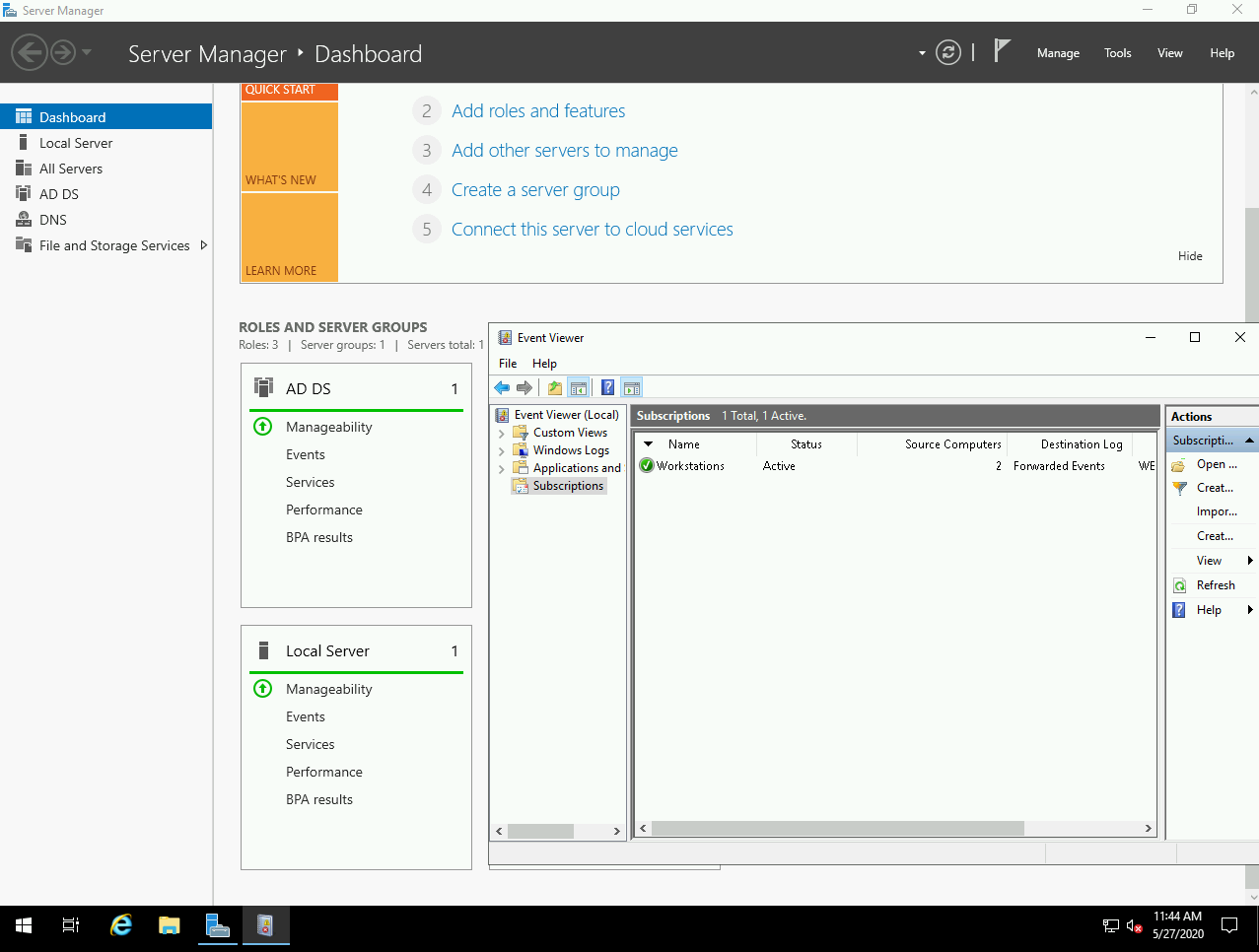
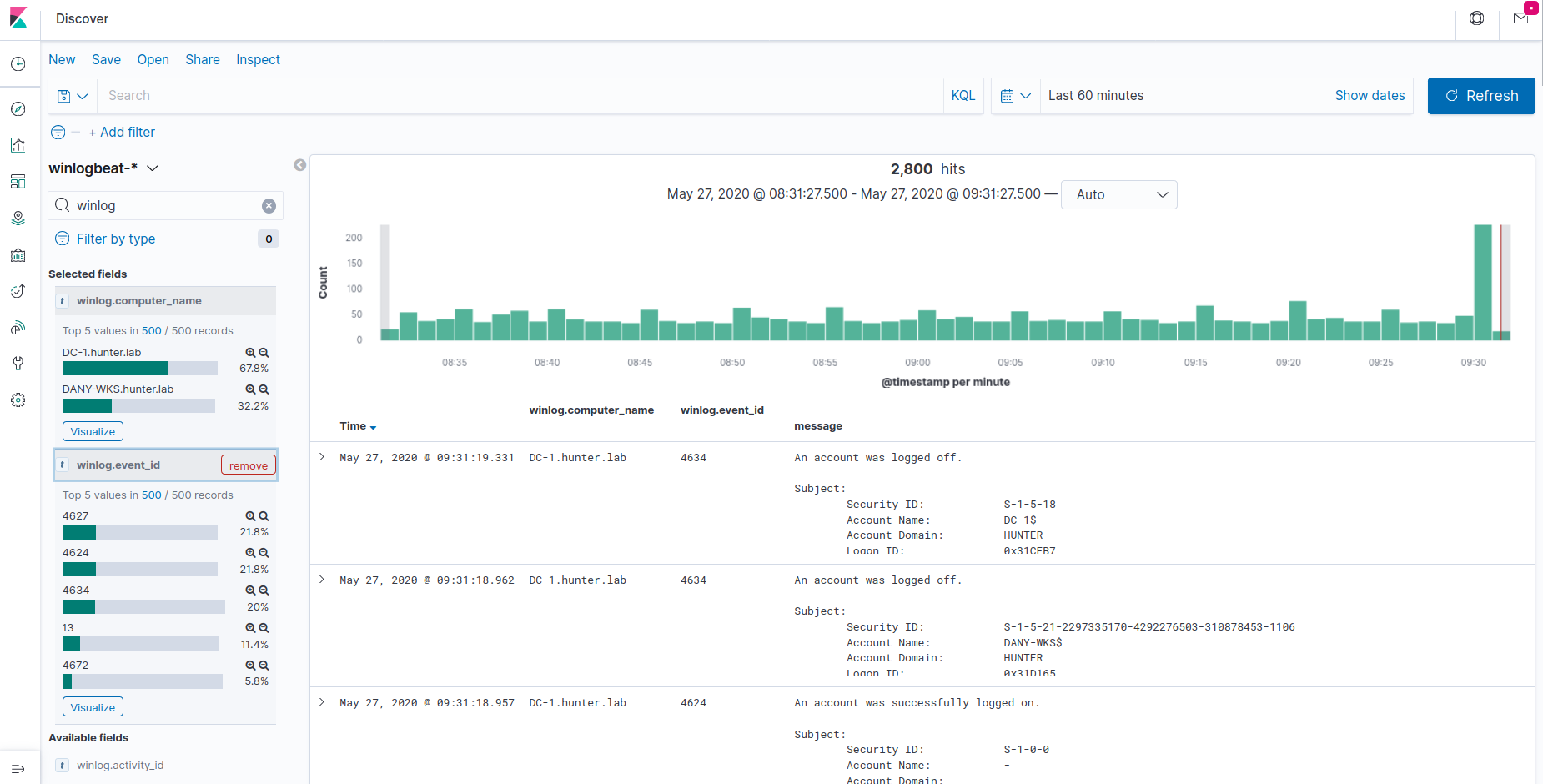
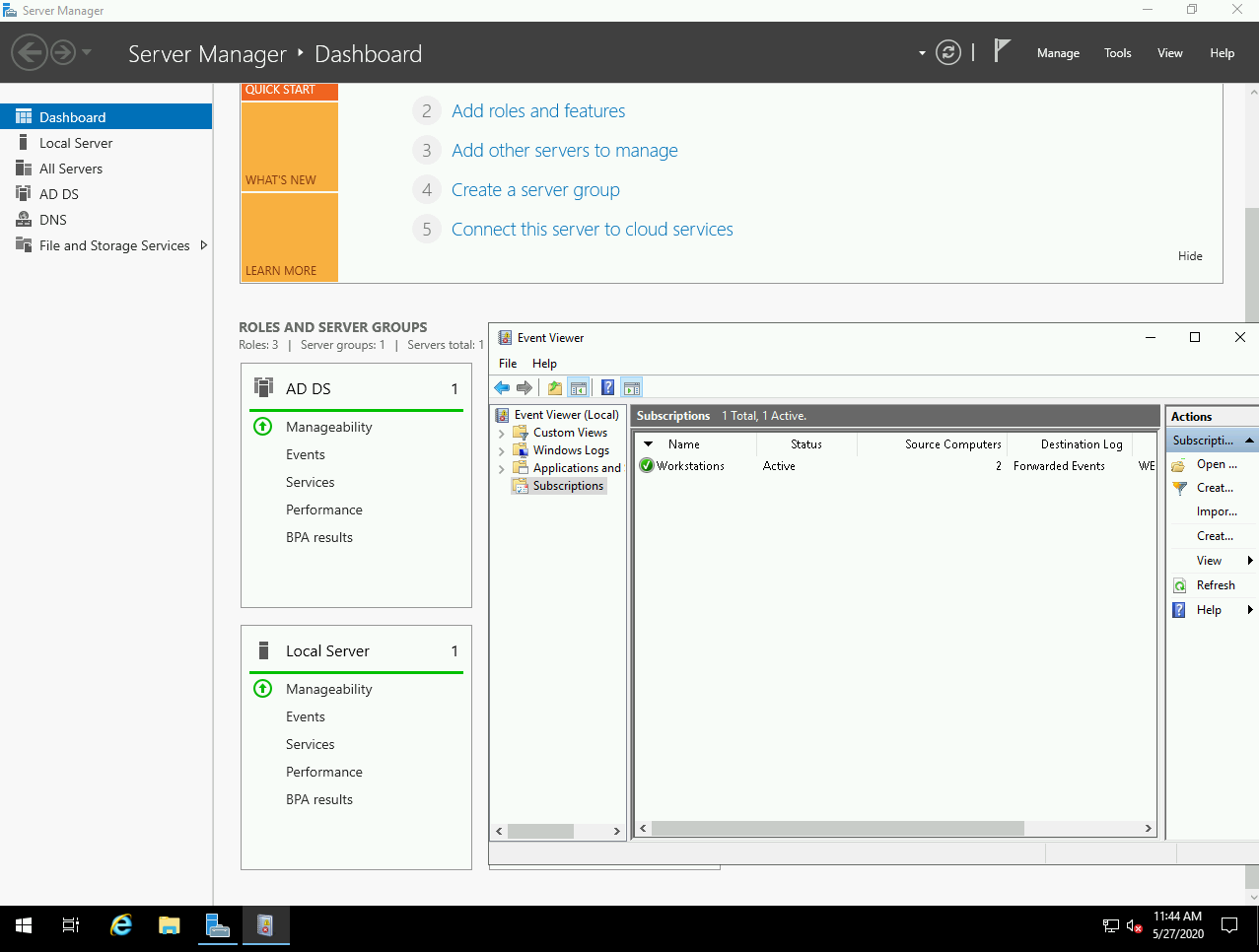
This project allows you to easily spin up Active Directory labs in Azure with domain-joined workstations, Windows Event Forwarding, Kibana, and Sysmon using Terraform/Ansible.
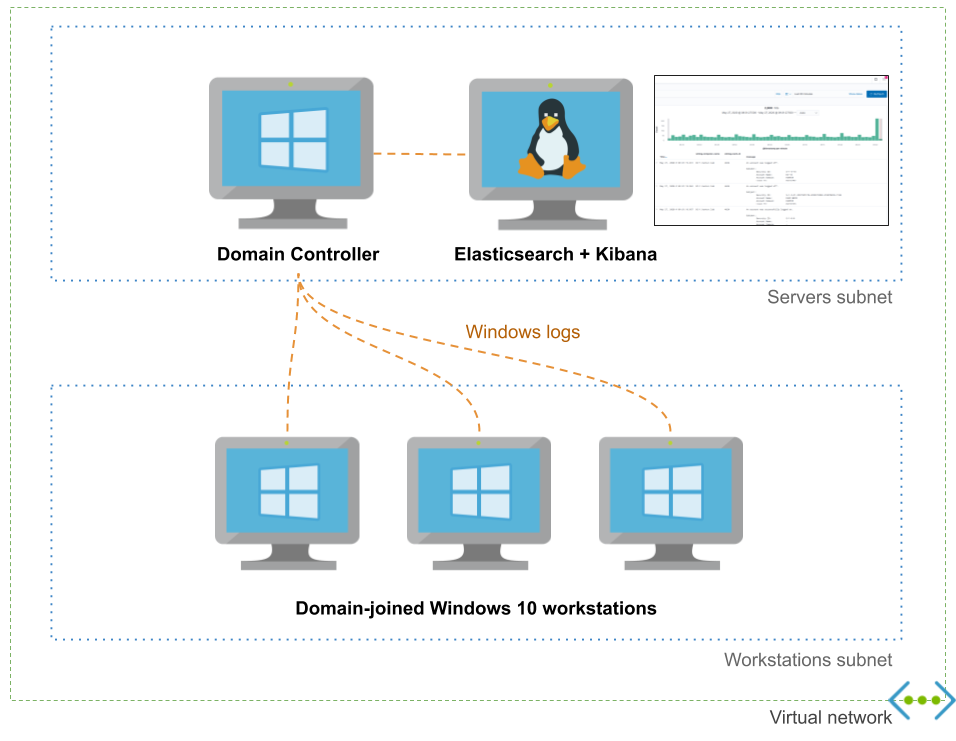
It exposes a high-level configuration file for your domain to allow you to customize users, groups and workstations.
dns_name: hunter.lab
dc_name: DC-1

initial_domain_admin:
 username: hunter
 password: MyAdDomain!

organizational_units: {}

users:
- username: christophe
- username: dany

groups:
- dn: CN=Hunters,CN=Users
 members: [christophe]

default_local_admin:
 username: localadmin
 password: Localadmin!

workstations:
- name: XTOF-WKS
 local_admins: [christophe]
- name: DANY-WKS
 local_admins: [dany]

enable_windows_firewall: yes
Here's an incomplete and biaised comparison with DetectionLab:
| Adaz | DetectionLab | |
|---|---|---|
| Public cloud support | Azure | AWS, Azure (beta) |
| Expected time to spin up a lab | 15-20 minutes | 25 minutes |
| Log management & querying | Elasticsearch+Kibana | Splunk Enterprise |
| WEF | ✔️ | ✔️ |
| Audit policies | ✔️ | ✔️ |
| Sysmon | ✔️ | ✔️ |
| YAML domain configuration file | ✔️ | 🚫 |
| Multiple Windows 10 workstations support | ✔️ | 🚫 |
| VirtualBox/VMWare support | 🚫 | ✔️ |
| osquery / fleet | 🚫(vote!) | ✔️ |
| Powershell transcript logging | 🚫 (vote!) | ✔️ |
| IDS logs | 🚫 (vote!) | ✔️ |
Detection engineering: Having access to clean lab with a standard is a great way to understand what traces common attacks and lateral movement techniques leave behind.
Learning Active Directory: I often have the need to test GPOs or various AD features (AppLocker, LAPS...). Having a disposable lab is a must for this.
An Azure subscription. You can create one for free and you get $200 of credits for the first 30 days. Note that this type of subscription has a limit of 4 vCPUs per region, which still allows you to run 1 domain controller and 2 workstations (with the default lab configuration).
A SSH key in ~/.ssh/id_rsa.pub. Your private key must either be added to ssh-agent (typically, by running ssh-add ~/.ssh/id_rsa once and adding eval "$(ssh-agent -s)" in your .bashrc) or not encrypted with a passphrase.
Terraform >= 0.12
You must be logged in to your Azure account by running az login. Yu can use az account list to confirm you have access to your Azure subscription
git clone https://github.com/christophetd/Adaz.git
# Note: the virtual env needs to be in ansible/venv
python3 -m venv ansible/venv
source ansible/venv/bin/activate
pip install -r ansible/requirements.txt
deactivate
cd terraform
terraform init
Optionally edit domain.yml according to your needs (reference here), then run:
terraform apply
Resource creation and provisioning takes 15-20 minutes. Once finished, you will have an output similar to:
dc_public_ip = 13.89.191.140
kibana_url = http://52.176.3.250:5601
what_next =
####################
###  WHAT NEXT?  ###
####################

Check out your logs in Kibana:
http://52.176.3.250:5601

RDP to your domain controller:
xfreerdp /v:13.89.191.140 /u:hunter.lab\\hunter '/p:Hunt3r123.' +clipboard /cert-ignore

RDP to a workstation:
xfreerdp /v:52.176.5.229 /u:localadmin '/p:Localadmin!' +clipboard /cert-ignore


workstations_public_ips = {
  "DANY-WKS" = "52.165.182.15"
  "XTOF-WKS" = "52.176.5.229"
}
Don't worry if during the provisioning you see a few messages looking like
FAILED - RETRYING: List Kibana index templates (xx retries left)
By default, resources are deployed in the West Europe region under a resource group ad-hunting-lab. You can control the region with a Terraform variable:
terraform apply -var 'region=East US 2'
domain.yml referenceTalks / posts referencing Adaz:
I will heavily rely on the number of thumbs up votes you will leave on feature-proposal issues for the next features!
Feel free to open an issue or to tweet @christophetd.
