
 radareorg/radare2
UNIX-like reverse engineering framework and command-line toolset





Current git master branch is 6.2.3, next release will be 6.2.4.
r2 is a complete rewrite of radare. It provides a set of libraries, tools and
plugins to ease reverse engineering tasks. Distributed under LGPLv3, despite
each plugin can have different licenses (see r2 -Lj for details)
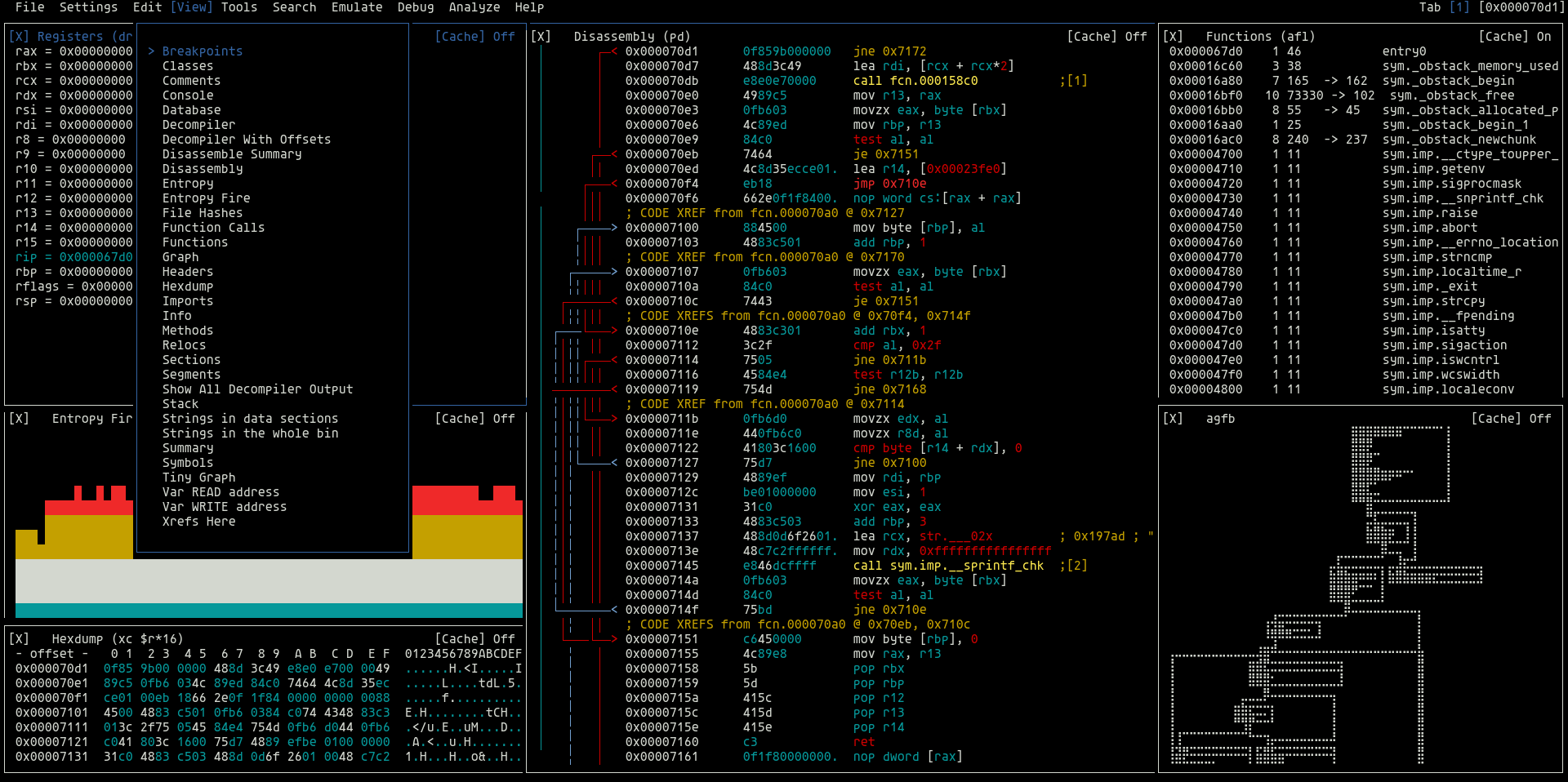
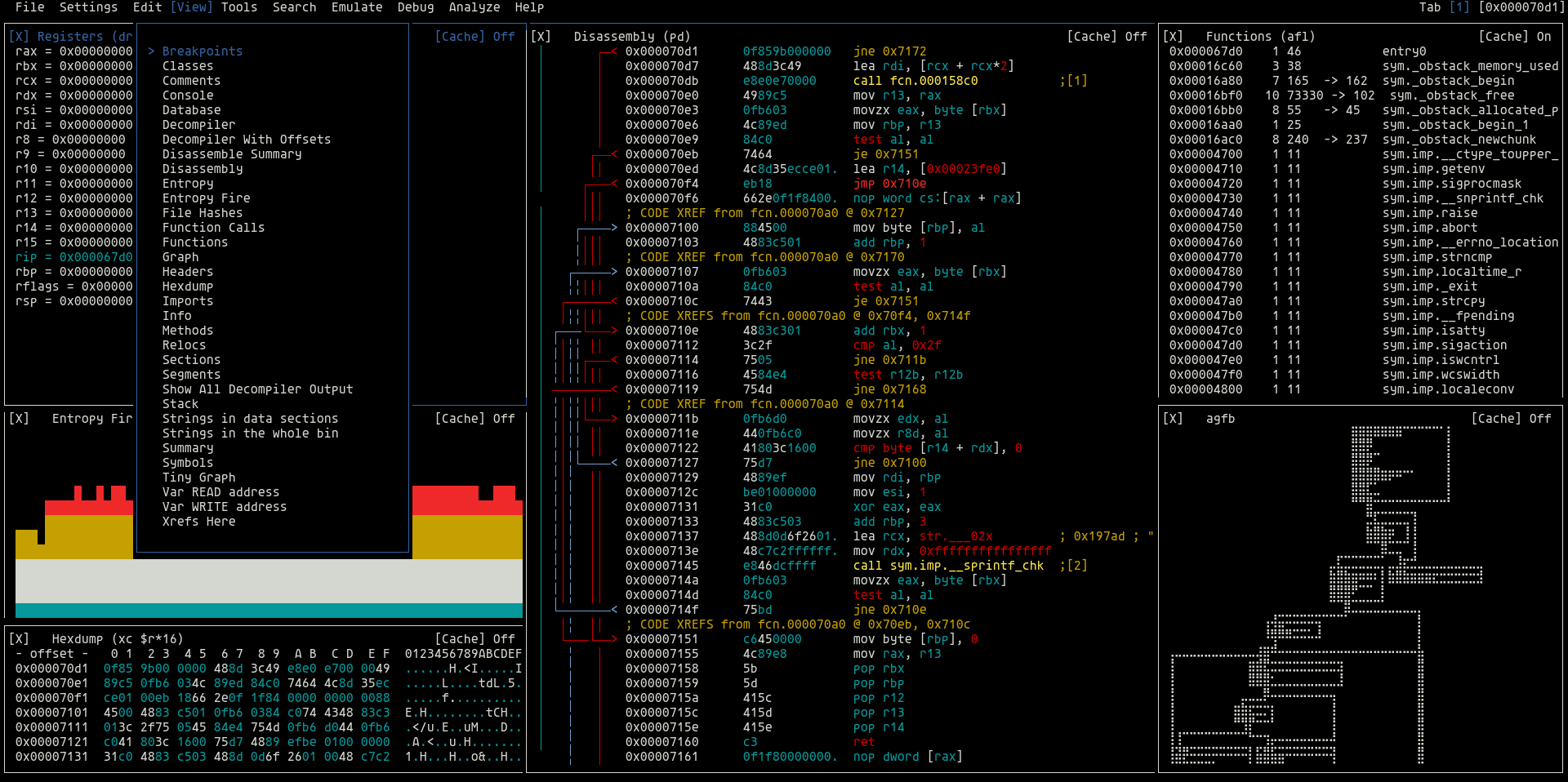
The radare project started as a simple command-line hexadecimal editor focused on forensics. Today, r2 is a full-featured low-level command-line tool with support for scripting with the embedded Javascript interpreter or via r2pipe.
r2 can edit files on local hard drives, view kernel memory, and debug programs locally or via a remote gdb/windbg servers. r2's wide architecture support allows you to analyze, emulate, debug, modify, and disassemble any binary.
Download the last released binaries.
The recommended way to install radare2 is from Git repository source:
git clone https://github.com/radareorg/radare2
radare2/sys/install.sh
sys/install.sh for the default acr+make+symlink installationradare2 provides Nix packaging under dist/nix.
git or via pip using r2env.make uninstallsudo make purgeOn Windows use the .bat scripts and msvc:
preconfigure.bat       REM setup python, meson, ninja
configure.bat          REM run meson b + vs project
make.bat               REM run ninja -C b
prefix\bin\radare2.exe
Using the r2pm tool you can browse and install many plugins and tools that use radare2.
pdd commandr2 frida://0 to use itpdgThese are the first steps to use r2, read the book or find tutorials for more details
$ r2 /bin/ls   # open file in read-only
> aaa          # analyse the program (r2 -A)
> afl          # list all functions (try aflt, aflm)
> px 32        # print 32 byte hexdump current block
> s sym.main   # seek to main (using flag name)
> f~foo        # filter flags matching 'foo' (internal |grep)
> iS;is        # list sections and symbols (rabin2 -Ss)
> pdf; agf     # disassembly and ascii-art function graph
> oo+;w hello  # reopen in read-write and write a string
> ?*~...       # interactive filter in all command help
> q            # quit
Many plugins are included in r2 by default. But you can extend its capabilities by using the r2pm package manager.
r2pm -s <word>  # search packages matching a word
r2pm -Uci <pkg> # update database and clean install a package
r2pm -u <pkg>   # uninstall the given package
r2pm -l <pkg>   # list installed packages
Learn more about r2 watching youtube talks from r2con. There are also many blogposts, slidedecks and the official radare2 book, but it's always a good idea to join any of the official chats and drop your questions or feedback there.
