 vincentcox/stacoan
StaCoAn is a crossplatform tool which aids developers, bugbounty hunters and ethical hackers performing static code analysis on mobile applications.



StaCoAn is a crossplatform tool which aids developers, bugbounty hunters and ethical hackers performing static code analysis on mobile applications*.
This tool will look for interesting lines in the code which can contain:
This tool was created with a big focus on usability and graphical guidance in the user interface.
For the impatient ones, grab the download on the releases page.
*: note that currently only apk files are supported, but ipa files will follow very shortly.
An example report can be found here.
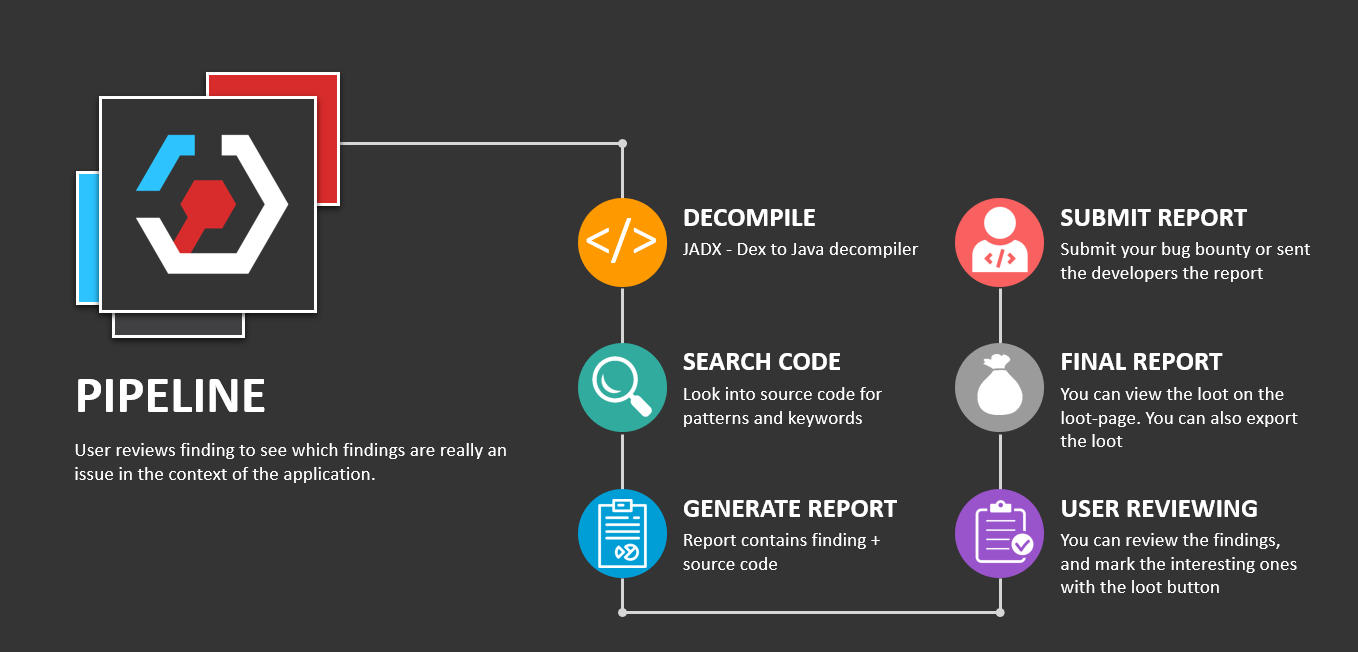
The concept is that you drag and drop your mobile application file (an .apk or .ipa file) on the StaCoAn application and it will generate a visual and portable report for you. You can tweak the settings and wordlists to get a customized experience.
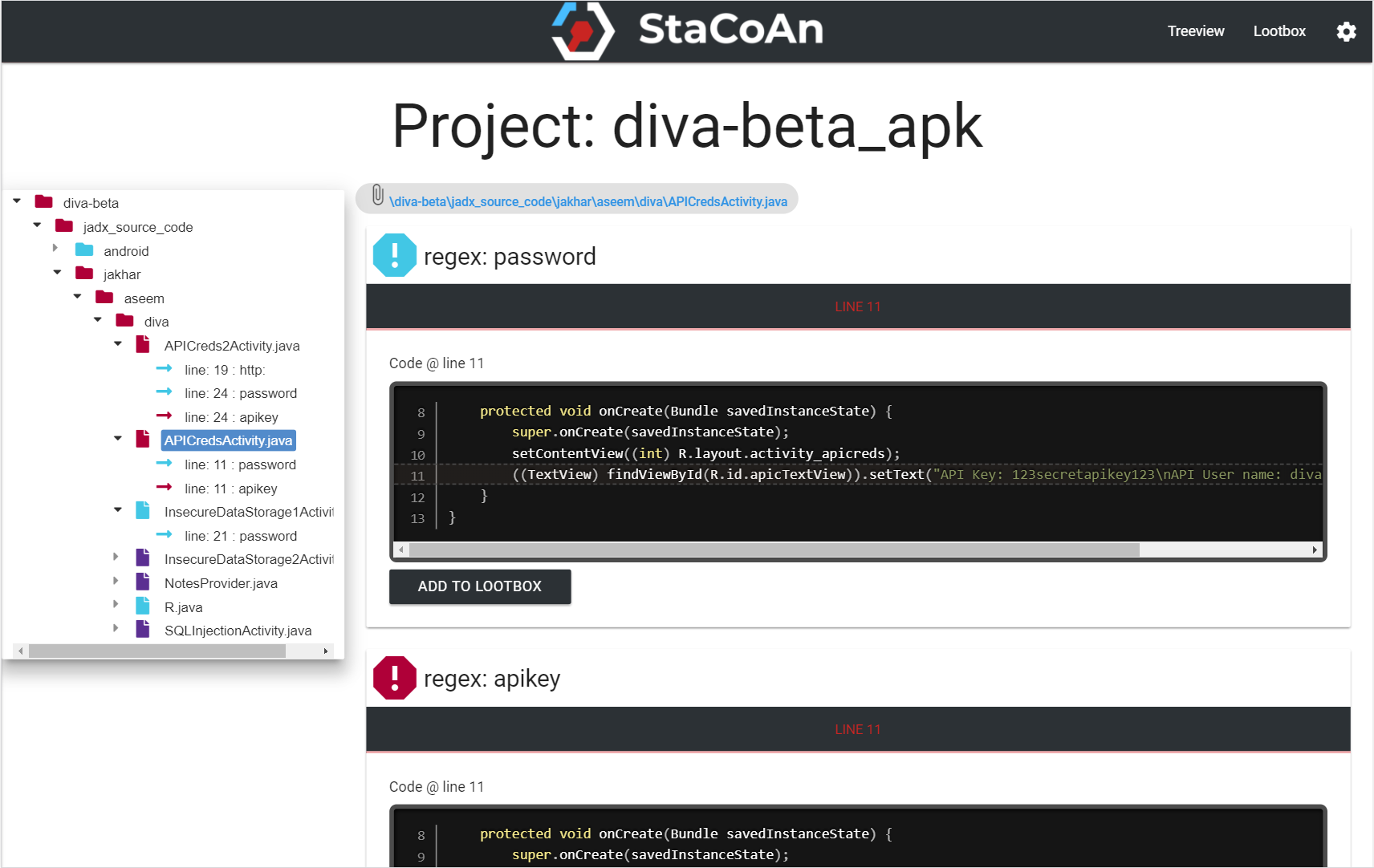
The reports contain a handy tree viewer so you can easily browse trough your decompiled application.
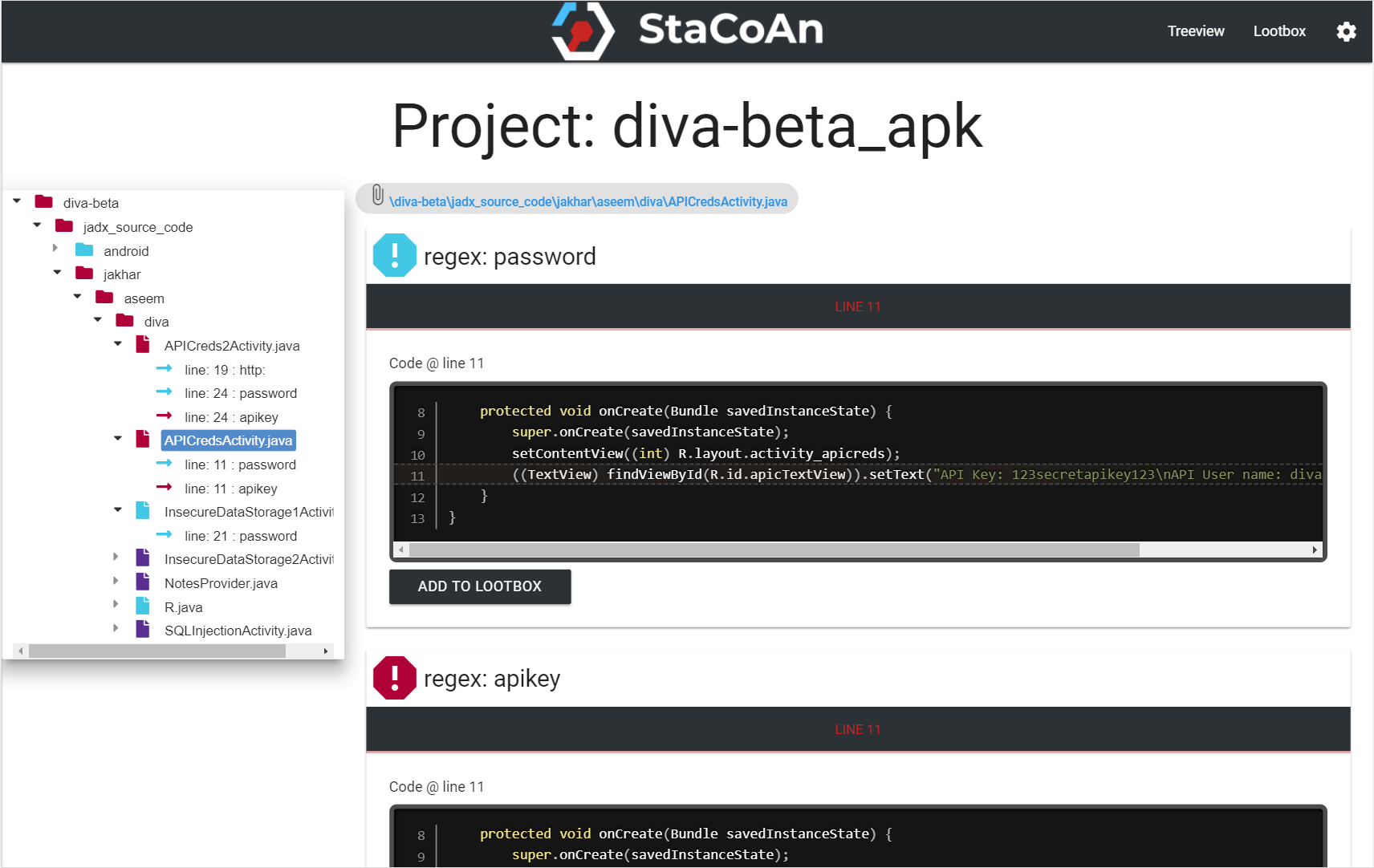
The Loot Function let you 'loot' (~bookmark) the findings which are of value for you and on the loot-page you will get an overview of your 'loot' raid.
The final report can be exported to a zip file and shared with other people.
The application uses wordlists for finding interesting lines in the code. Wordlists are in the following format:
API_KEY|||80||| This contains an API key reference
(https|http):\/\/.*api.*|||60||| This regex matches any URL containing 'api'
Note that these wordlists support regex entries.
In the exclusion_list.txt you can define exclusions (if you have for some reason to much findings):
(https|http):\/\/.*api.*|||"res","layout"||| Like previously, note that "res","layout" resembles the path
(https|http):\/\/.*api.*|||||| To exclude everywhere
Any source file will be processed. This contains '.java', '.js', '.html', '.xml',... files.
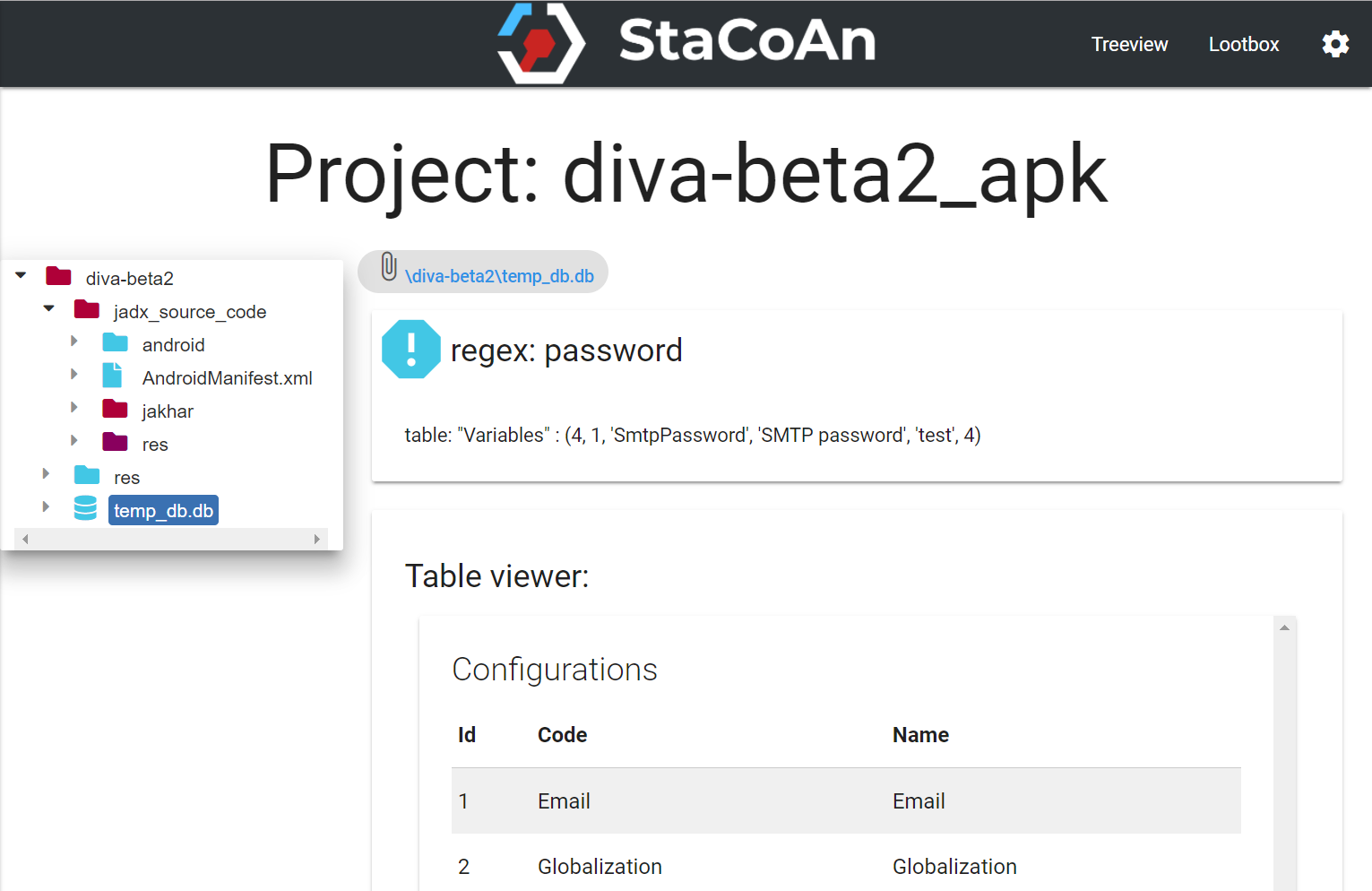
Database-files are also searched for keywords. The database also has a table viewer.
The reports are made to fit on all screens.
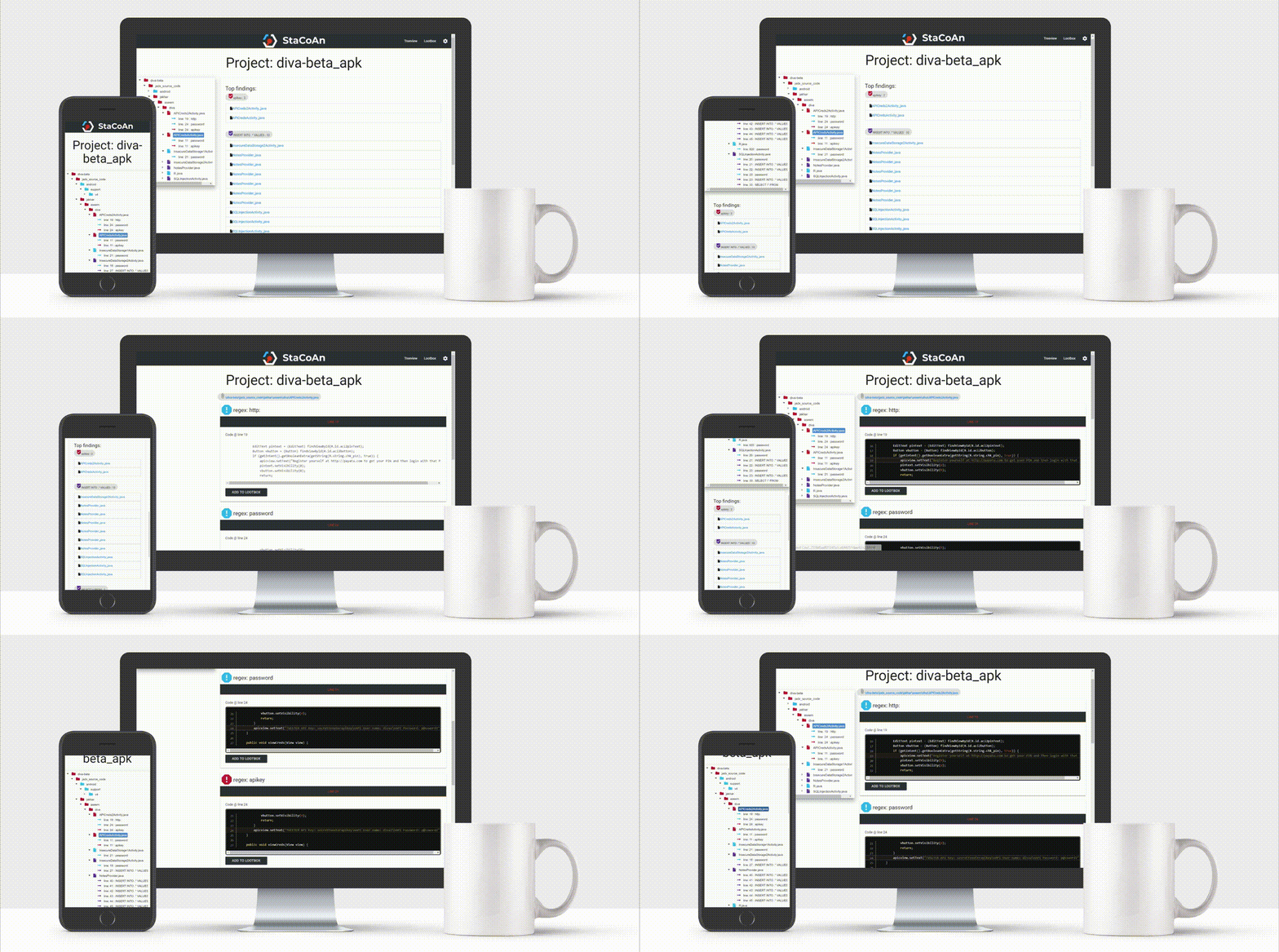
This tool will have trouble with obfuscated code. If you are a developer try to compile without obfuscation turned on before running this tool. If you are on the offensive side, good luck bro.
If you want to get started as soon as possible, head over to the releases page and download the executable or archive which corresponds to your operating system.
If you have downloaded the release zip file, extract this.
On Windows you can just double click the executable. It will open in server mode and you can just drag and drop your mobile applications in the webinterface.
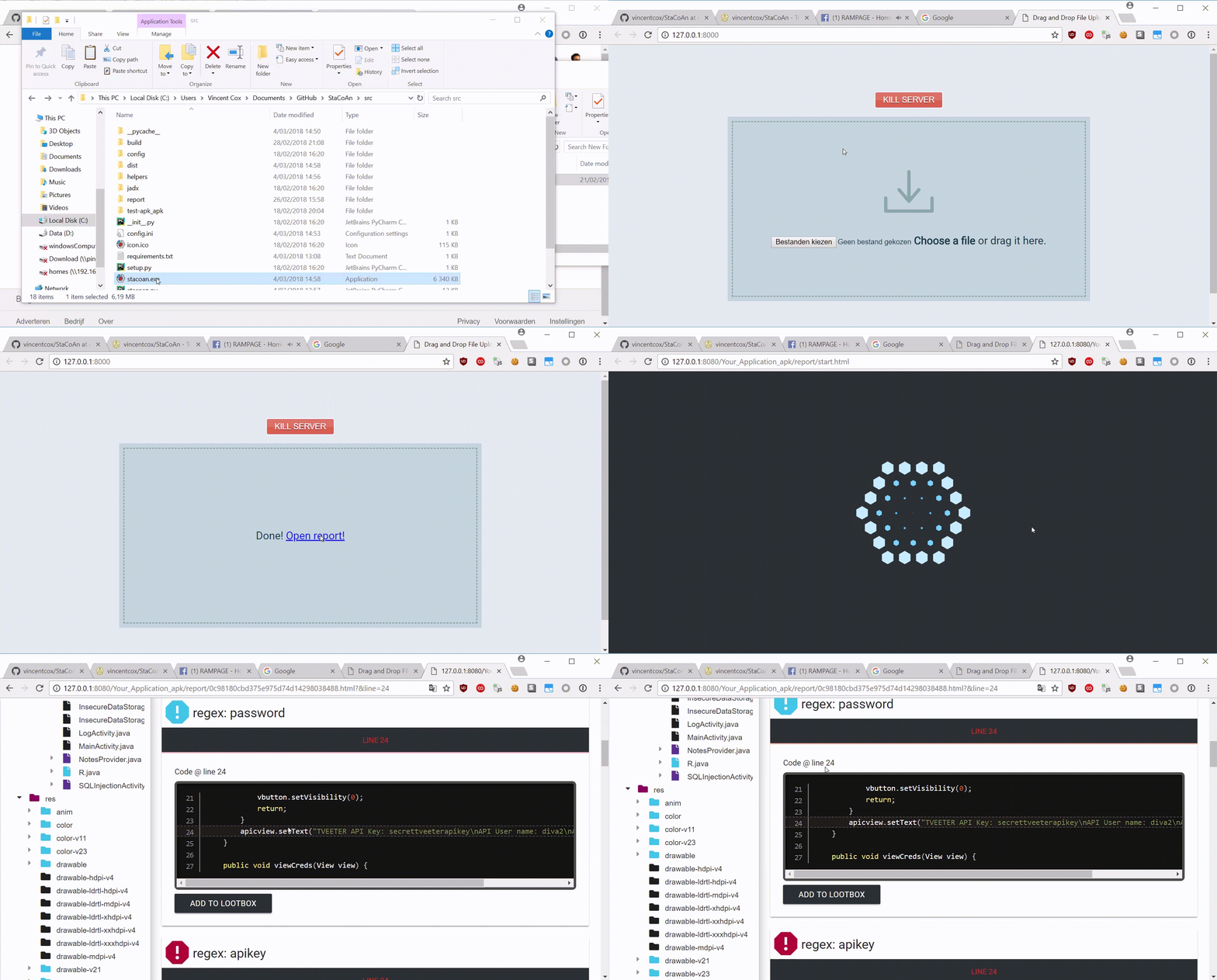
On Mac and Linux you can just run it from the terminal without arguments for the server-mode.
./stacoan
Drag and drop this file onto the executable.
Or you can specify an apk-file to run it without the server-mode:
./stacoan -p test-apk.apk
The report will be put inside a folder with a name corresponding to the apk.
cd docker
docker build . -t stacoan
Make sure that your application is at the location /yourappsfolder.
docker run -e JAVA_OPTS="-Xms2048m -Xmx2048m" -p 8888:8888 -p 7777:7777 -i -t stacoan
Drag and drop your application via: http://127.0.0.1:7777.
git clone https://github.com/vincentcox/StaCoAn/
cd StaCoAn/src
Make sure that you have pip3 installed:
sudo apt-get install python3-pip
Install the required python packages:
pip3 install -r requirements.txt
Run StaCoAn via commandline:
python3 stacoan.py -p yourApp.apk
Or if you rather use the drag and drop interface:
python3 stacoan.py
Make sure that you are in the src folder.
cd src
Install PyInstaller:
pip3 install pyinstaller
PyInstaller can't handle subfolders with code, therefore we need to put the code in one folder.
sed -i 's/from helpers./from /g' helpers/*
sed -i 's/from helpers./from /g' stacoan.py
sed -i 's/os.path.join(parentdir, "config.ini")/"config.ini"/g' helpers/logger.py
cp helpers/* ./ || :;
Build stacoan:
python3 -m PyInstaller stacoan.py --onefile --icon icon.ico --name stacoan --clean
PyInstaller can't handle subfolders with code, therefore we need to put the code in one folder.
# Note the ''-> this is because sed syntax is different on mac.
sed -i '' 's/from helpers./from /g' helpers/*
sed -i '' 's/from helpers./from /g' stacoan.py
sed -i '' 's/os.path.join(parentdir, "config.ini")/"config.ini"/g' helpers/logger.py
cp helpers/* ./ || :;
Build stacoan:
python3 -m PyInstaller stacoan.py --onefile --icon icon.ico --name stacoan --clean
PyInstaller can't handle subfolders with code, therefore we need to put the code in one folder.
sed -i 's/from helpers./from /g' helpers/*
sed -i 's/from helpers./from /g' stacoan.py
sed -i 's/os.path.join(parentdir, "config.ini")/"config.ini"/g' helpers/logger.py
cp helpers/* ./ || :;
Build stacoan:
python3 -m PyInstaller stacoan.py --onefile --icon icon.ico --name stacoan --clean
