Skip to content
KitploitKITPLOIT
ToolsExploitsBlog
Log in
Submit
ToolsExploitsBlog
Submit

Hacking, PenTest, and Cybersecurity Tools for Your Security Arsenal!

Kitploit is a directory of hacking, cybersecurity, and pentesting tools. Discover the latest project updates to find vulnerabilities, analyze systems, automate testing, and strengthen your security.

FeedsContactPrivacy© 2026 Kitploit

Tool Directory

Categories

View all categories
Loading categories
jadx — Command-line and GUI tool for decompiling Android Dex and APK files into readable Java source code, with resource decoding, deobfuscation, and Smali debugging capabilities. | Kitploit
Tools/GitHubGitHub/skylot/jadx
Android SecurityStatic AnalysisMobile App PentestingReverse EngineeringDebuggersMobile ForensicsMobile SecurityBinary AnalysisTop in Android Security #2Top in Mobile App Pentesting #4
50.0k5.7k1694 days agoReviewed by Kitploit

Most Popular

View all →

Discover the most used tools by our community.

Explore all tools

Browse our collection of tools

View all tools →
Share
Top in Mobile Forensics #10
Top in Mobile Security #4
GitHubskylot/jadx

jadx

Command-line and GUI tool for decompiling Android Dex and APK files into readable Java source code, with resource decoding, deobfuscation, and Smali debugging capabilities.

View Repository
jadx logo

JADX

Build status GitHub contributors GitHub all releases GitHub downloads (latest release) Latest release Maven Central Java 11+ License

jadx - Dex to Java decompiler

Command-line and GUI tools for producing Java source code from Android Dex and APK files

[!WARNING] Please note that in most cases jadx can't decompile 100% of the code, so errors will occur.
Check the Troubleshooting guide for workarounds.

Main features:

  • decompile Dalvik bytecode to Java code from APK, dex, aab, apks, apkm, xapk and zip files
  • also decompile Java bytecode (jar, class, aar) and smali files
  • decode AndroidManifest.xml and other resources from resources.arsc
  • deobfuscator included

jadx-gui features:

  • view decompiled code with syntax highlighting
  • jump to declaration
  • find usage
  • full-text search
  • smali debugger, see the wiki page for setup and usage

Key bindings for jadx-gui can be found here

See these features in action here: jadx-gui features overview
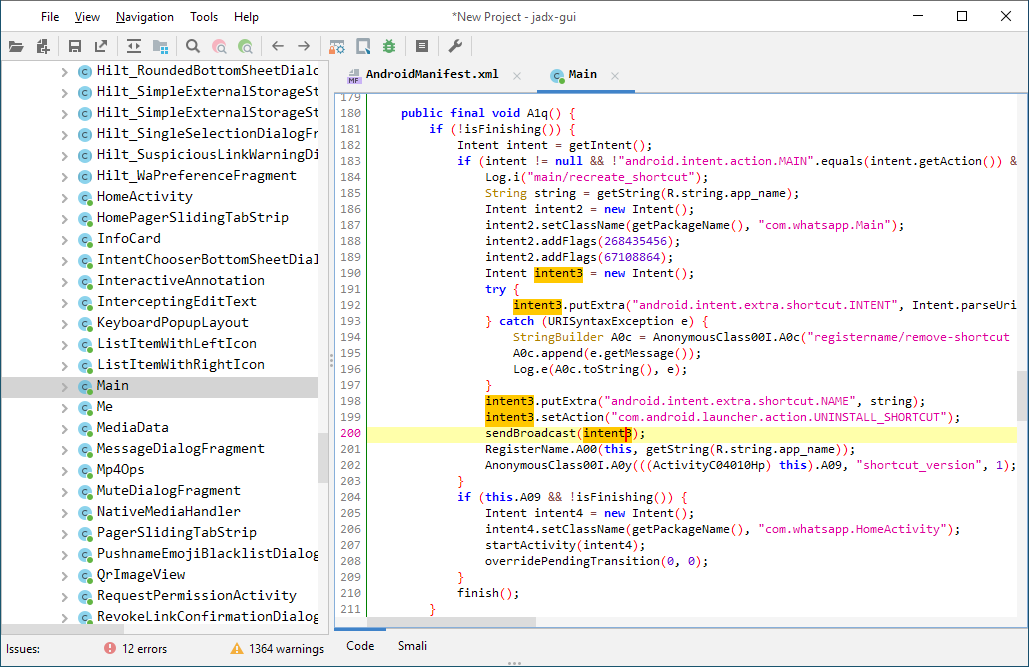
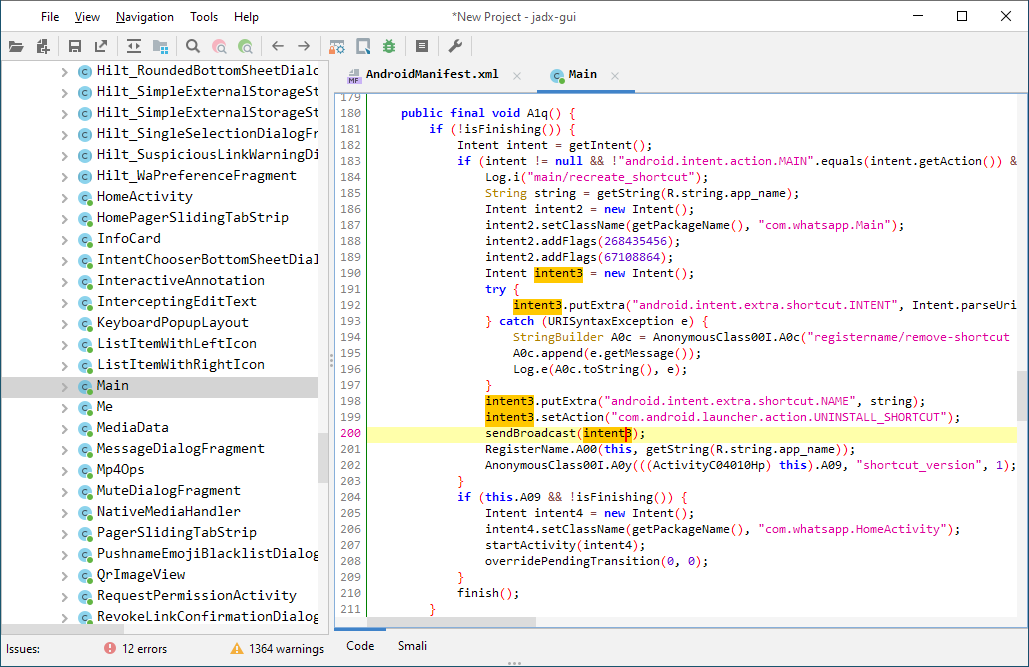
jadx-gui screenshot

Download

  • release from GitHub: Latest release
  • latest unstable build GitHub commits since tagged version (branch)

For jadx-<version>.zip, unpack it, go to the bin directory and run:

  • jadx - command-line version
  • jadx-gui - GUI version

On Windows, run the .bat files with a double-click. For the Windows bundles, unpack and run jadx-gui-<version>.exe.

Note: make sure you have 64-bit Java 11 or later installed (not needed for the with-jre bundle). For Windows, you can download it from oracle.com (select the x64 Installer).

Install

  • Arch Linux Arch Linux package AUR Version
    sudo pacman -S jadx
    
  • macOS Homebrew Version
    brew install jadx
    
  • Flathub Flathub Version
    flatpak install flathub com.github.skylot.jadx
    

Usage

jadx[-gui] [command] [options] <input files> (.apk, .dex, .jar, .class, .smali, .zip, .aar, .arsc, .aab, .xapk, .apkm, .apks, .jadx.kts)
commands (use '<command> --help' for command options):
  plugins	  - manage jadx plugins
Download Tool







