 telekom-security/explo
Human and machine readable web vulnerability testing format

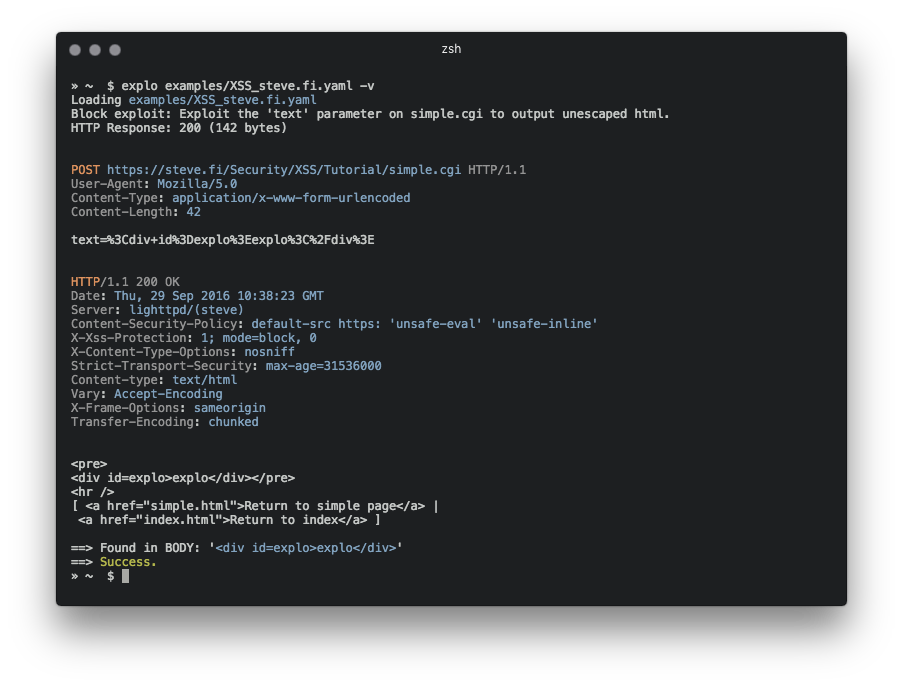
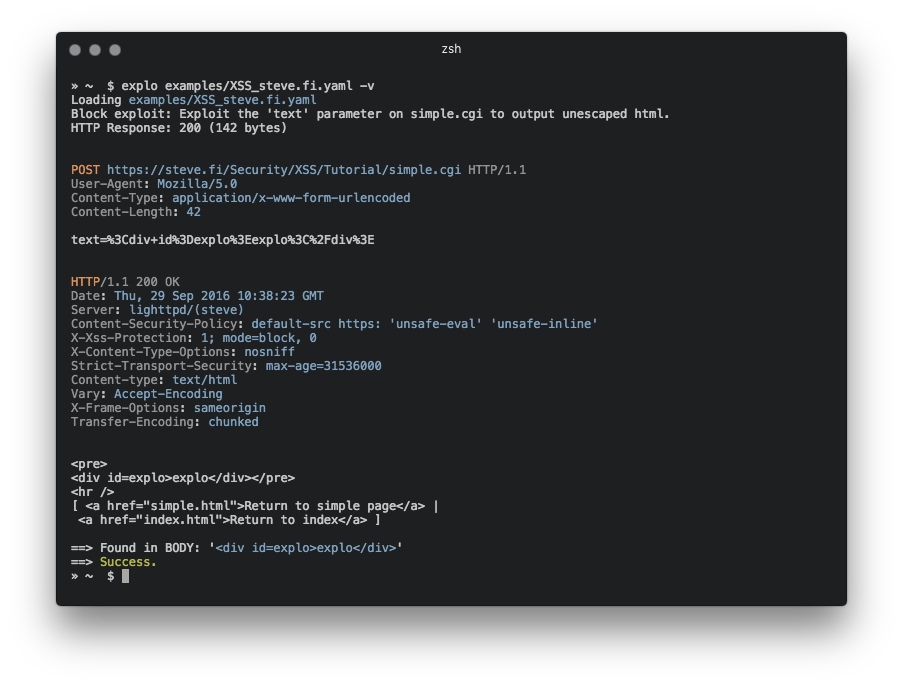
explo is a simple tool to describe web security issues in a human and machine readable format.
By defining a request/condition workflow, explo is able to exploit security issues without the
need of writing a script. This allows to share complex vulnerabilities in a simple readable and executable format.
Example for extracting a csrf token and using this in a form:
name: get_csrf
description: extract csrf token
module: http
parameter:
    url: http://example.com/contact
    method: GET
    header:
        user-agent: Mozilla/5.0
    extract:
        csrf: [CSS, "#csrf"]
---
name: exploit
description: exploits sql injection vulnerability with valid csrf token
module: http
parameter:
    url: http://example.com/contact
    method: POST
    body:
        csrf: "{{get_csrf.extracted.csrf}}"
        username: "' SQL INJECTION"
    find: You have an error in your SQL syntax
In this example definition file the security issue is tested by executing two steps which are run from top to bottom. The last step returns a success or failure, depending on the string 'You have an error in your SQL syntax' to be found.
pip install explo
git clone https://github.com/dtag-dev-sec/explo
cd explo
python setup.py install
explo [--verbose|-v] testcase.yaml
explo [--verbose|-v] examples/*.yaml
There are a few example testcases in the examples/ folder.
$ explo examples/SQLI_simple_testphp.vulnweb.com.yaml
You can also include explo as a python lib:
from explo.core import from_content as explo_from_content
from explo.core import ExploException, ProxyException

def save_log(msg):
    print(msg)

try:
    result = explo_from_content(explo_yaml_file, save_log)
except ExploException as err:
    print(err)
A http/https proxy and a timeout for requests can be set via environment variables. The default timeout is set to 15 seconds.
$ export http_proxy=http://proxy:8089
$ export https_proxy=https://proxy:8090
$ export timeout=10
$ explo ...
Modules can be added to improve functionality and classes of security issues.
The http modules allows to make a http request, extract content and search/verify content.
The following data is made available for following steps:
stepname.response.contentstepname.response.cookiesresponse.extracted.variable_nameIf a find_regex parameter is set, a regular expression match is executed on the response body. If this fails, this module returns a failure and thus stopping the executing of the current workflow (and all steps).
When extracting by regular expressions, use the match group extract to mark the value to extract (view below for an example).
For referencing cookies, reference the name of the previous step where cookies should be taken from (cookies: the_other_step.response.cookies).
Parameter examples:
parameter:
    url: http://example.com
    method: GET
    allow_redirects: True
    headers:
        User-Agent: explo
        Content-Type: abc
    cookies: stepname.response.cookies
    body:
        key: value
    find: search for string
    find_regex: search for (reg|ular)expression
    find_in_headers: searchstring in headers
    expect_response_code: 200
    extract:
        variable1: [CSS, '#csrf']
        variable2: [REGEX, '<input(.*?)value="(?P<extract>.*?)"']
The http_header module allows to check if a response misses a specified set of headers (and values). All other parameters are identical to the http module.
The following data is made available for other modules:
stepname.response.contentstepname.response.cookiesParameter examples:
parameter:
    url: http://example.com
    method: GET
    allow_redirects: True
    headers:
        User-Agent: explo
        Content-Type: abc
    body:
        key: value
    headers_required:
        X-XSS-Protection: 1
        Server: .               # all values are valid
The sqli_blind module is able to identify time based blind sql injections.
The following data is made available for other modules:
stepname.response.contentstepname.response.cookiesParameter examples:
parameter:
    url: http://example.com/vulnerable.php?id=1' waitfor delay '00:00:5'--
    method: GET
    delay_seconds: 5
If the threshold of 5 seconds (delay_seconds) is exceeded, the check returns true (and thus resulting in a success).
The metadata block is a special block which can be added as the first block in a .yaml file to add metadata to a vulnerability for further processing. This becomes usefull when explo is used as a lib and metadata for each vulnerability description can be read with meta_from_content(content). This module does not need a name or description.
Examples:
module: metadata
parameter:
    cvss: 8.9
    author: Robin Verton
---
name: login
description: login with test credentials
module: http
parameter:
    url: http://testphp.vulnweb.com/userinfo.php
    method: POST
    body:
        uname: test
        pass: test
