 golismero/golismero
GoLismero - The Web Knife

GoLismero is an open source framework for security testing. It's currently geared towards web security, but it can easily be expanded to other kinds of scans.
The most interesting features of the framework are:
Strictly speaking, GoLismero doesn't require installation - only its dependencies do. So if you want to use it on a system where you don't have root privileges, you can ask the system administrator to install them for you, and just run the "git checkout" command on your home folder.
The following are step-by-step instructions to install GoLismero on different operating systems:
The following commands will download and install GoLismero on your system. This requires root privileges, so you will be prompted for your password when you run the first command.
sudo bash
apt-get install python2.7 python2.7-dev python-pip python-docutils git perl nmap sslscan
cd /opt
git clone https://github.com/golismero/golismero.git
cd golismero
pip install -r requirements.txt
pip install -r requirements_unix.txt
ln -s ${PWD}/golismero.py /usr/bin/golismero
exit
If you have an API key for Shodan, or an OpenVAS server or SpiderFoot server you want to integrate with GoLismero, run the following commands:
mkdir ~/.golismero
touch ~/.golismero/user.conf
chmod 600 ~/.golismero/user.conf
nano ~/.golismero/user.conf
At the editor, add the following sections to the file, as appropriate:
[shodan:Configuration]
apikey = <INSERT YOUR SHODAN API KEY HERE>

[openvas]
host = <INSERT THE OPENVAS HOST HERE>
user = <INSERT THE OPENVAS USERNAME HERE>
*password = <INSERT THE OPENVAS PASSWORD HERE>

[spiderfoot]
url = <INSERT THE SPIDERFOOT URL HERE>
First of all, on Mac we'll need to install the Mac Ports.
After doing that, run the following commands to download and install GoLismero on your system. This requires root privileges, so you will be prompted for your password when you run the first command.
sudo -s
easy_install-2.7 -U distribute
easy_install install pip
port install nmap sslscan
cd /opt
git clone https://github.com/golismero/golismero.git
cd golismero
pip install -r requirements.txt
pip install -r requirements_unix.txt
ln -s /opt/golismero/golismero.py /usr/bin/golismero
exit
If you have an API key for Shodan, or an OpenVAS server or SpiderFoot server you want to integrate with GoLismero, run the following commands:
mkdir ~/.golismero
touch ~/.golismero/user.conf
chmod 600 ~/.golismero/user.conf
nano ~/.golismero/user.conf
At the editor, add the following sections to the file, as appropriate:
[shodan:Configuration]
apikey = <INSERT YOUR SHODAN API KEY HERE>

[openvas]
host = <INSERT THE OPENVAS HOST HERE>
user = <INSERT THE OPENVAS USERNAME HERE>
*password = <INSERT THE OPENVAS PASSWORD HERE>

[spiderfoot]
url = <INSERT THE SPIDERFOOT URL HERE>
The following commands will download and install GoLismero on your system. This requires root privileges, so you will be prompted for your password when you run the first command.
su -
cd /root
pkg update
pkg install git
pkg install python27
ln -s /usr/local/bin/python2.7 /usr/local/bin/python
pkg install databases/py-sqlite3
pkg install nmap
pkg install sslscan
pkg install devel/py-pip
mkdir /opt 2> /dev/null
cd /opt
git clone https://github.com/golismero/golismero.git
cd golismero
pip install -r requirements.txt
pip install -r requirements_unix.txt
ln -s /opt/golismero/golismero.py /usr/bin/golismero
exit
If you have an API key for Shodan, or an OpenVAS server or SpiderFoot server you want to integrate with GoLismero, run the following commands:
mkdir ~/.golismero
touch ~/.golismero/user.conf
chmod 600 ~/.golismero/user.conf
nano ~/.golismero/user.conf
At the editor, add the following sections to the file, as appropriate:
[shodan:Configuration]
apikey = <INSERT YOUR SHODAN API KEY HERE>

[openvas]
host = <INSERT THE OPENVAS HOST HERE>
user = <INSERT THE OPENVAS USERNAME HERE>
*password = <INSERT THE OPENVAS PASSWORD HERE>

[spiderfoot]
url = <INSERT THE SPIDERFOOT URL HERE>
On Windows, you'll have to install each tool separately. You can download them from here:
Nikto is already bundled with GoLismero, but it requires the Cygwin version of Perl to run, since the native version can't handle Unix paths. You can download if from here: Cygwin.
SSLScan for Windows has a bug that causes crashes when writing XML output, which is the one required by GoLismero. The issue has been unfixed since 2010, so it's not likely to change soon, but there's a workaround: simply upgrade OpenSSL to a newer version. You can get an OpenSSL build from here: Win32OpenSSL.
It's usually a good idea to install Visual Studio 2008 SP1 as well. This enables the compilation of C extensions, which can speed up some Python modules.
After installing the tools, open a console and run the following commands:
cd %HOME%
git clone https://github.com/golismero/golismero.git
cd golismero
pip install -r requirements.txt
Finally, you may have to add the tools to the PATH environment variable so GoLismero can find them. You can also add GoLismero itself to the PATH.
If you have an API key for Shodan, or an OpenVAS server or SpiderFoot server you want to integrate with GoLismero, create a new file called "user.conf" where you installed GoLismero and add the following sections to the file, as appropriate:
[shodan:Configuration]
apikey = <INSERT YOUR SHODAN API KEY HERE>

[openvas]
host = <INSERT THE OPENVAS HOST HERE>
user = <INSERT THE OPENVAS USERNAME HERE>
*password = <INSERT THE OPENVAS PASSWORD HERE>

[spiderfoot]
url = <INSERT THE SPIDERFOOT URL HERE>
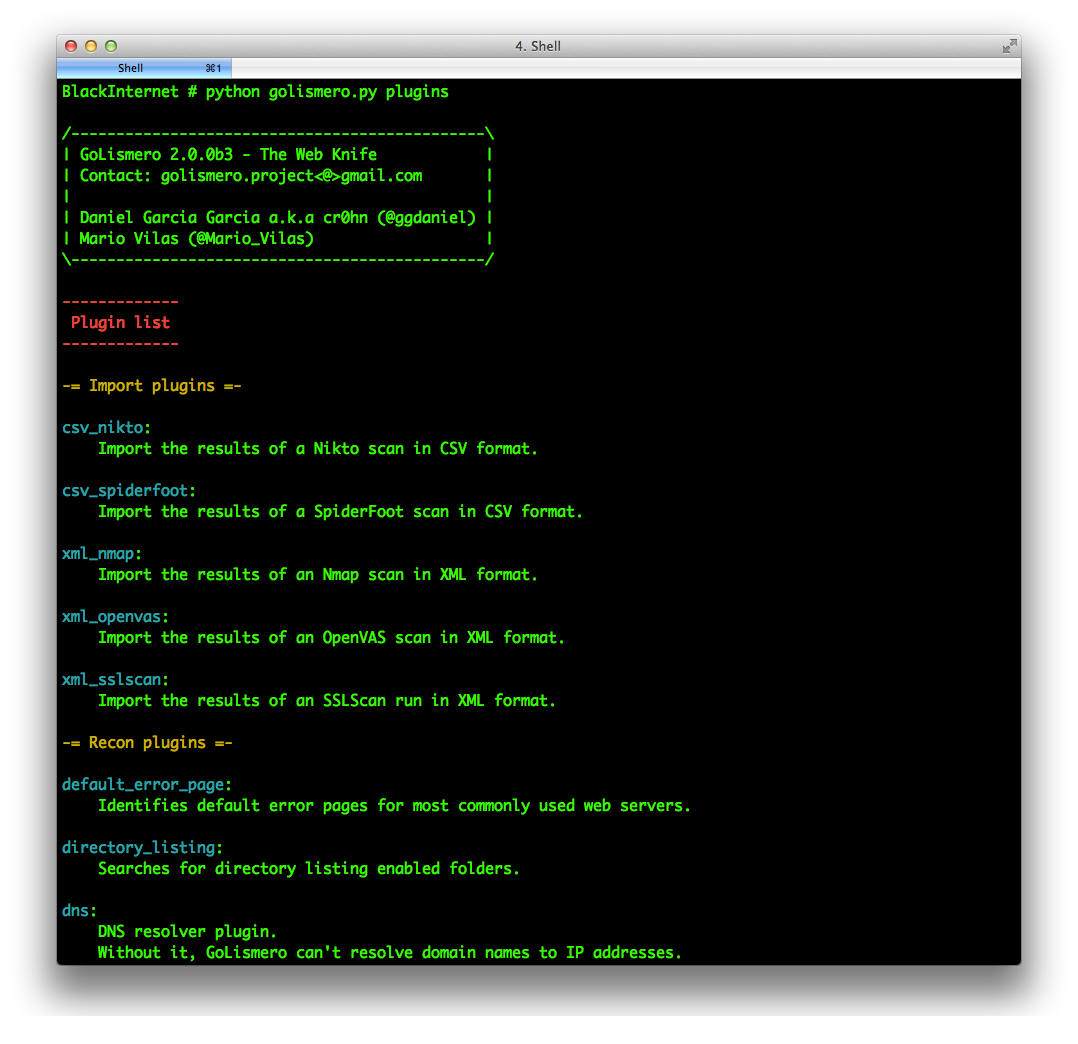
Using GoLismero is very easy. Below are some basic commands to start to using it:
This command will launch GoLismero with all default options and show the report on standard output:
golismero scan <target>
If you omit the default command "scan" GoLismero is smart enough to figure out what you're trying to do, so this works too:
golismero <target>
You can also set a name for your audit with --audit-name:
golismero scan <target> --audit-name <name>
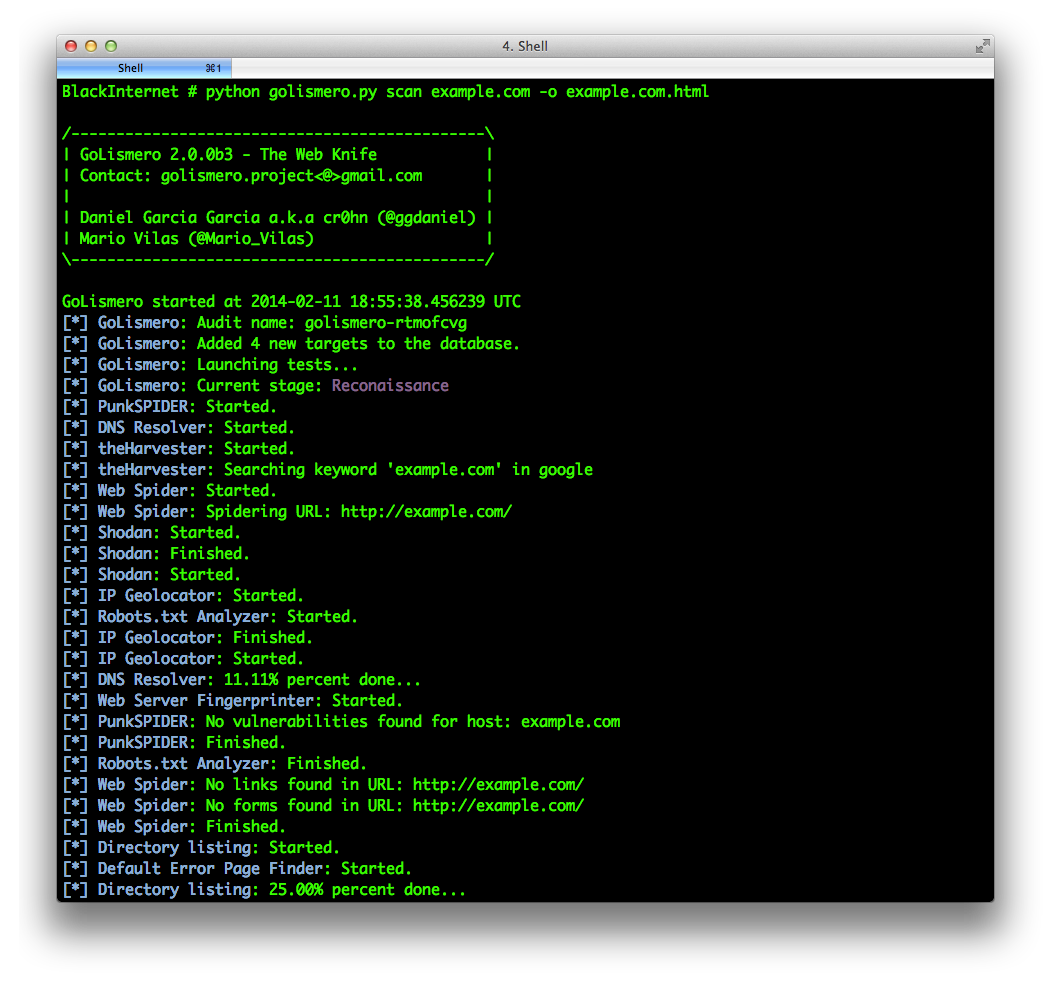
And you can produce reports in different file formats. The format is guessed from the file extension, and you can write as many files as you want:
golismero scan <target> -o <output file name>
Additionally, you can import results from other tools with the -i option. You can use -i several times to import multiple files.
golismero import nikto_output.csv nmap_output.xml -db database.db
This allows you to scan the target in one step, and generate the report later. For example, to scan without generating a report:
